What to bring across
You only need the position at your start date, not every row in the workbook.
- Chart of accounts from your spreadsheet categories
- Customer and supplier lists
- Opening balances and unpaid invoices
From spreadsheets
A practical way to move your books out of Excel: choose a start date, set up your accounts and opening balances, and bring in bank statements without retyping them.
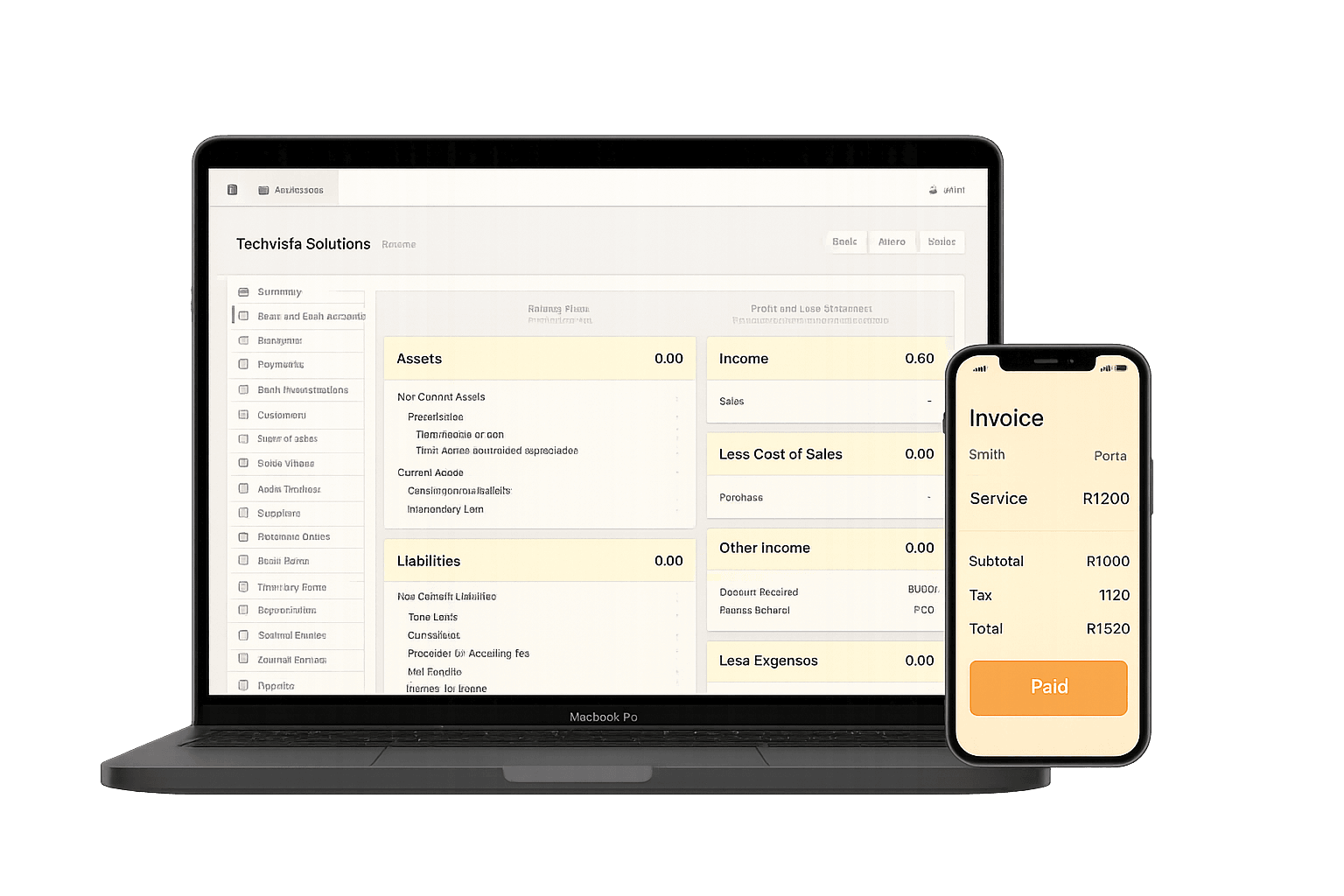
Who it is for
Owners and bookkeepers who keep the books in Excel or Google Sheets and want to move to proper cloud accounting without losing what the spreadsheet already holds.
You only need the position at your start date, not every row in the workbook.
Spreadsheets work until the business needs controls a workbook cannot give it.
Decision support
Step by step
Moving a South African small business from spreadsheet bookkeeping to Accounter.
Start at your financial year-end, often the end of February, or the start of a VAT period.
List the income and expense columns you use in Excel and match each one to an account in the chart of accounts.
Gather names, contact details and VAT numbers for the people you invoice and the suppliers you pay.
With your accountant, confirm bank balances, unpaid customer invoices, unpaid supplier invoices and VAT at the start date.
Enter the accounts, contacts and opening balances in Accounter, or ask for an assisted conversion.
Convert bank statement PDFs from the start date into transactions and reconcile them each month.
Done with you
Our team maps your spreadsheet exports into Accounter and loads them for you. You review the result against your own reports and sign it off before you start capturing. It is a people-led service, not an automated file converter.
Tools and next steps
Compare the features and costs, or try a tool for the bookkeeping task you need to finish today.
Pick a start date, map your spreadsheet categories to a chart of accounts, collect your customer and supplier lists, work out opening balances with your accountant, load them into the new system and then bring in bank transactions from that date.
No. Start from opening balances at a chosen date and keep the old workbook as your record of earlier periods.
Your bank balances, what customers owe you, what you owe suppliers, VAT owed to or by SARS, and any loans or assets, all at the start date. Your accountant can confirm them from your last financial statements.
Yes. The bank statement converter turns PDF statements from South African banks into transactions you can import, so you do not have to retype them.
Yes. Ask about assisted conversion: we map your spreadsheet and load the opening position for you. The assisted conversion is quoted per company once we have seen your exported reports, because the work depends on the size of your chart of accounts and the number of open items.
Reviewed and sourced
Last reviewed 2026-07-18. Tax and VAT references use official SARS sources where applicable.