Skip to content

Pastel Partner and Pastel Express

Pastel Partner Data Conversion to Accounter

Move your chart of accounts, customers, suppliers, opening balances and open items from Pastel Partner or Pastel Express into Accounter with an assisted conversion, checked against your own reports.

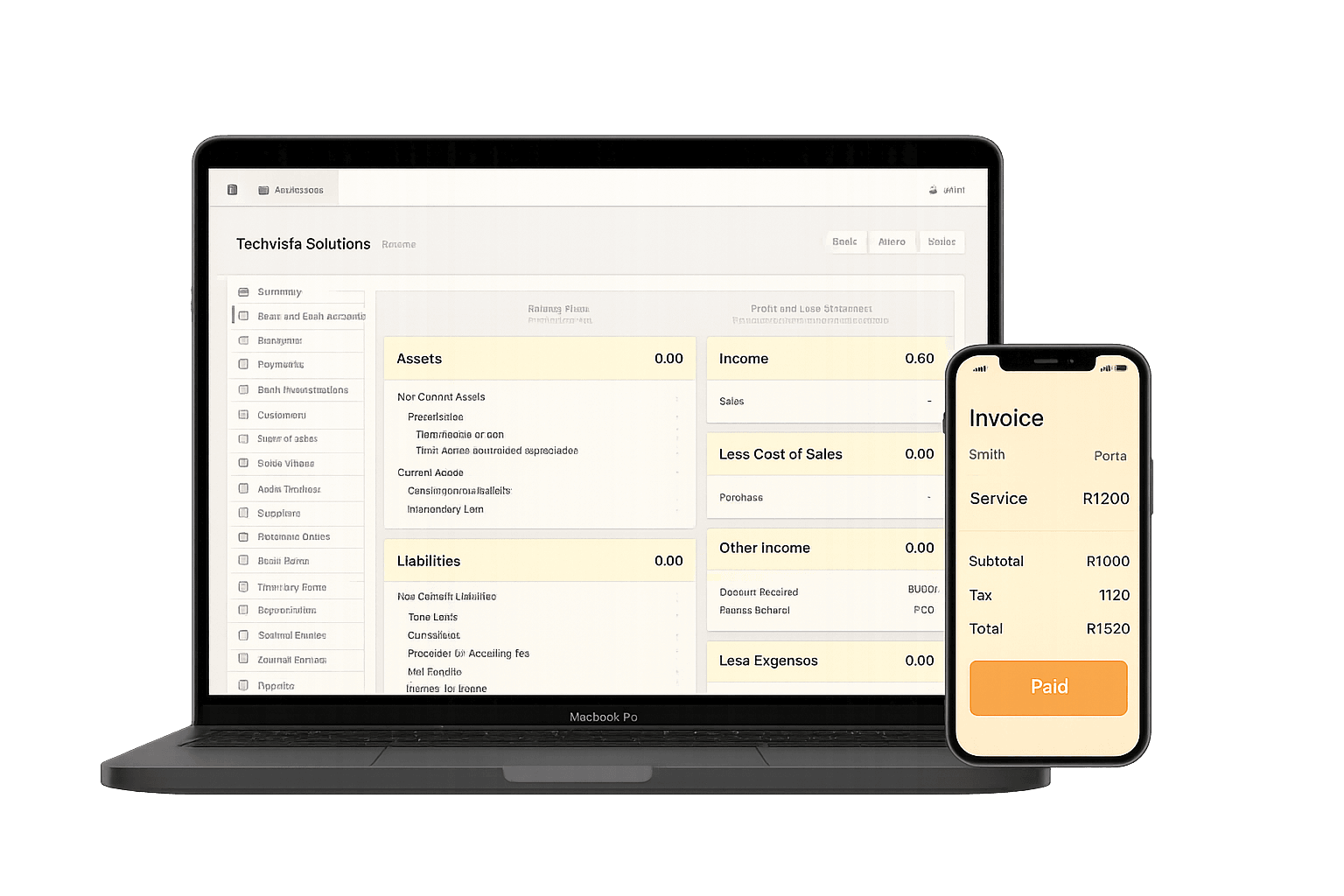
Accounter cloud accounting on a laptop, ready for converted Pastel data
Conversion price
Quoted per company
Conversion type
Assisted, checked by you
Business plan
R300/month
Accounting Practice plan
R900/month
Current tax year
1 March 2026 to 28 February 2027

Who it is for

Choose a plan for the work you do

South African businesses and their accountants running Pastel Partner or Pastel Express on a desktop or office server who want to move the books to the cloud without re-capturing everything by hand.

Assisted conversion: people map and load your data, not an automated file import
You check the opening trial balance and age analysis against your Pastel reports before going live
February year-end cut-over planned around the South African tax year

What gets migrated

An assisted conversion brings across the records you need to keep trading from day one in Accounter.

  • Chart of accounts, mapped to Accounter account types
  • Customer list with contact and billing details
  • Supplier list with contact and payment details
  • Opening balances from your trial balance at the cut-over date
  • Open items: unpaid customer invoices and unpaid supplier invoices

Plan around your February year-end

If your financial year ends in February, converting then means the new year starts in Accounter and the old year closes in Pastel. Plan the move before you commit to another year of desktop licence and support.

  • Close February in Pastel
  • Load closing balances as Accounter opening balances on 1 March
  • Keep final Pastel reports for SARS and audit

Decision support

What changes when you move to Accounter

Chart of accounts
Re-capturing it yourselfRe-create every account and guess at the mapping
With AccounterMapped from your Pastel account listing and checked with you
Customers and suppliers
Re-capturing it yourselfType contact details in again
With AccounterLoaded from your exported customer and supplier lists
Opening position
Re-capturing it yourselfBalances and unpaid invoices rebuilt from printouts
With AccounterTrial balance and open items loaded, then reconciled to your Pastel reports

Step by step

How to convert Pastel Partner data to Accounter

An assisted conversion from Pastel Partner or Pastel Express to Accounter, from choosing a cut-over date to going live.

  1. 1

    Choose a cut-over date

    Pick the date your books move. A financial year-end, often the end of February, or the start of a VAT period keeps the opening position simple.

  2. 2

    Close the period in Pastel

    Capture all transactions up to the cut-over date, reconcile the bank accounts and finalise the period so the balances will not change.

  3. 3

    Export your Pastel reports

    Export or print the account listing, customer list, supplier list, trial balance and customer and supplier age analysis as at the cut-over date.

  4. 4

    Send the reports for mapping

    Our team maps your chart of accounts to Accounter and loads your customers, suppliers, opening balances and open items.

  5. 5

    Check and sign off

    Compare the Accounter opening trial balance and age analysis with your Pastel reports. Your accountant can review them before you approve.

  6. 6

    Go live in Accounter

    Capture new transactions in Accounter from the cut-over date and keep your final Pastel reports as the archive of earlier years.

Done with you

Assisted conversion

Our team maps your Pastel exports into Accounter and loads them for you. You review the result against your own reports and sign it off before you start capturing. It is a people-led service, not an automated file converter.

Conversion price
Quoted per company
Ask about assisted conversion

What the conversion includes

  • Chart of accounts, mapped to Accounter account types
  • Customer list with contact and billing details
  • Supplier list with contact and payment details
  • Opening balances from your trial balance at the cut-over date
  • Open items: unpaid customer invoices and unpaid supplier invoices

Tools and next steps

Move from research to action

Compare the features and costs, or try a tool for the bookkeeping task you need to finish today.

Frequently asked questions

Is the Pastel conversion automated?

No. It is an assisted conversion: you export standard reports from Pastel, our team maps and loads them into Accounter, and you check the result against your Pastel reports before going live. Accounter does not open or sync with Pastel company files.

What Pastel data is converted?

Your chart of accounts, customers, suppliers, opening balances from the trial balance at your cut-over date, and open items (unpaid customer and supplier invoices).

Is my full transaction history moved?

Not by default. Keep your final Pastel reports, such as the trial balance, general ledger and age analysis, as your archive for SARS and audit purposes, and start capturing new transactions in Accounter from the cut-over date.

Does this work for Pastel Express as well as Pastel Partner?

Yes. The conversion works from reports that both products can produce: the account listing, customer and supplier lists, trial balance and age analysis.

When is the best time to convert from Pastel?

Many South African companies have a February year-end, and the tax year runs 1 March 2026 to 28 February 2027. Converting at year-end lets you close the old year in your current system and start the new year in Accounter with clean opening balances. If that is not practical, the start of a VAT period is the next best cut-over date.

What does a Pastel conversion cost?

The assisted conversion is quoted per company once we have seen your exported reports, because the work depends on the size of your chart of accounts and the number of open items. Accounter accounting plans start at R300/month.