Skip to content

QuickBooks Desktop users

QuickBooks Desktop Alternative for South Africa

Move from a QuickBooks Desktop company file to cloud accounting priced in rand, built around South African VAT and the March to February tax year, with an assisted conversion of your data.

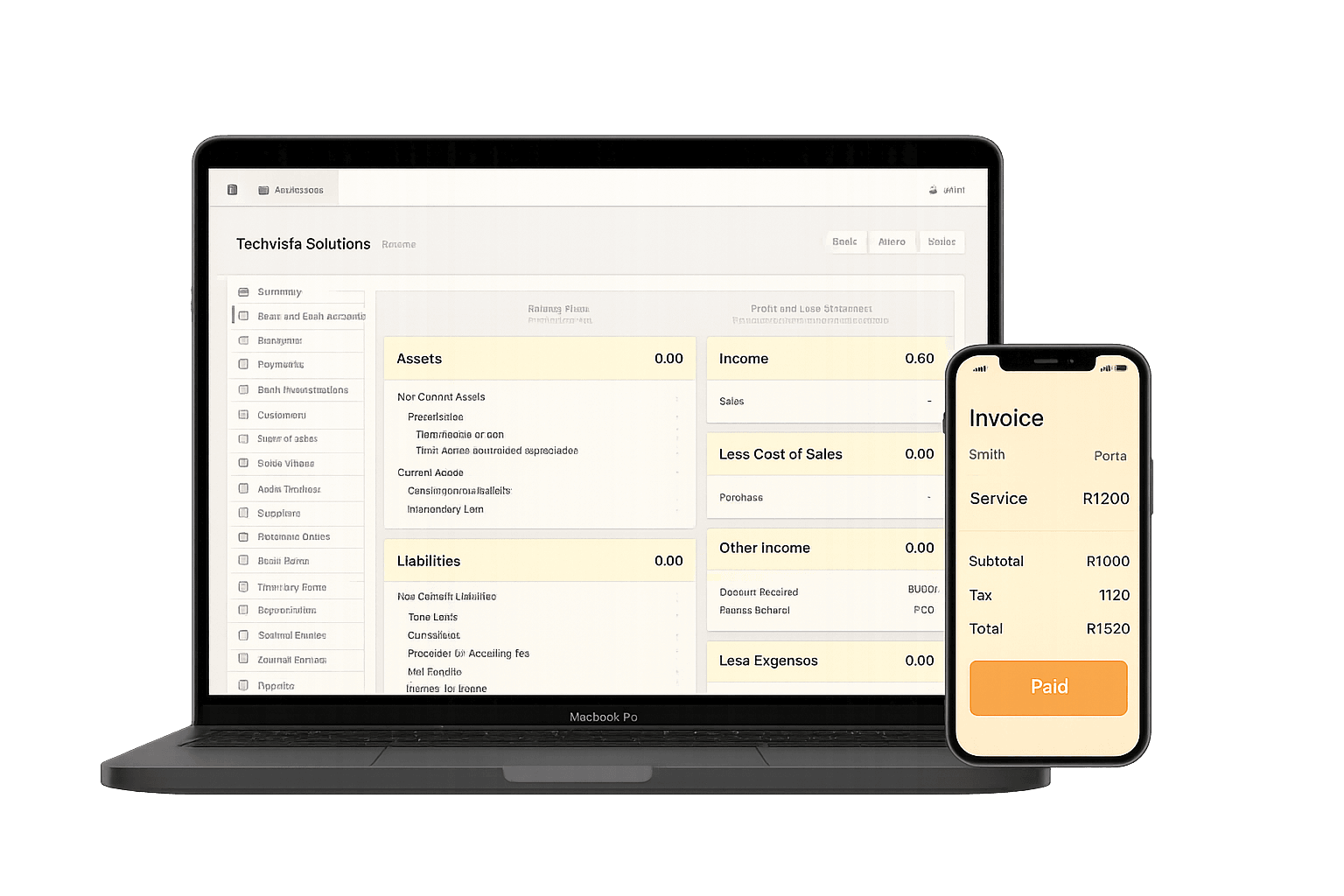
Accounter cloud accounting dashboard as an alternative to QuickBooks Desktop
Business plan
R300/month
Bookkeeper plan
R650/month
Accounting Practice plan
R900/month
Conversion price
Quoted per company
VAT rate built in
15%

Who it is for

Choose a plan for the work you do

South African businesses and bookkeepers still running QuickBooks Desktop who want cloud access, ZAR pricing and South African VAT and tax-year workflows.

Priced in rand on a public pricing page
South African VAT and tax-year workflows
Assisted conversion from your QuickBooks Desktop exports

What gets migrated

The assisted conversion loads the records you need to keep trading from your first day in Accounter.

  • Chart of accounts, mapped to Accounter account types
  • Customer list with contact and billing details
  • Supplier list with contact and payment details
  • Opening balances from your trial balance at the cut-over date
  • Open items: unpaid customer invoices and unpaid supplier invoices

Built for South African books

Accounter is made for South African businesses and the accountants who support them, so local VAT and the tax year are the default rather than a set-up project.

  • 15% VAT
  • Tax year 1 March 2026 to 28 February 2027
  • Accountant access with separate logins

Decision support

What changes when you move to Accounter

Access
QuickBooks DesktopA company file on one PC or a shared drive
With AccounterBrowser-based, with separate logins for your team and accountant
Currency and pricing
QuickBooks DesktopLicence and support terms set by the vendor
With AccounterPublic monthly ZAR plans from R300/month
Local tax
QuickBooks DesktopSet up and maintained by you for South African VAT
With AccounterBuilt around 15% VAT and the March to February tax year

Step by step

How to move from QuickBooks Desktop to Accounter

Switching from QuickBooks Desktop to Accounter with an assisted conversion.

  1. 1

    Choose a cut-over date

    Pick a financial year-end or the start of a VAT period so the opening position is easy to check.

  2. 2

    Finish the period in QuickBooks Desktop

    Capture everything up to the cut-over date and reconcile your bank accounts.

  3. 3

    Export lists and reports

    Export the chart of accounts, customer and supplier lists, trial balance and open invoice and unpaid bills reports to Excel or CSV.

  4. 4

    Send the exports for mapping

    Our team maps the accounts to Accounter and loads your customers, suppliers, opening balances and open items.

  5. 5

    Check and go live

    Compare the Accounter opening trial balance with your QuickBooks report, approve it, then capture new transactions in Accounter.

Done with you

Assisted conversion

Our team maps your QuickBooks Desktop exports into Accounter and loads them for you. You review the result against your own reports and sign it off before you start capturing. It is a people-led service, not an automated file converter.

Conversion price
Quoted per company
Ask about assisted conversion

What the conversion includes

  • Chart of accounts, mapped to Accounter account types
  • Customer list with contact and billing details
  • Supplier list with contact and payment details
  • Opening balances from your trial balance at the cut-over date
  • Open items: unpaid customer invoices and unpaid supplier invoices

Tools and next steps

Move from research to action

Compare the features and costs, or try a tool for the bookkeeping task you need to finish today.

Frequently asked questions

What is a good QuickBooks Desktop alternative in South Africa?

Look for cloud accounting priced in rand that is set up for 15% VAT, the March to February tax year and accountant access. Accounter is built for South African businesses and accountants, with public ZAR pricing.

Can Accounter import a QuickBooks Desktop company file?

No. Accounter does not open QuickBooks company files. Moving across uses an assisted conversion from lists and reports you export from QuickBooks Desktop to Excel or CSV.

What QuickBooks Desktop data can be moved?

Your chart of accounts, customers, suppliers, opening balances from the trial balance at your cut-over date, and open items (unpaid customer and supplier invoices).

Is this the same as comparing Accounter with QuickBooks Online?

No. This page is for QuickBooks Desktop users moving off a desktop install. For a feature and pricing comparison with QuickBooks Online, see Accounter vs QuickBooks.

When should I switch from QuickBooks Desktop?

Many South African companies have a February year-end, and the tax year runs 1 March 2026 to 28 February 2027. Converting at year-end lets you close the old year in your current system and start the new year in Accounter with clean opening balances. If that is not practical, the start of a VAT period is the next best cut-over date.