Convert a password-protected statement
Last reviewed 15 November 2026 · 5 steps
Enter the password your bank gave you before converting a locked statement PDF. A wrong password uses no credits.
Free account
Steps
Choose the locked PDF
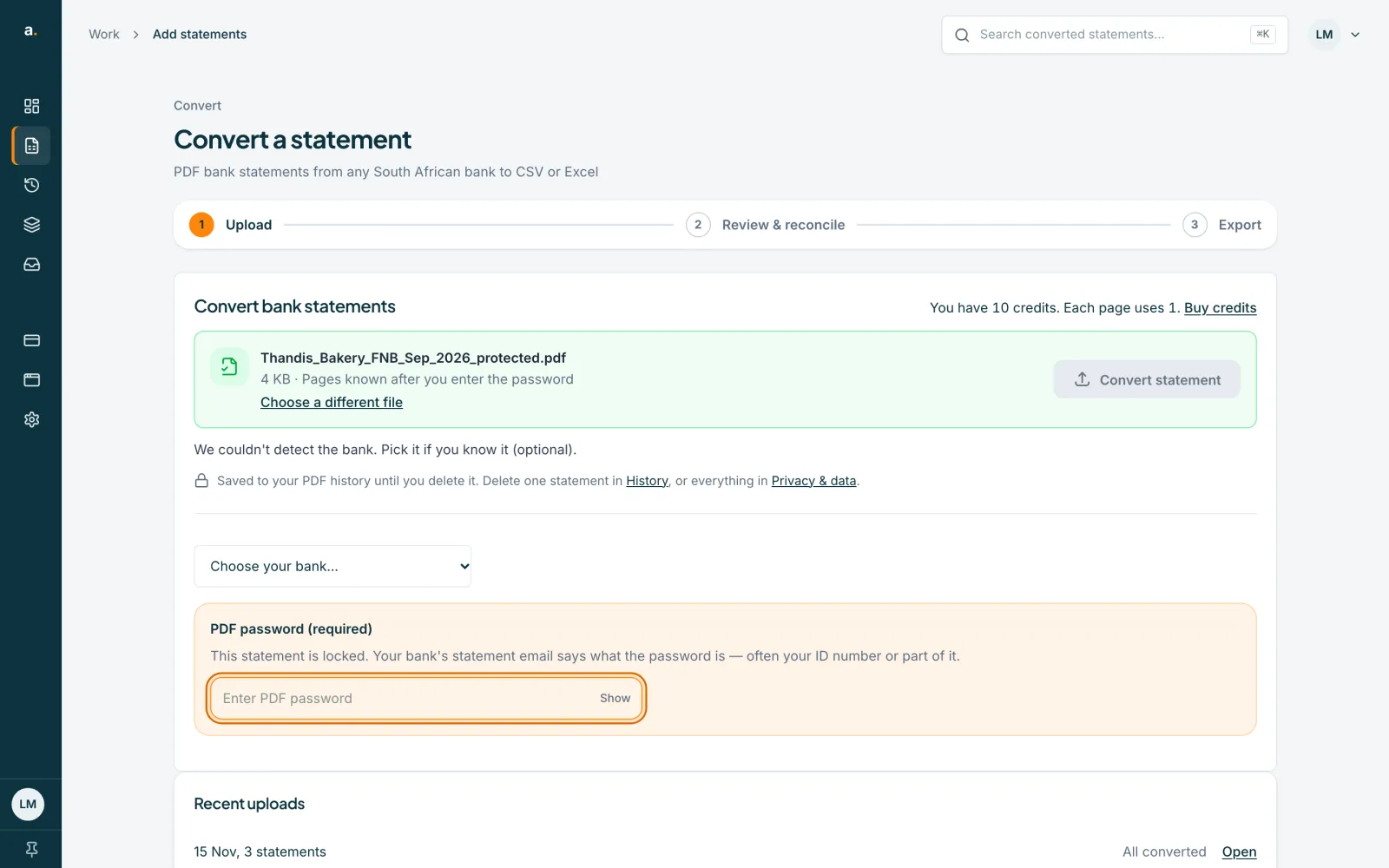
On Add statements, press Choose PDFs and pick the file. Accounter sees that it is encrypted straight away, before you convert. The file row says Pages known after you enter the password, and a PDF password (required) box appears.
Find the password
Your bank's statement email says what the password is. It is often your ID number, or part of it. If you cannot find it, check the email or SMS that delivered the statement.
Enter the password
Type it into the Enter PDF password box. Press Show to check what you typed, and Hide to cover it again.
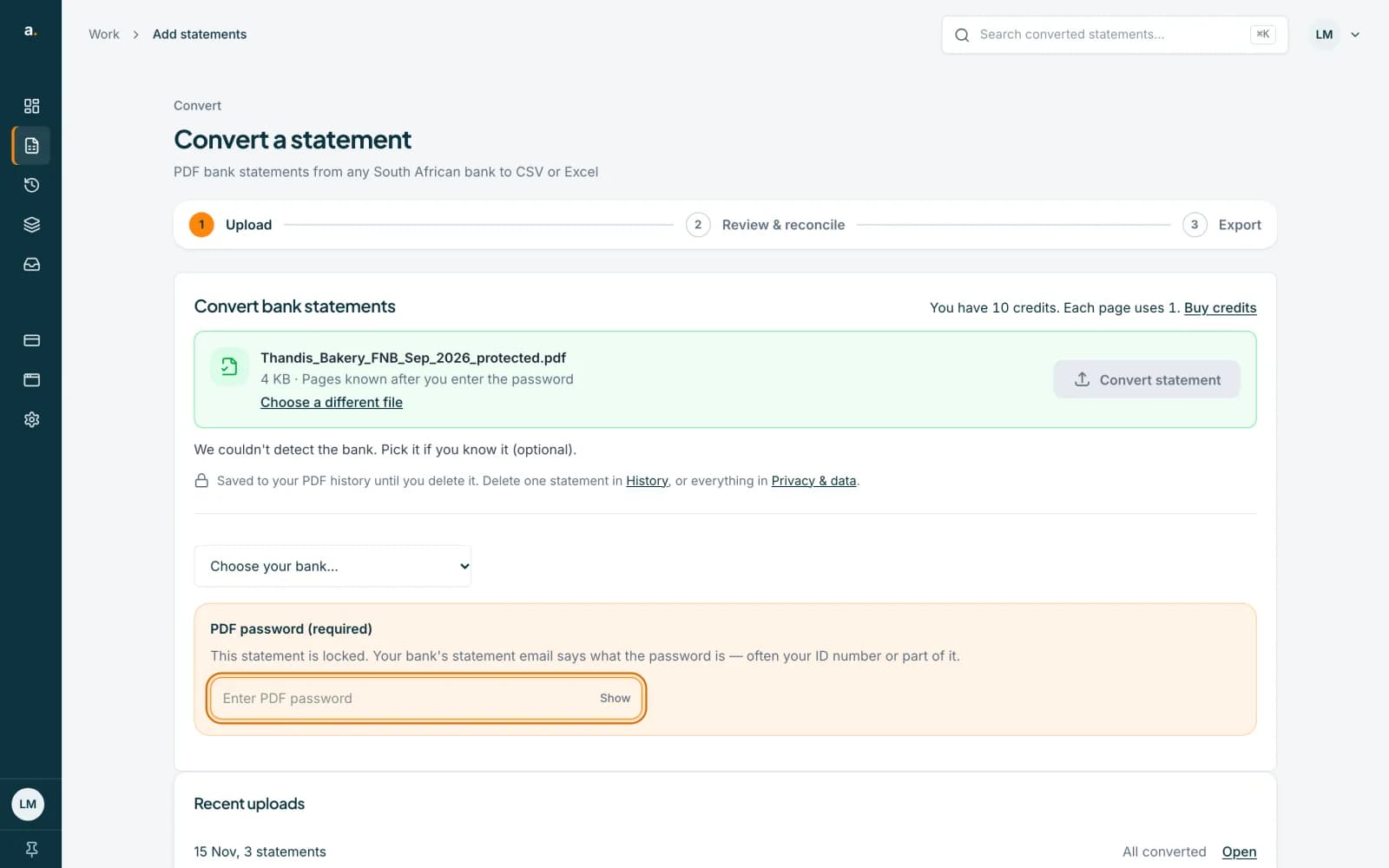 Open full size screenshot for step 3
Press Convert statement
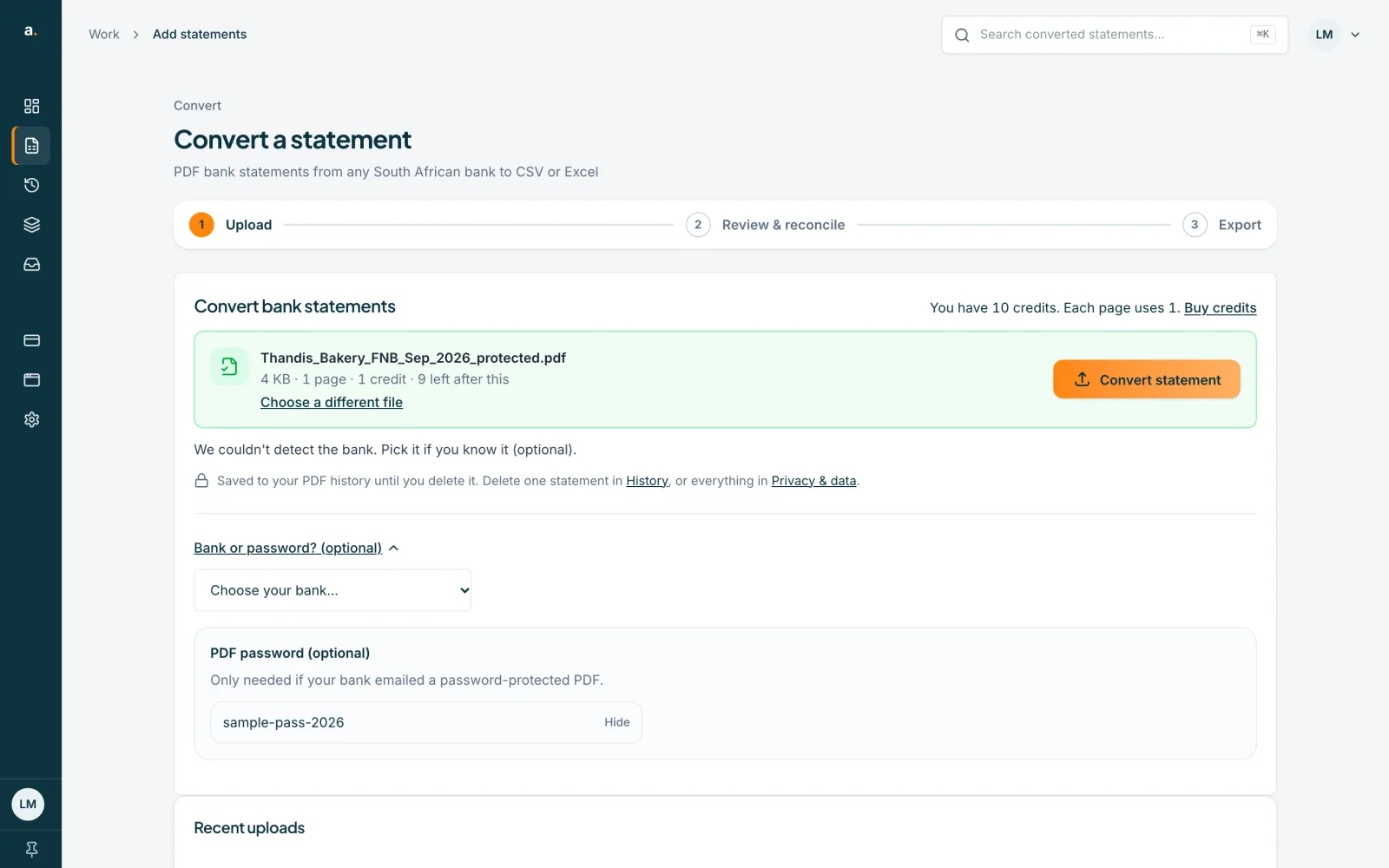
The Convert statement button works once you have typed a password. Accounter unlocks the file and reads it like any other statement. If the password is wrong, it says That password didn't unlock the PDF. Check the password from your bank and try again, and you can type it again.
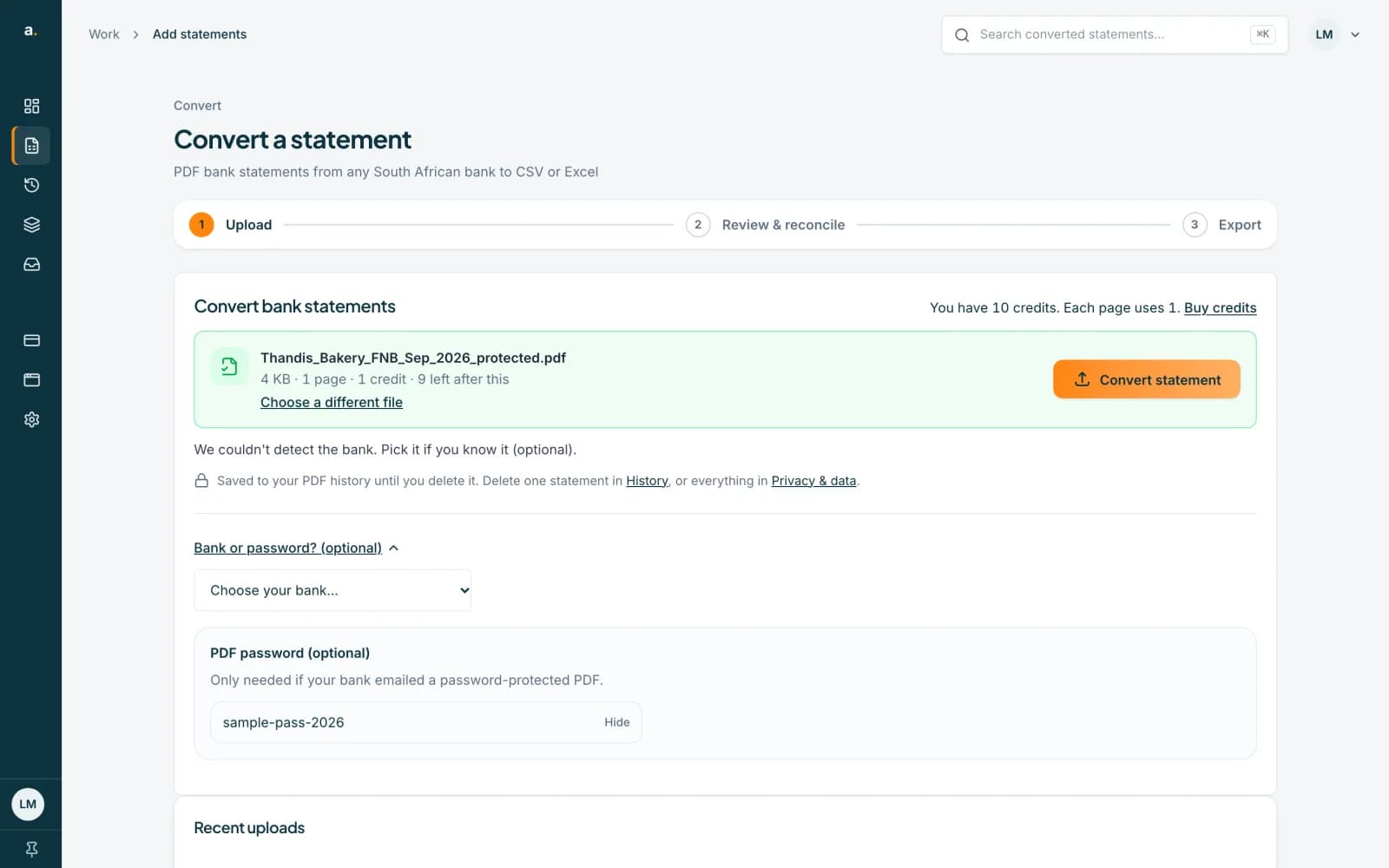 Open full size screenshot for step 4
Several locked files? Unlock them in a batch
In a batch or a multi-file upload, each locked file asks for its own password. Enter it and press Unlock and start. If the files share a password, use Try this password on the other locked files.
Tips
- You do not need to remove the password first. Accounter unlocks the file for you.
- The page count of a locked file is known only after it is unlocked.
- A wrong password uses no credits.
If something goes wrong
- You see That password didn't unlock the PDF.
- Check the password in your bank's email or SMS, and use Show to look for typing mistakes.
- You no longer have the password.
- Download the statement again from online banking, or ask your bank to resend it.
- A batch file says Locked. Enter this file's PDF password.
- Type its password in the box under the file and press Unlock and start.
- You see Couldn't check the password here.
- Accounter checks it after upload instead. A wrong password still uses no credits.
Related guides
- Convert a bank statement PDF to CSVUpload a bank statement PDF, check the balance and download a CSV you can open in Excel.
- Convert many statements at once with batchesDrop up to 50 statement PDFs in one batch, let Accounter read and check them in the background, and review the ones that need a look.