Preview a statement without an account
Last reviewed 15 November 2026 · 4 steps
Try the Statement Converter without signing up: upload a PDF for a preview, or open the built-in sample statement.
Anyone
Steps
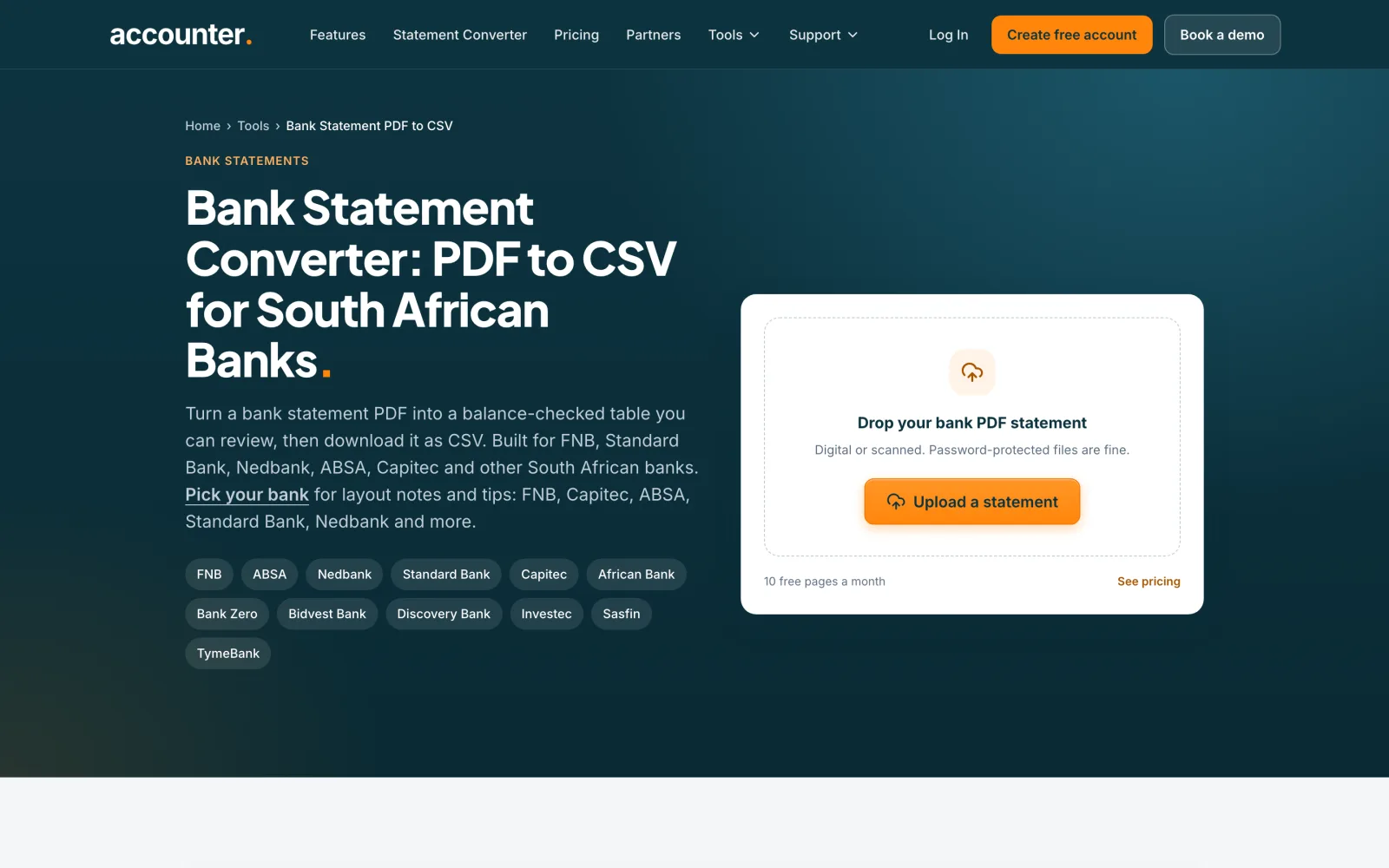
Open the converter page
Go to the Bank Statement PDF to CSV page at accounter.co.za/tools/bank-statement-to-csv. It lists the banks Accounter reads, including FNB, ABSA, Nedbank, Standard Bank and Capitec.
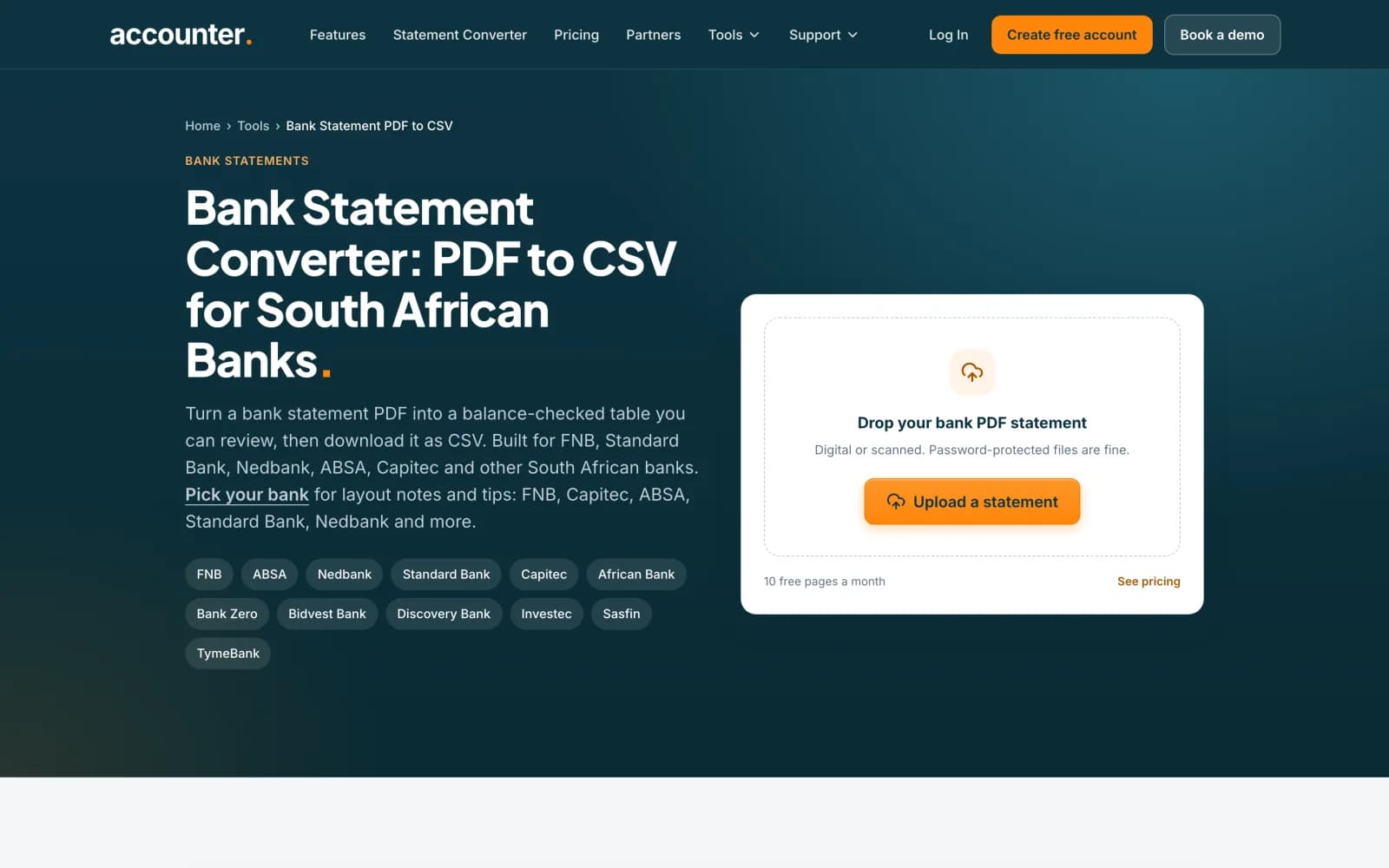 Open full size screenshot for step 1
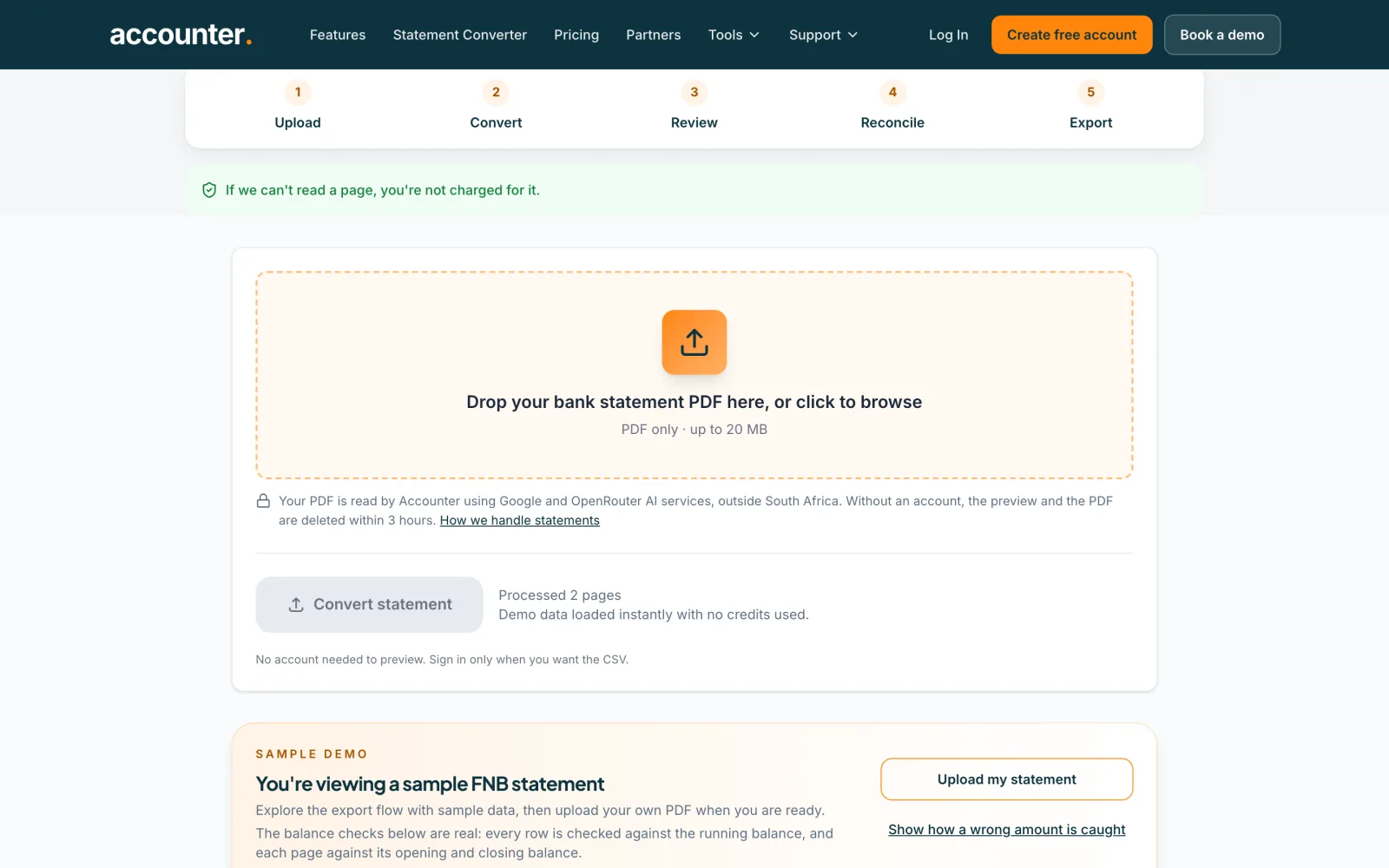
Upload a statement
Press Upload a statement, or drop your PDF onto the box that says Drop your bank statement PDF here. PDF only, up to 20 MB. Then press Convert statement. You do not need an account to preview.
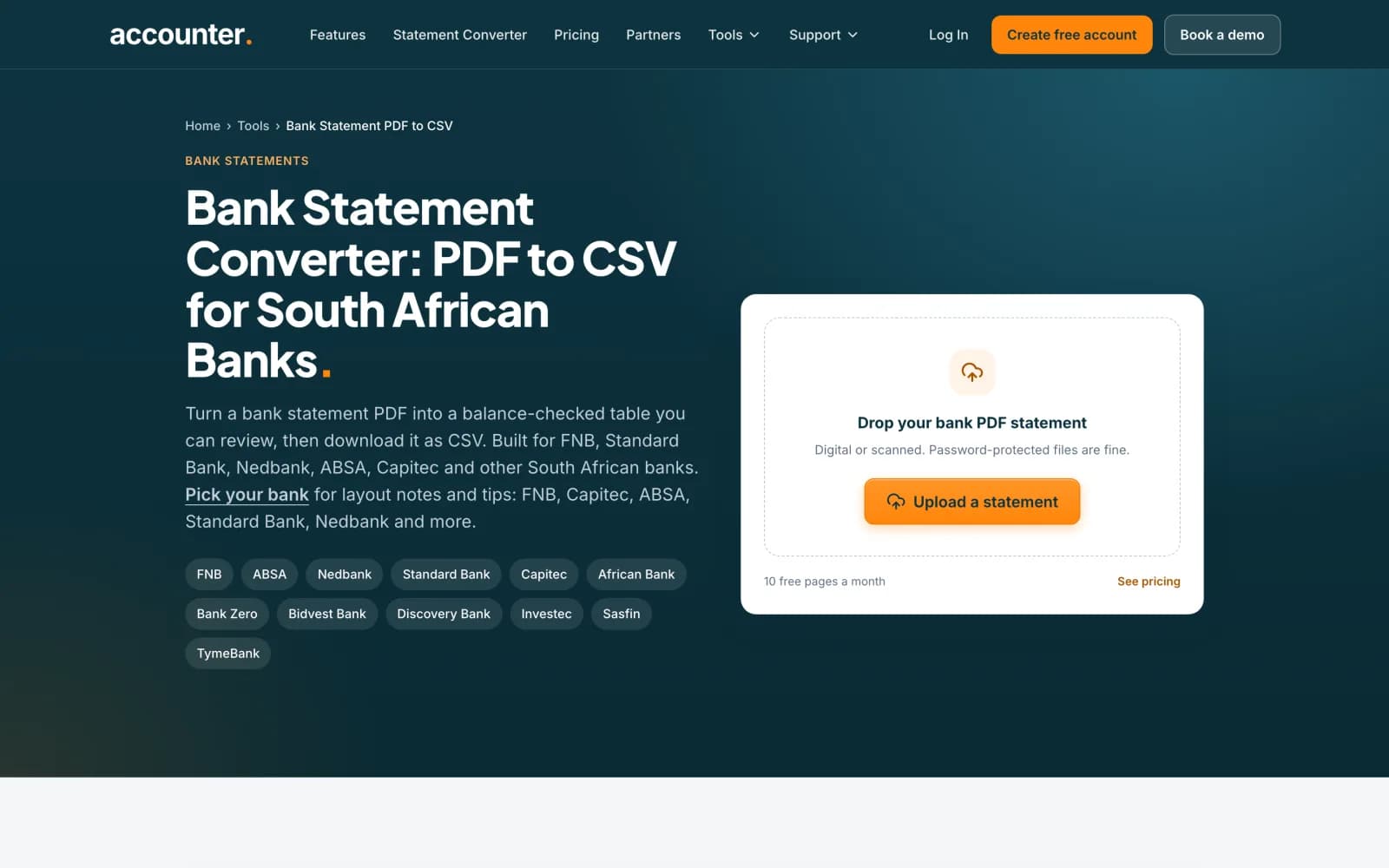 Open full size screenshot for step 2
Or try the sample statement
No statement handy? Choose Or try with a sample FNB statement. It loads demo data at once and uses no credits. You can open the CSV export settings, and press Show how a wrong amount is caught to see the balance check at work.
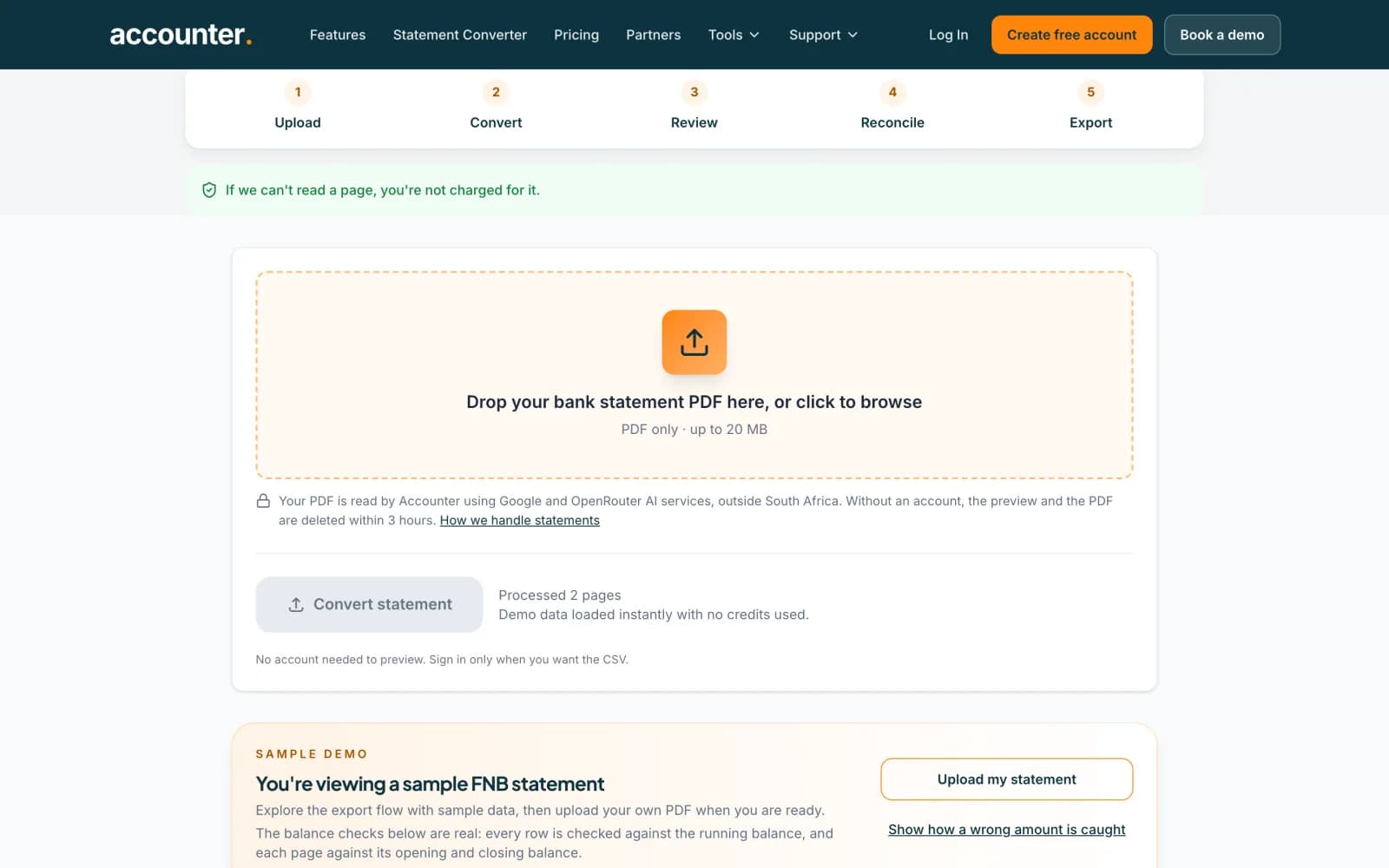 Open full size screenshot for step 3
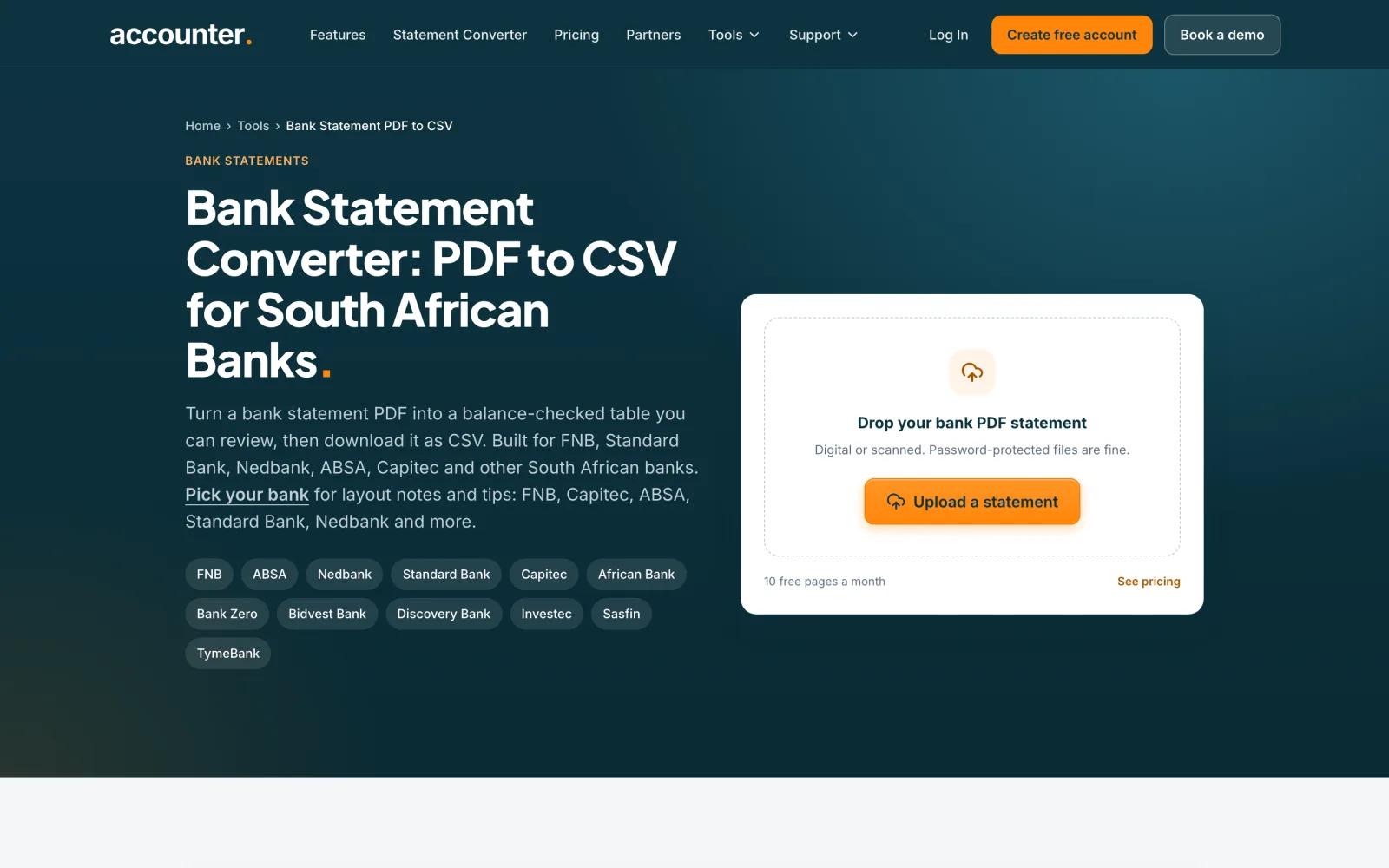
Create a free account to download the CSV
A preview shows you the result, but you need a free account to download the CSV. Press Create free account, verify your email, and your free pages are added.
Tips
- Without an account, the preview and your PDF are deleted within 3 hours. Previews are kept for 2 hours.
- Previews without an account cover statements of up to 20 pages. A longer statement needs an account, where each page uses 1 credit.
- The balance checks in the sample are real: every row is checked against the running balance.
If something goes wrong
- The page says This statement has 26 pages (or another number over 20).
- Previews without an account stop at 20 pages. Create a free account or log in to convert it.
- The page says your preview upload expired after 2 hours.
- Upload the PDF again to extract the full statement.
- The page says that file is not a PDF, or that it is too large.
- Only PDF files can be converted, up to 20 MB each. For a large file, use Split a PDF.