Create an Accounter account
Last reviewed 15 November 2026 · 5 steps
Sign up for a free Accounter account, verify your email and get 10 free pages every month.
Anyone
Steps
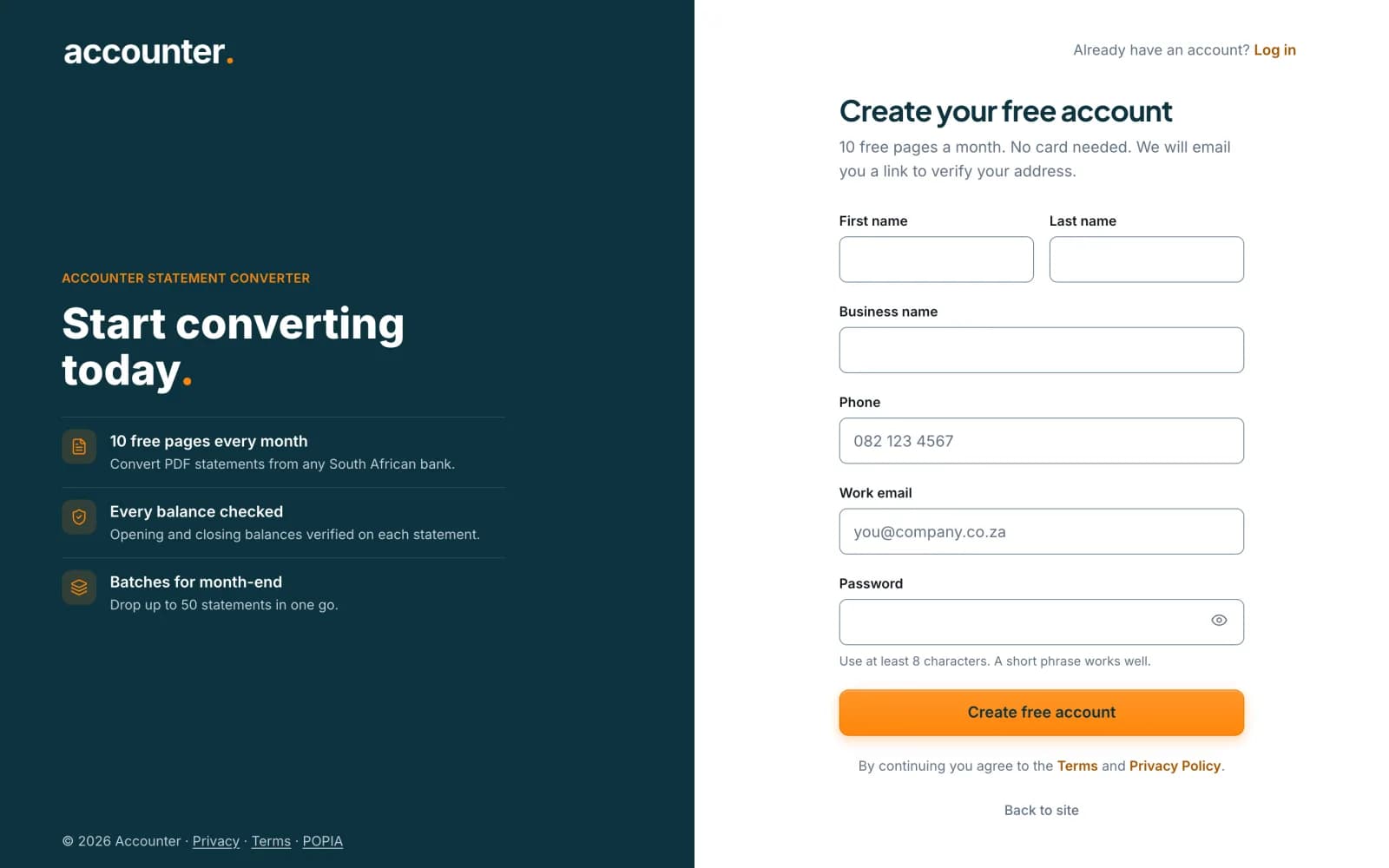
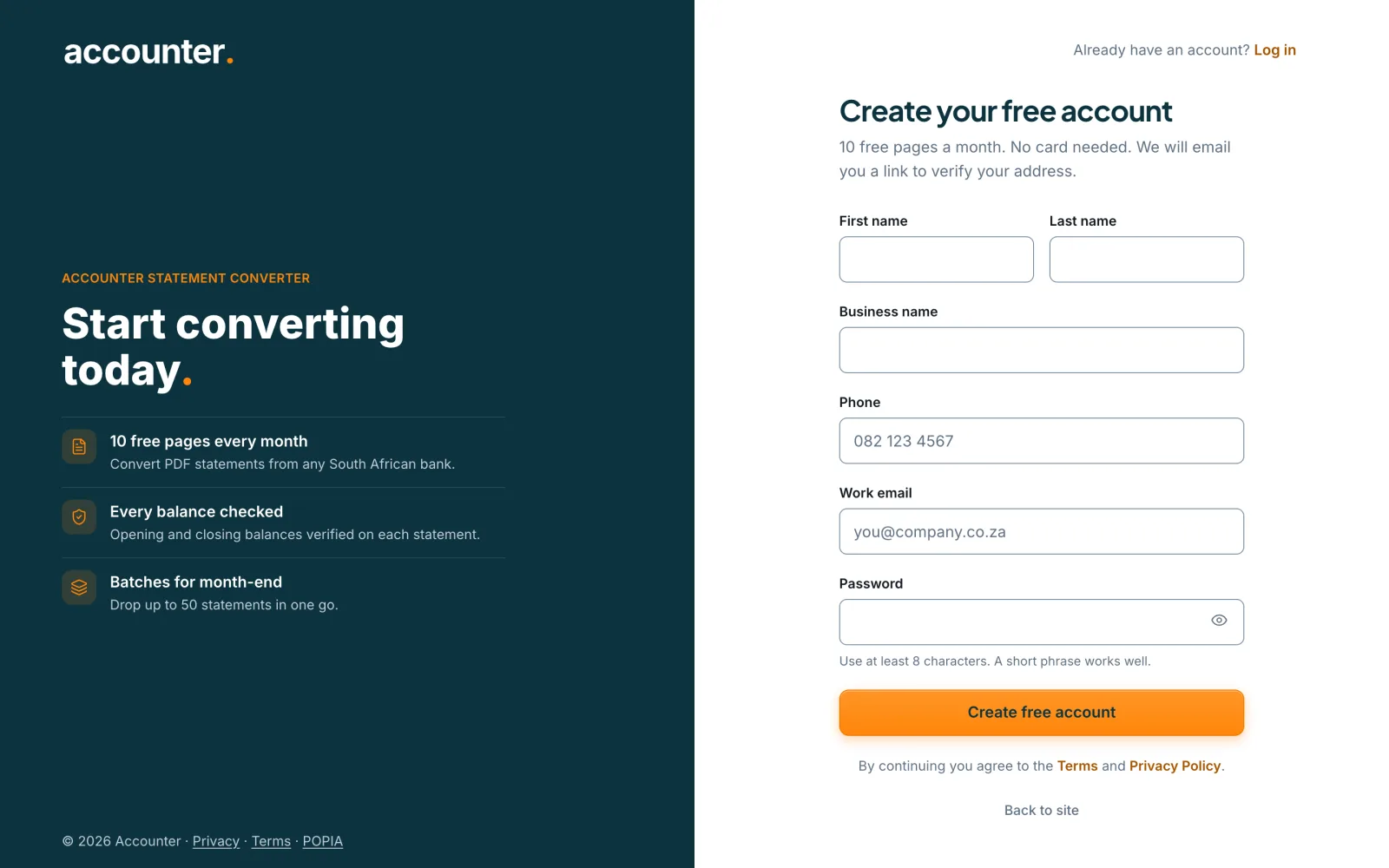
Open the sign-up page
Go to accounter.co.za/signup, or choose Create free account on any page of the site. No card is needed.
 Open full size screenshot for step 1
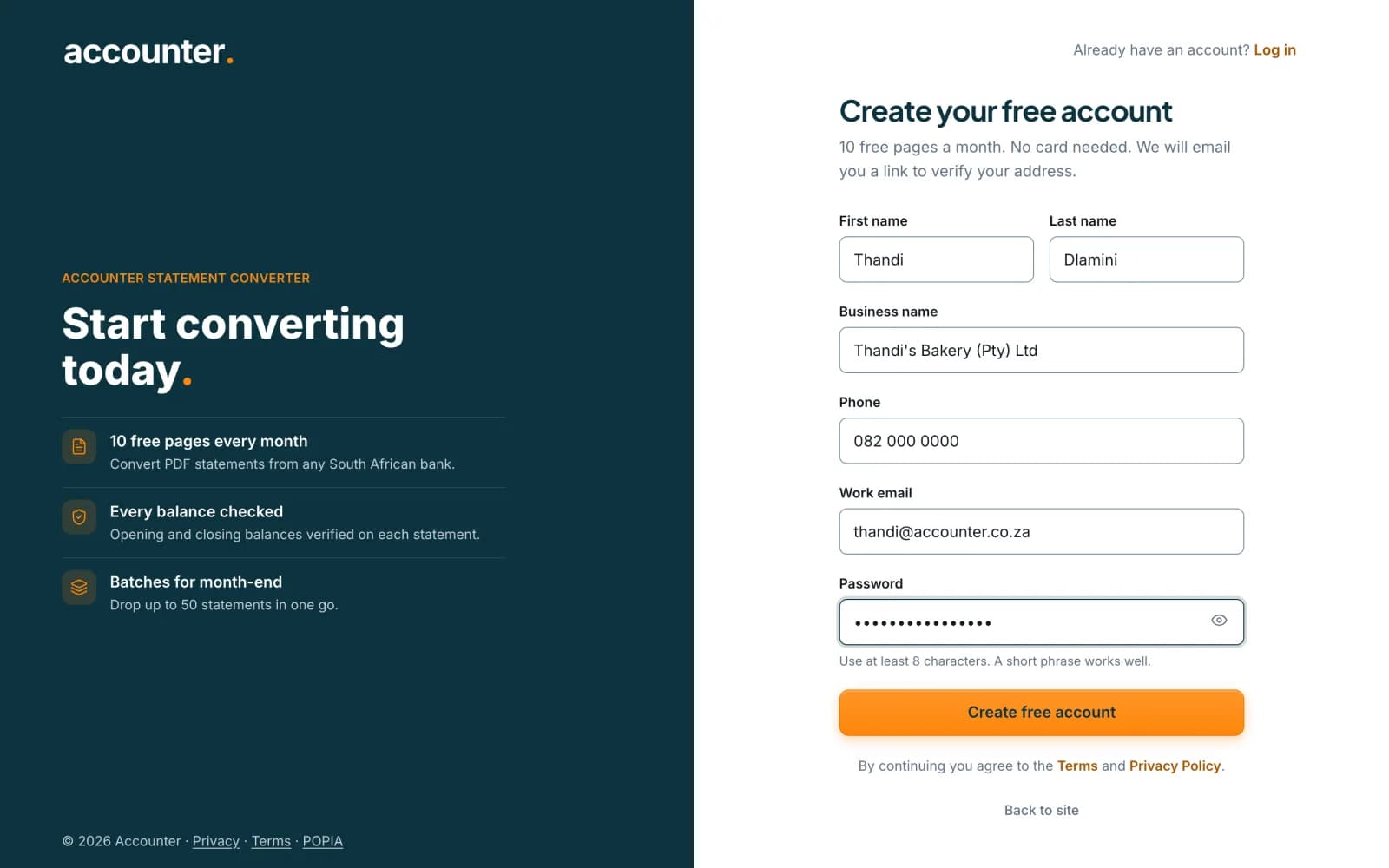
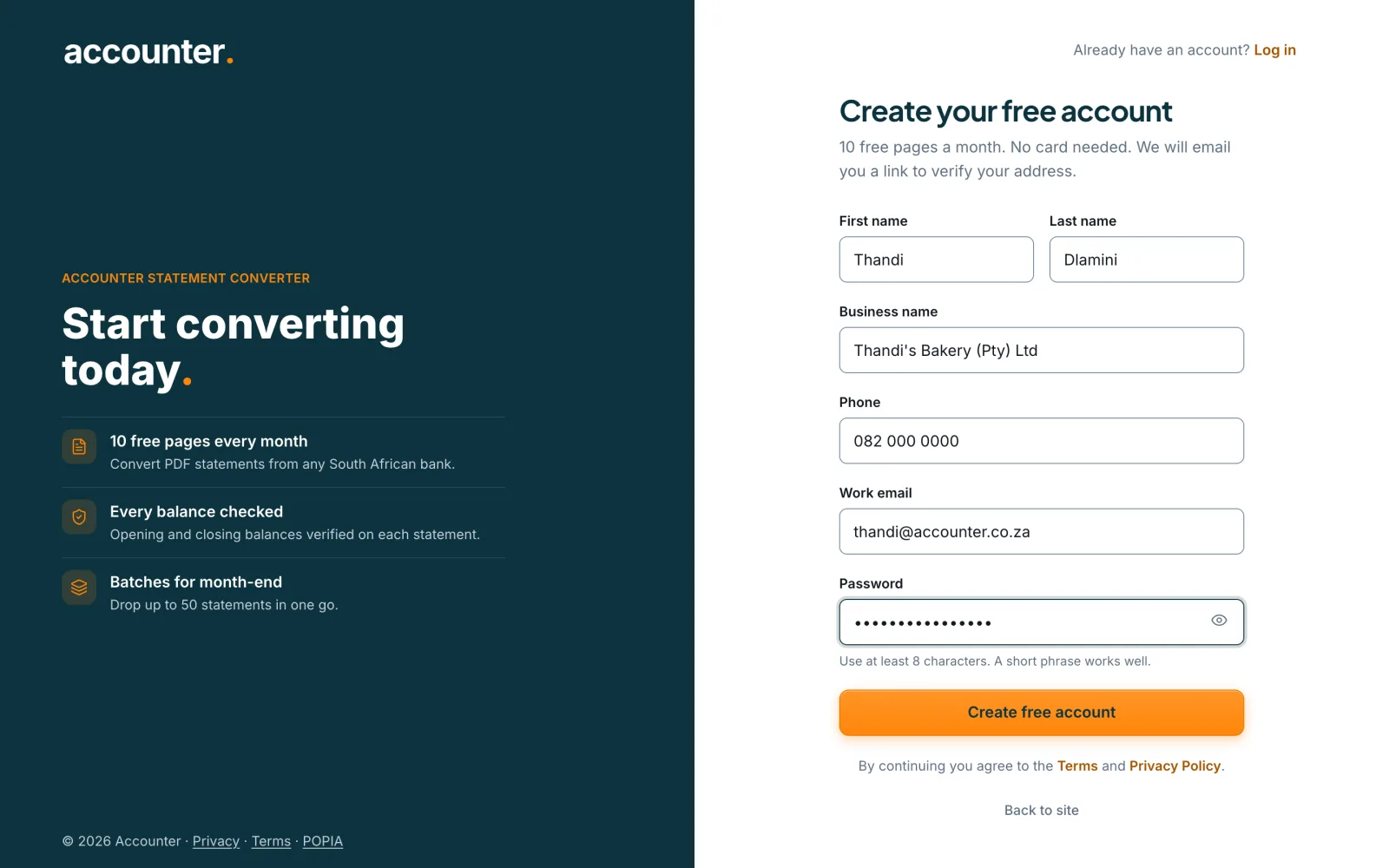
Fill in your details
Enter your first name, last name, business name, phone number and work email. Choose a password of at least 8 characters. Use Show next to the password box if you want to check what you typed.
 Open full size screenshot for step 2
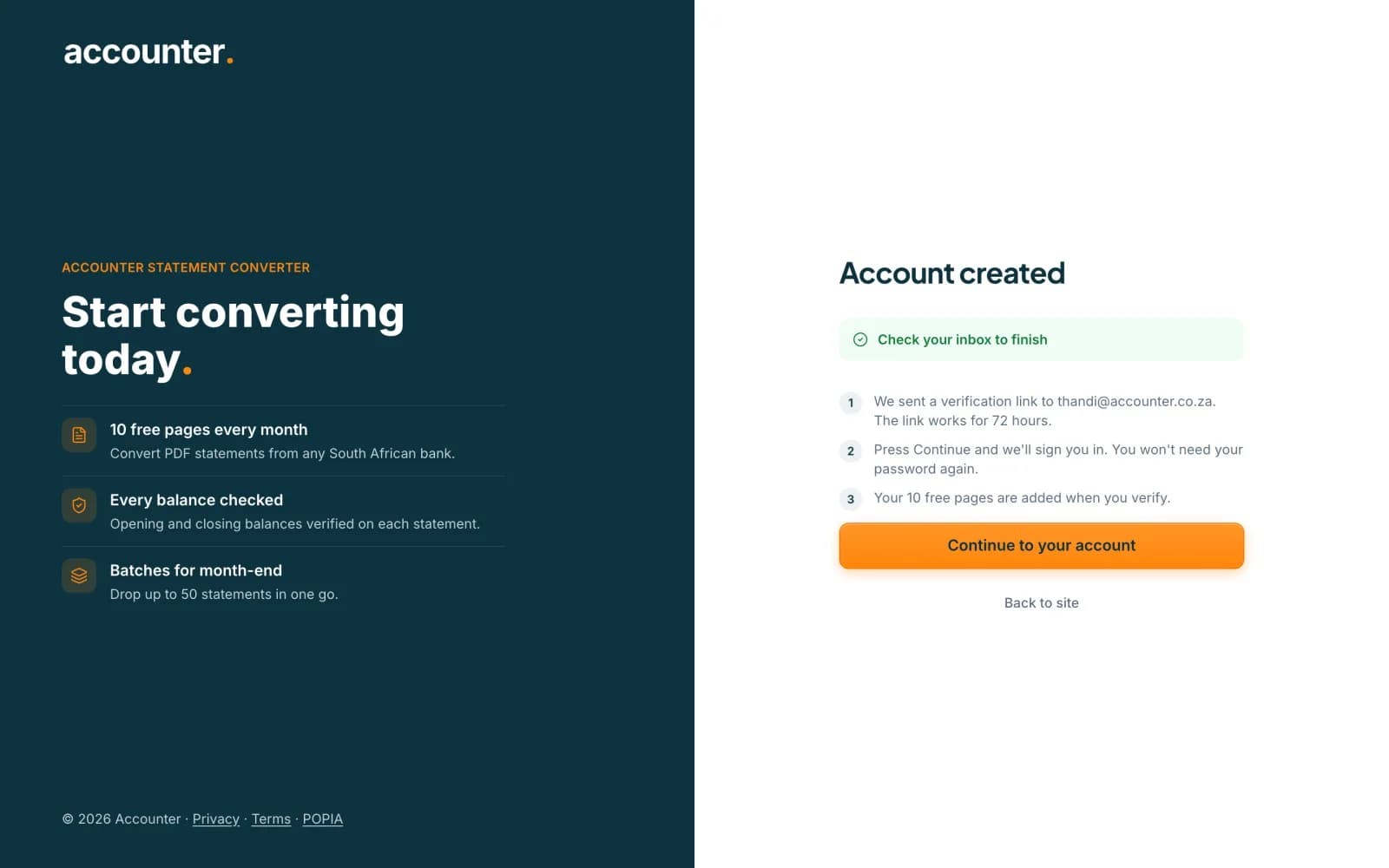
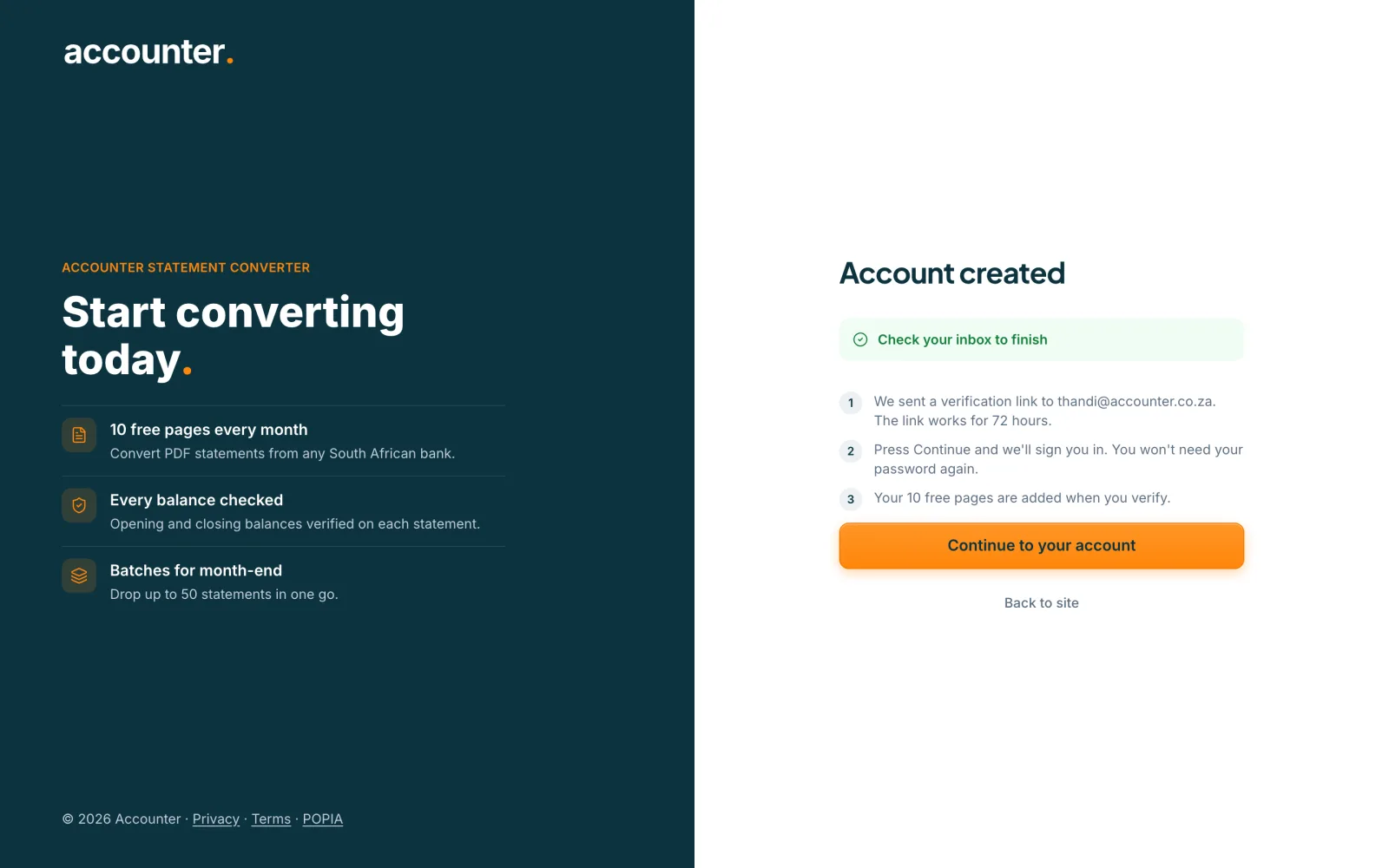
Create the account
Press Create free account. Accounter shows Account created and Check your inbox to finish, and emails a verification link to the address you entered. The link works for 72 hours. You can press Continue to go to your account without typing your password again.
 Open full size screenshot for step 3
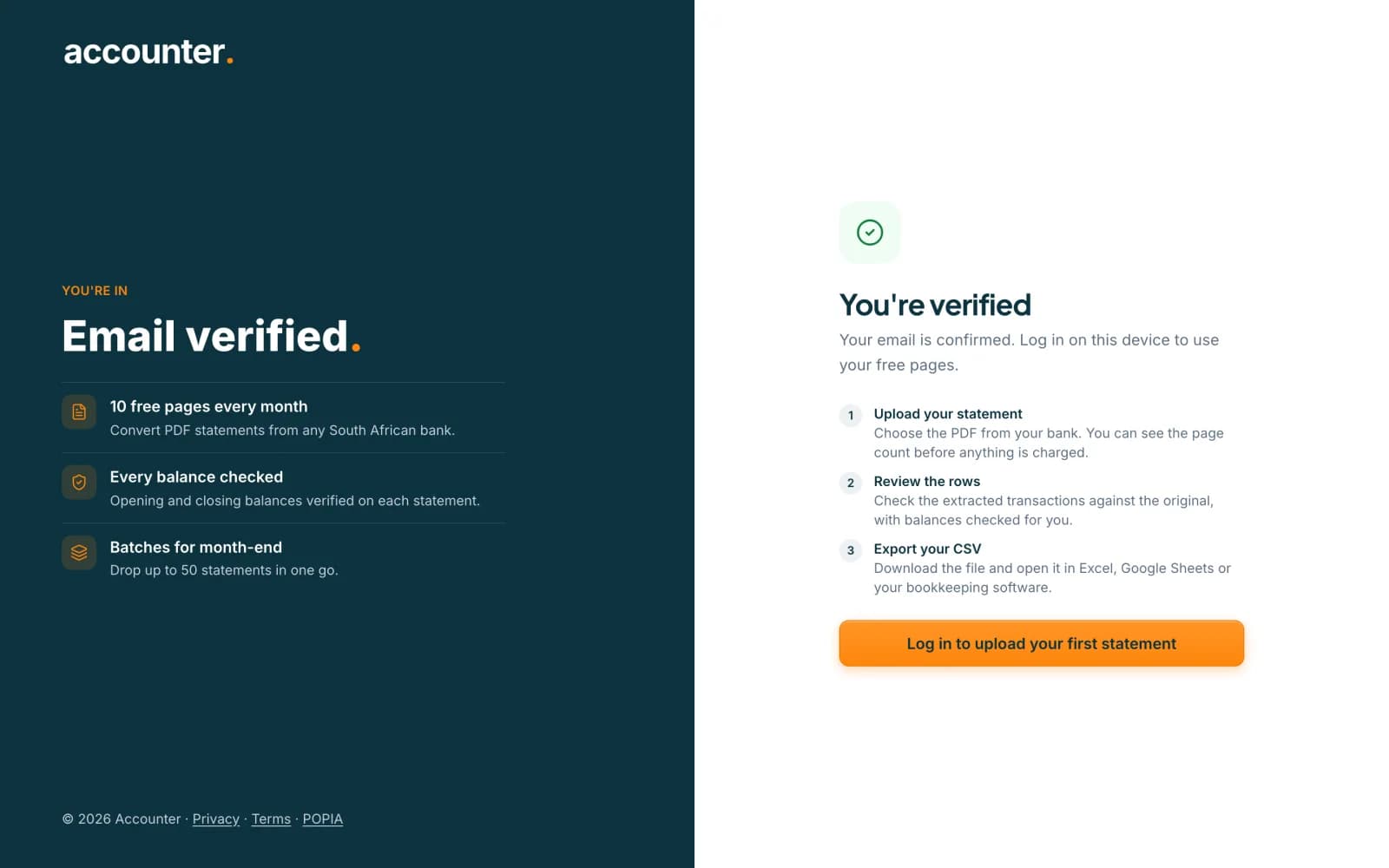
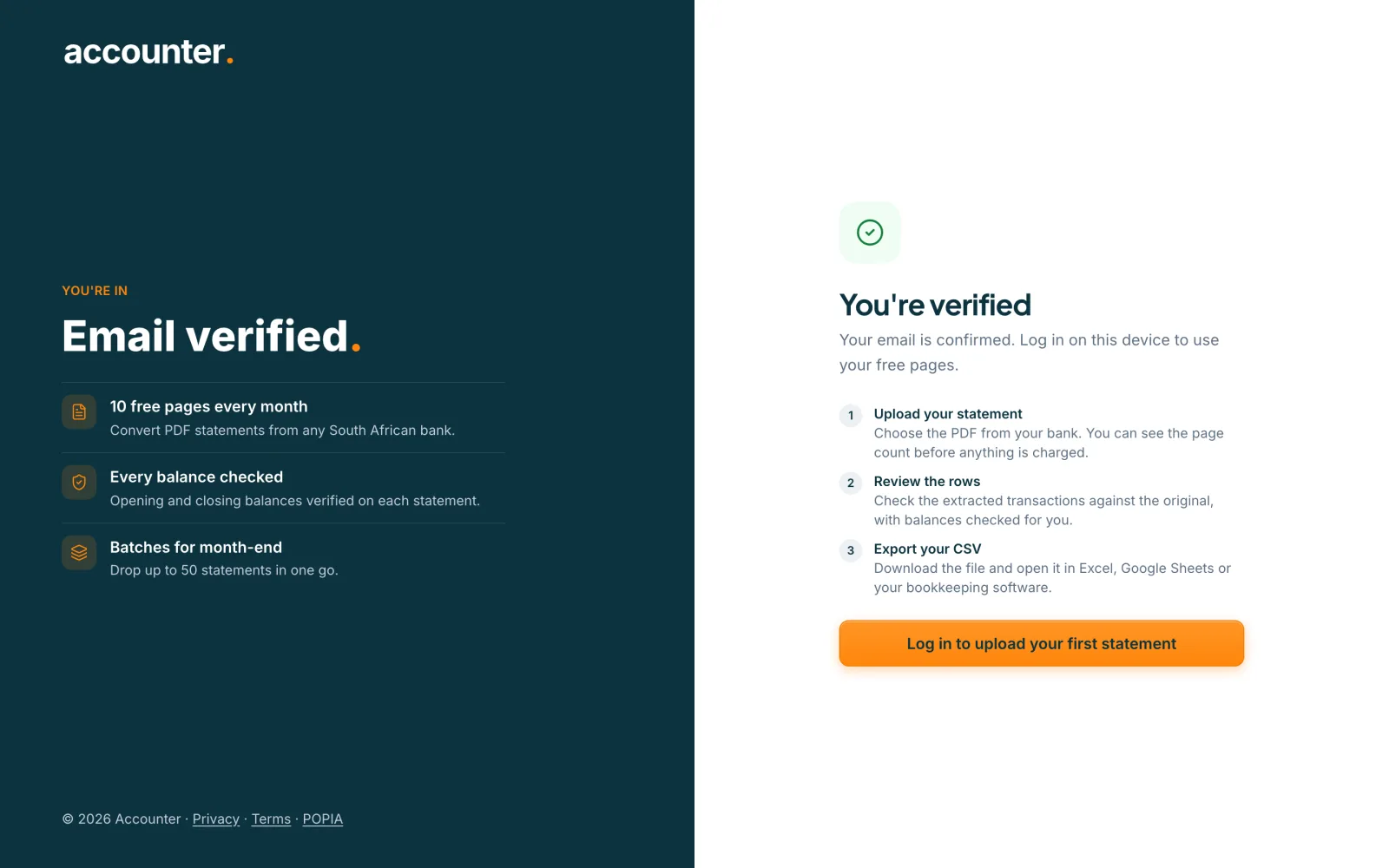
Verify your email
Open the email, which can land in spam, and click the link. The page changes to You're verified. Your free pages are added once this is done, and until then your balance shows 0.
 Open full size screenshot for step 4
Log in and upload your first statement
If you are not already logged in on this device, choose Log in. Then upload a bank statement PDF. You can see the page count before anything is charged, and each page uses 1 credit.
Tips
- Free accounts get 10 pages every month. Unused free pages do not roll over to the next month.
- Top-up credits you buy later never expire.
- Open the verification link on the same device you use for Accounter, so you stay logged in.
If something goes wrong
- The verification email has not arrived.
- Check your spam folder first. Then open the verify page and choose the option to send a new link. If you are logged out, log in and request the new link from there.
- The page says This link has expired or Link already used.
- Request a new verification link. If your email is already verified, carry on to your account and log in.
- Sign-up says the email already has an account.
- Use Log in with that address instead. If you have forgotten the password, choose Forgot password? on the login page.
Related guides
- Log in and reset your passwordLog in to Accounter, or reset a forgotten password with a link sent to your email.
- Free pages and credits: how they workEvery verified free account gets 10 free pages each calendar month, and 1 credit pays for 1 statement page.
- Convert a bank statement PDF to CSVUpload a bank statement PDF, check the balance and download a CSV you can open in Excel.