Log in and reset your password
Last reviewed 15 November 2026 · 5 steps
Log in to Accounter, or reset a forgotten password with a link sent to your email.
Free account
Steps
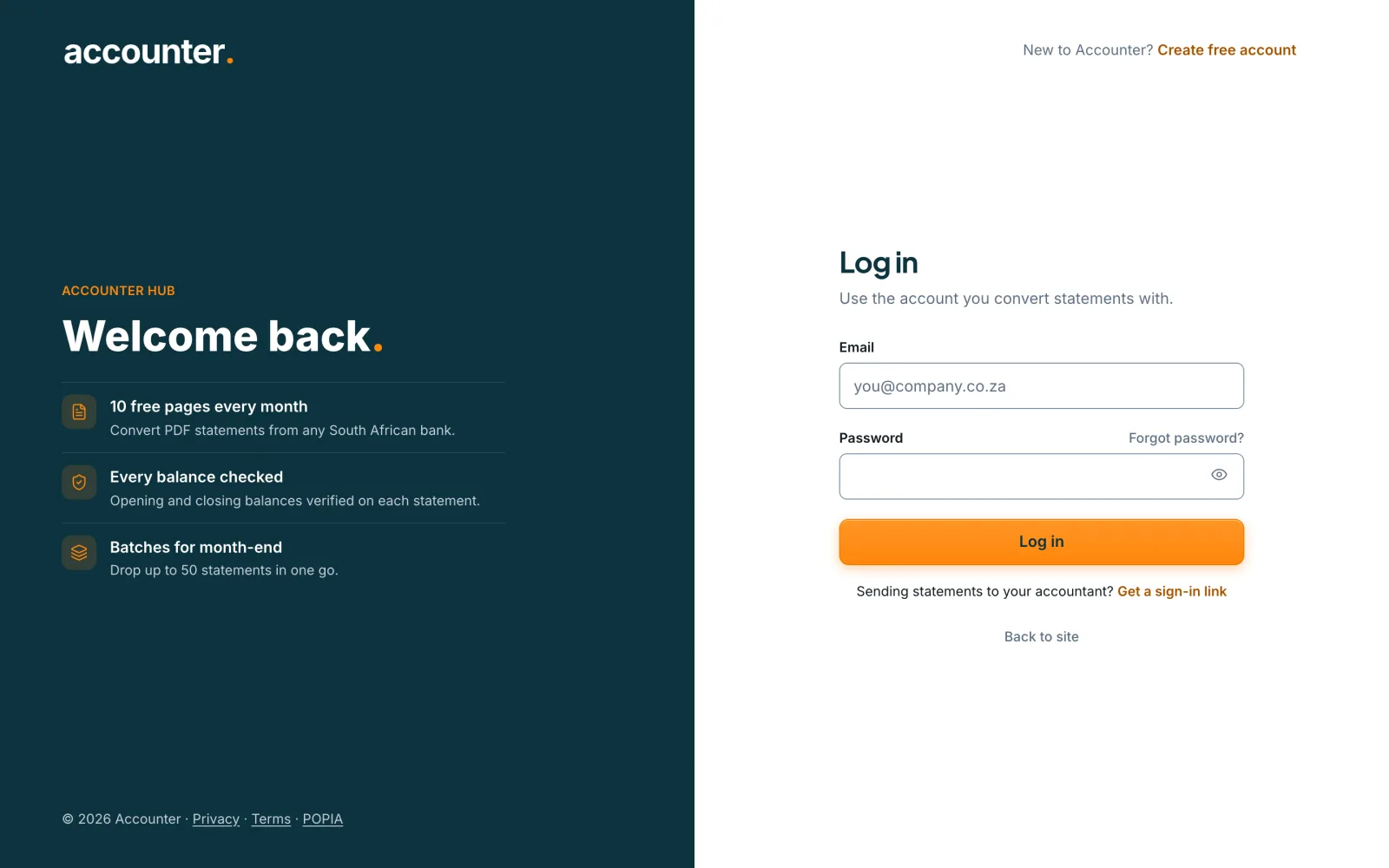
Open the login page
Go to accounter.co.za/login. The page is headed Log in and says Use the account you convert statements with.
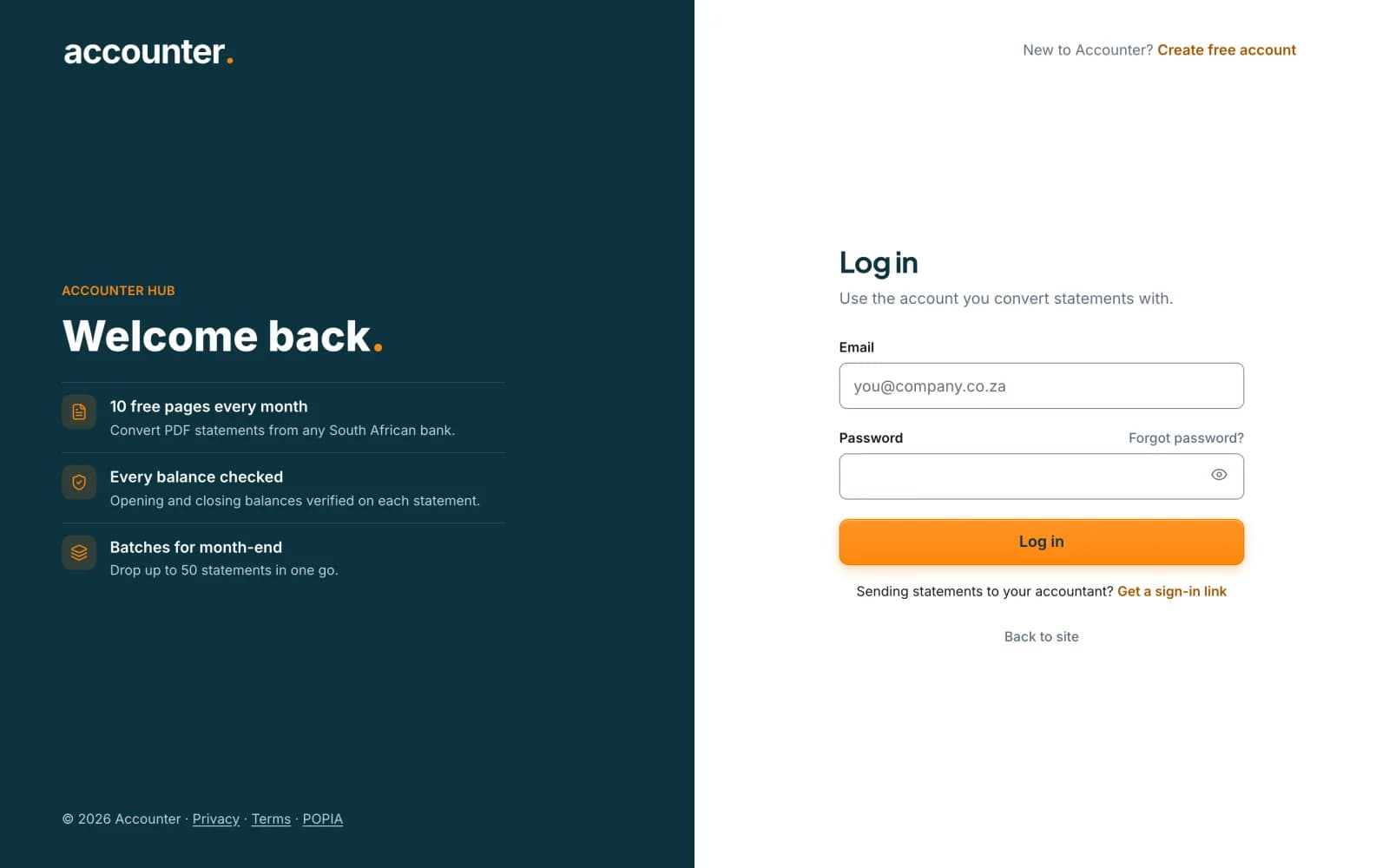 Open full size screenshot for step 1
Enter your details and log in
Type your email and password, then press Log in. You land on your account home page, My work.
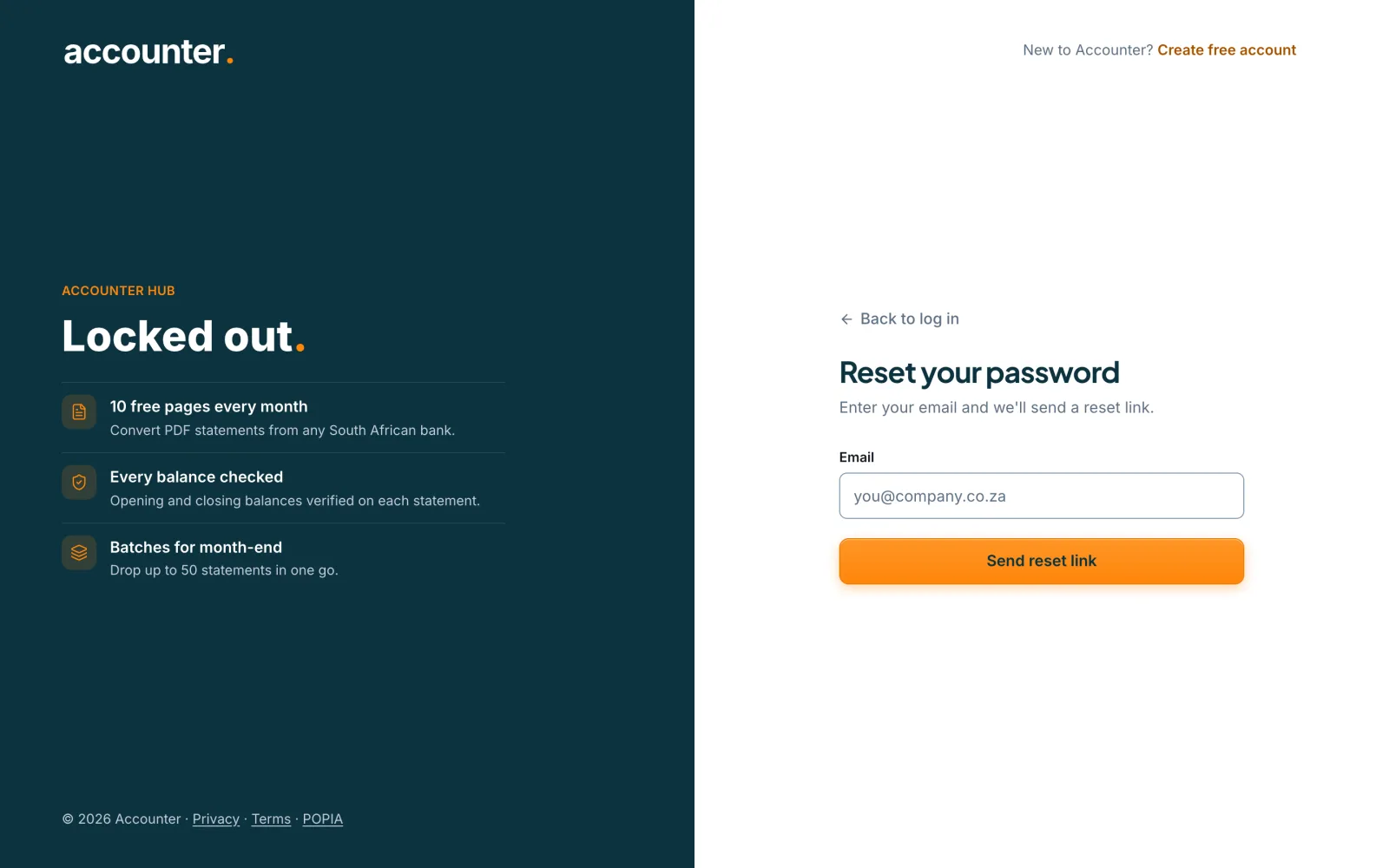
If you have forgotten your password, ask for a reset link
Choose Forgot password? next to the password box. On the Reset your password page, enter your email and press Send reset link.
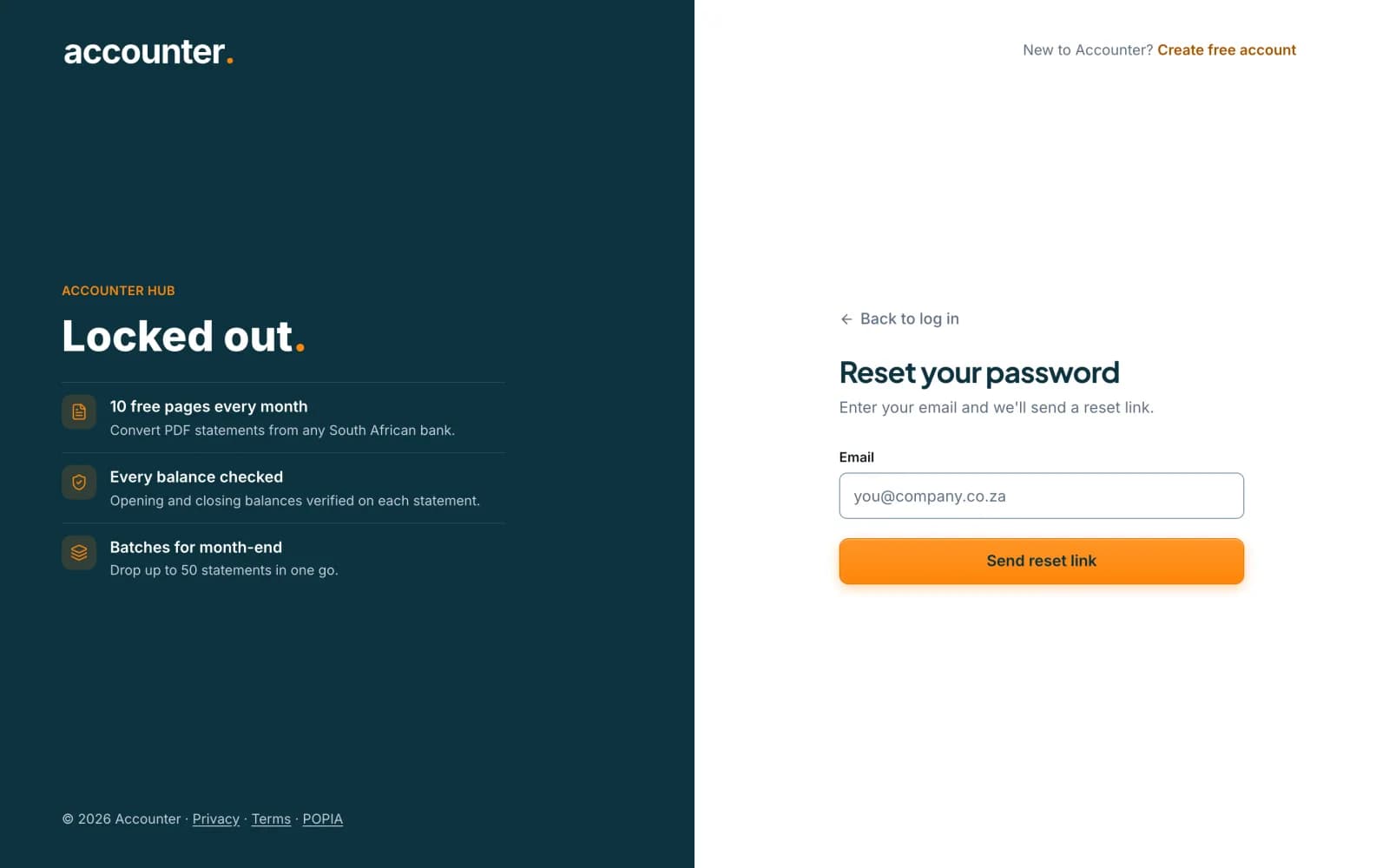 Open full size screenshot for step 3
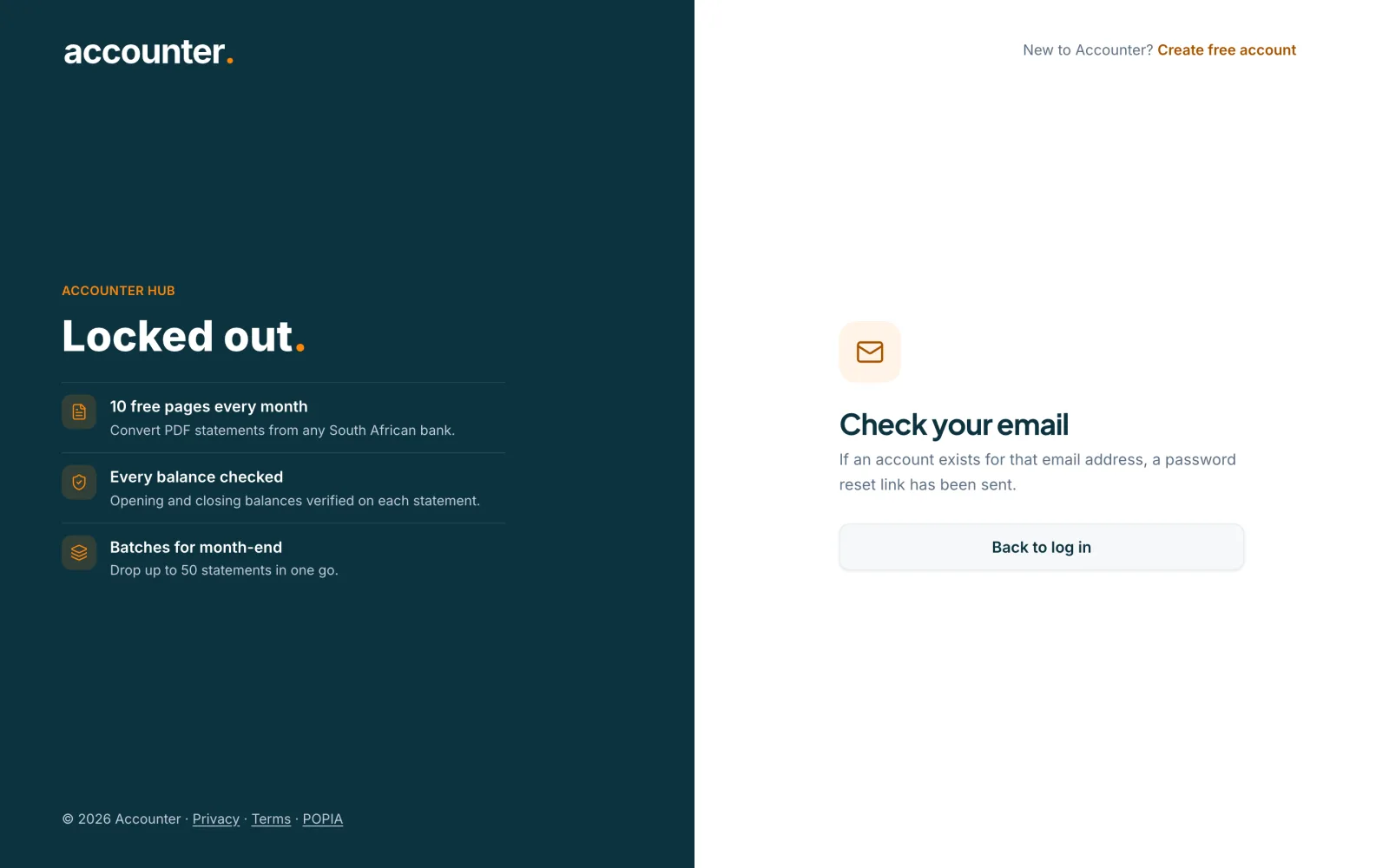
Check your email
The page says Check your email. If an account exists for that address, a reset link has been sent. Open the email and click the link. By default the link works for 60 minutes and can be used once.
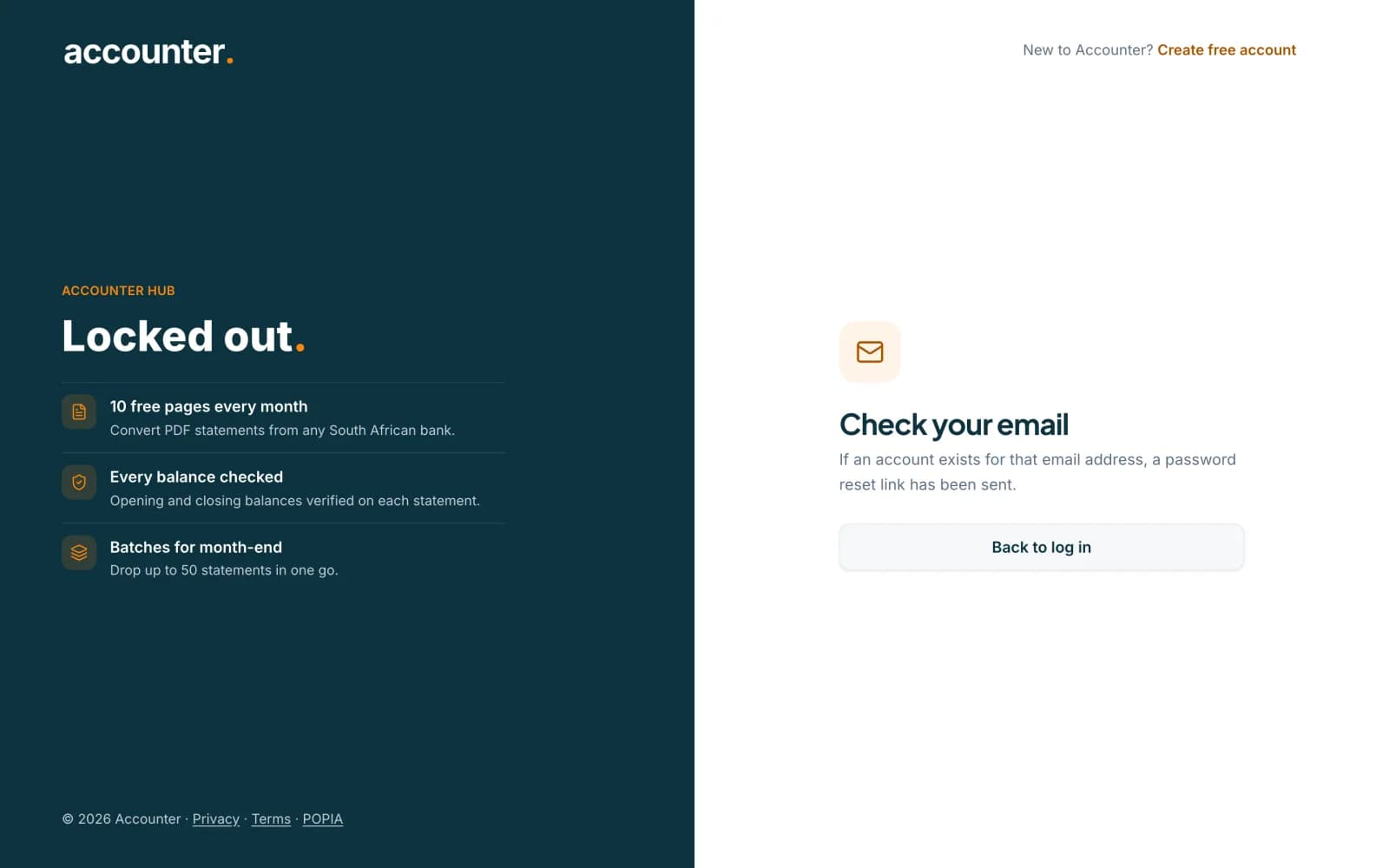 Open full size screenshot for step 4
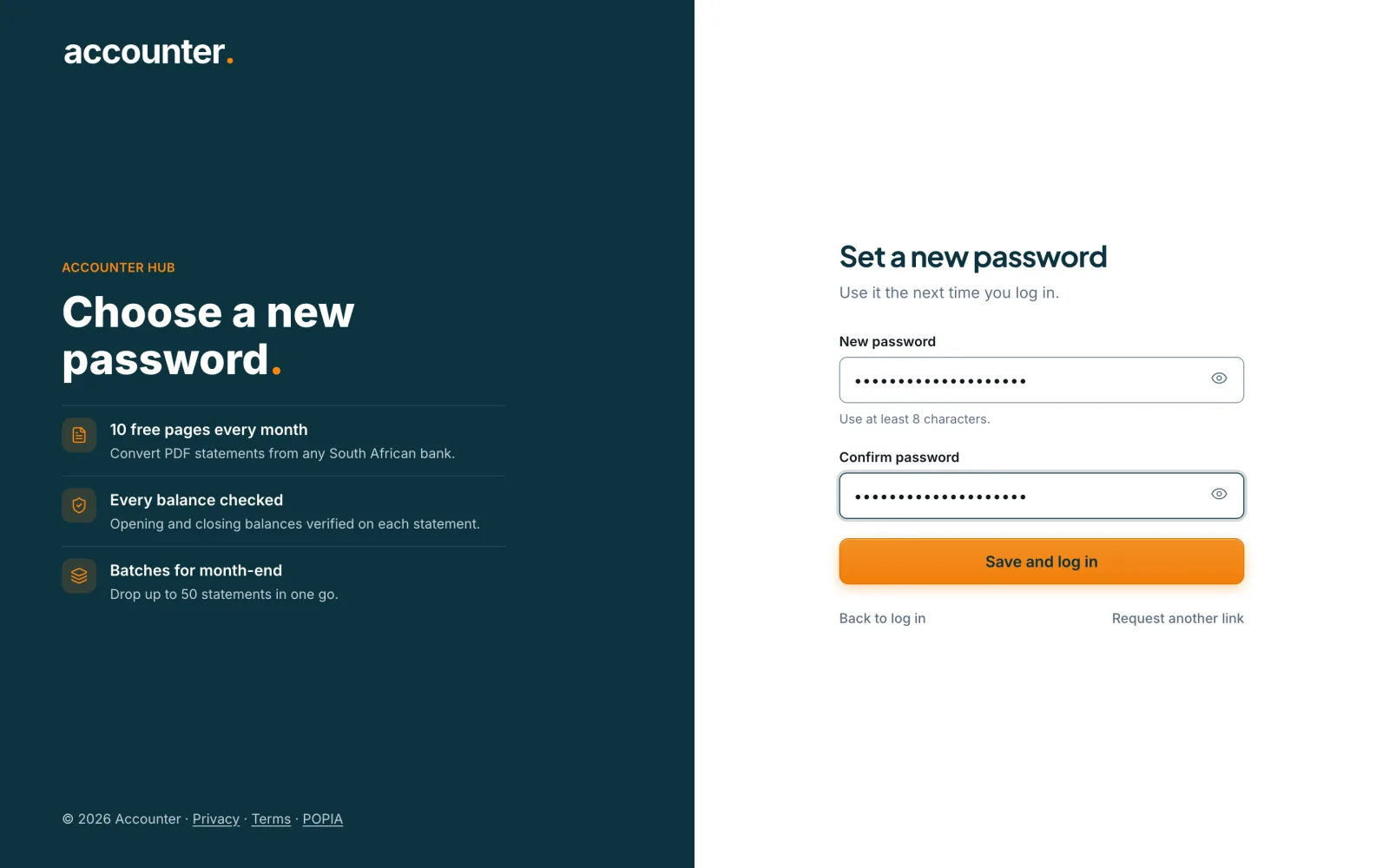
Choose a new password
Type a new password of at least 8 characters, type it again in Confirm password, and press Save and log in. Accounter shows Password updated and takes you back to the login page, where you log in with the new password.
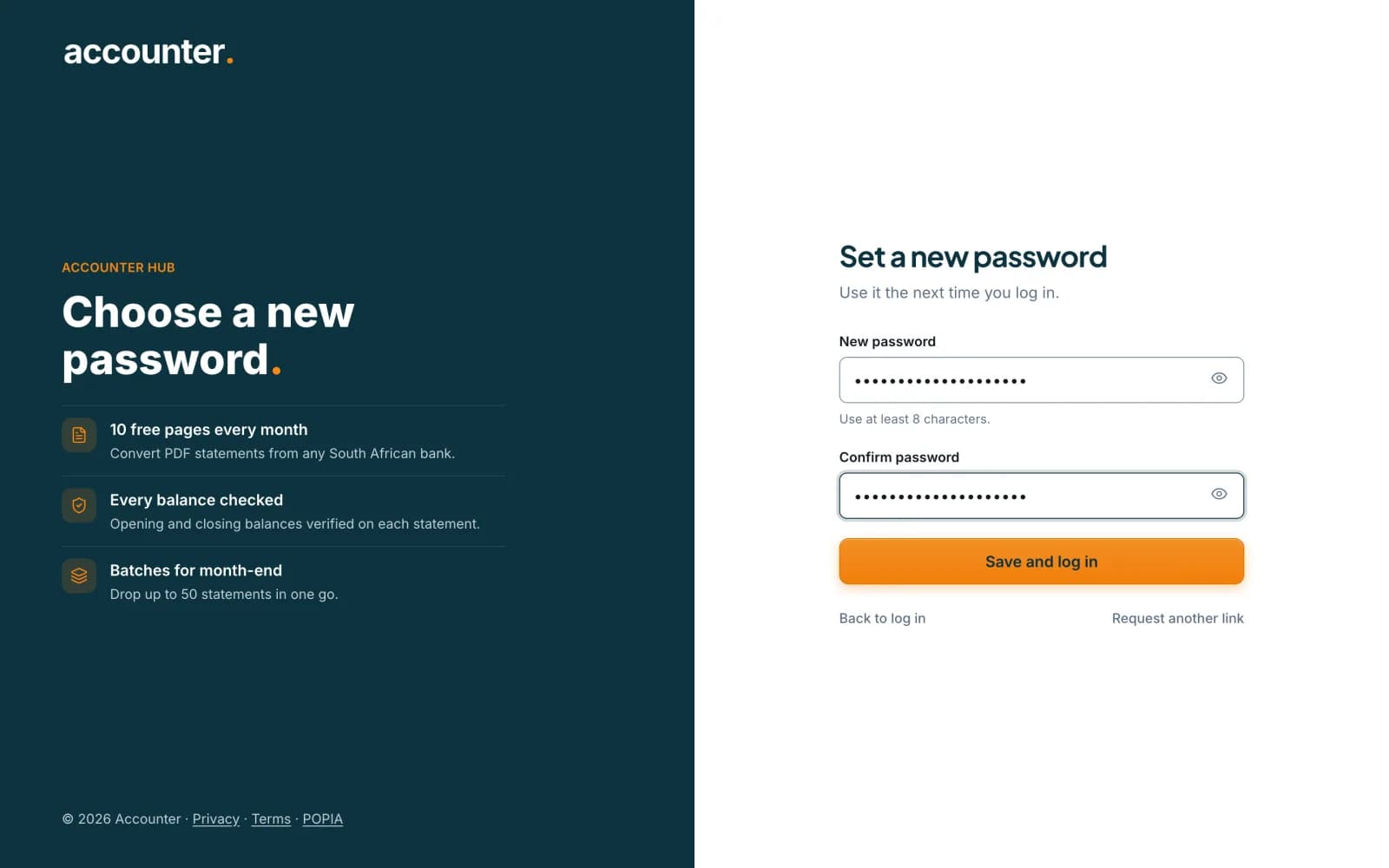 Open full size screenshot for step 5
Tips
- The same message appears whether or not the email has an account. This protects your privacy, so do not worry if it looks identical for a typing mistake.
- Resetting your password signs you out of your other sessions.
- Use the show and hide control in the password box to check what you typed.
If something goes wrong
- The login page says Invalid login details or verification challenge.
- Check the email and password and try again. If the page shows a verification challenge, let it finish before you press Log in. If you cannot remember the password, use Forgot password?.
- The reset page says This reset link has expired.
- The link is out of date or has already been used. Press Request a new link, and use the newest email.
- The reset email has not arrived.
- Check your spam folder. Make sure you typed the email address you signed up with, then request another link.
- Sign-up emails never arrived, so you cannot verify.
- Log in and use Resend verification email in your account. See the guide on creating an account.