Archive, restore and delete a client
Last reviewed 15 November 2026 · 4 steps
Archive a client you no longer collect from, restore them later, or delete them and their statements permanently.
Firms
Steps
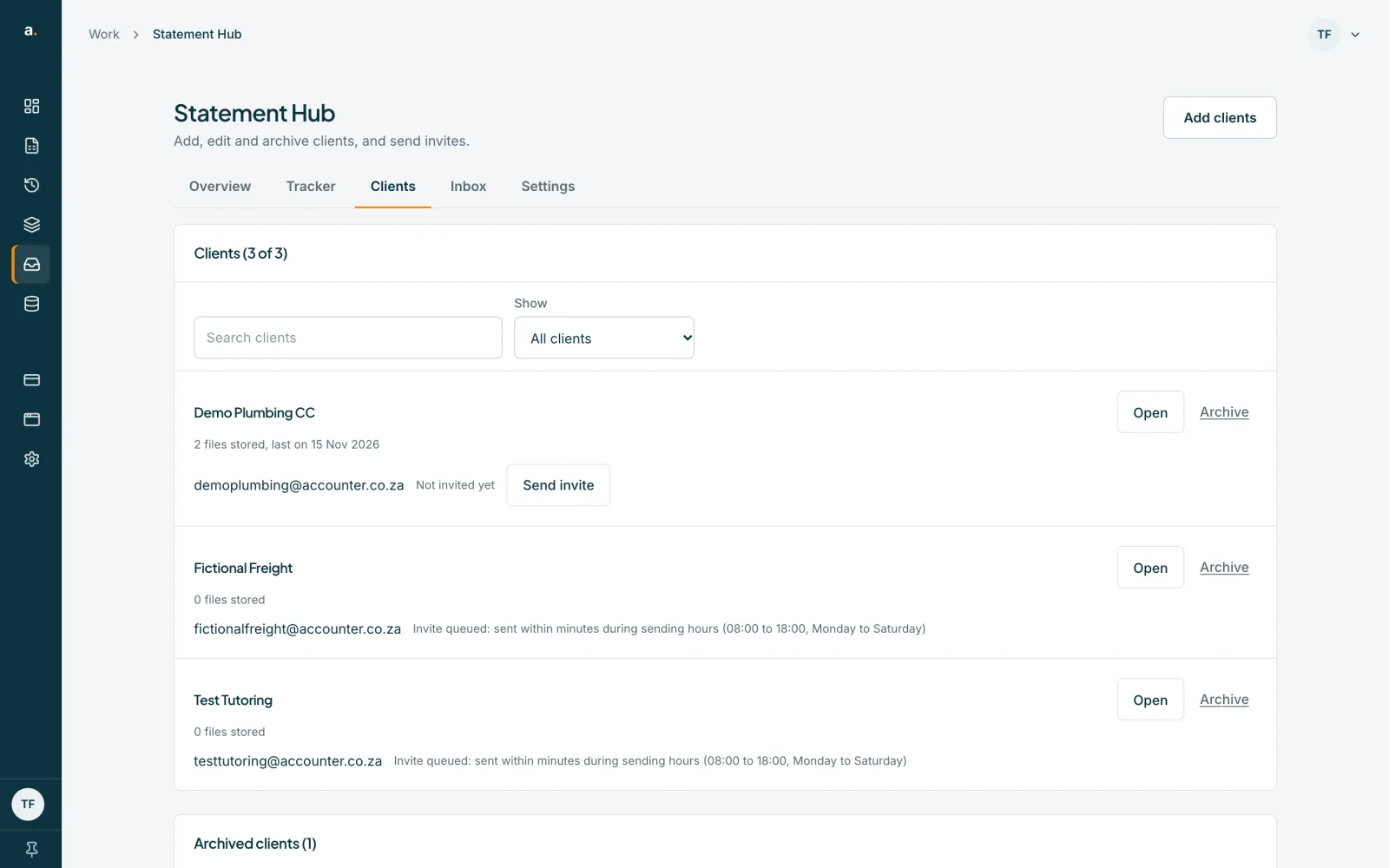
Press Archive on the client row
On the Clients tab, press Archive beside the client. Only an owner or admin sees it.
Confirm
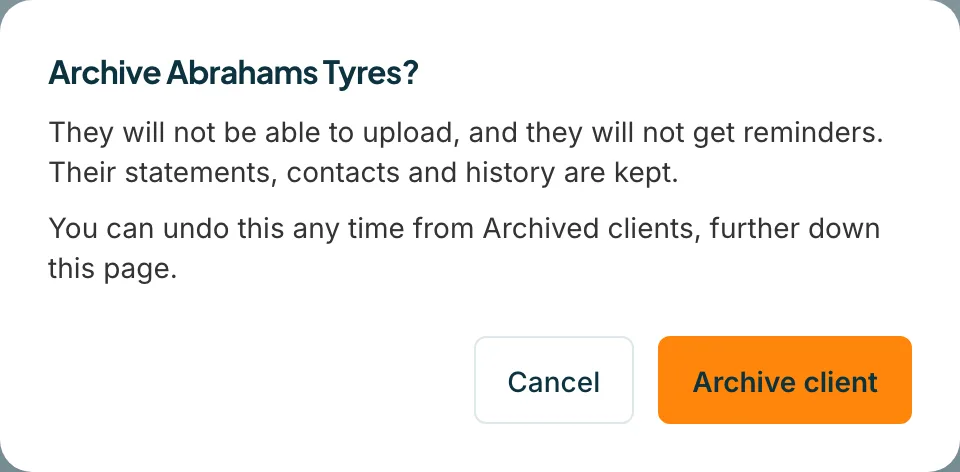
A panel asks Archive the client? It says They will not be able to upload, and they will not get reminders. Their statements, contacts and history are kept. Press Archive client. For 10 seconds, an Undo link is shown.
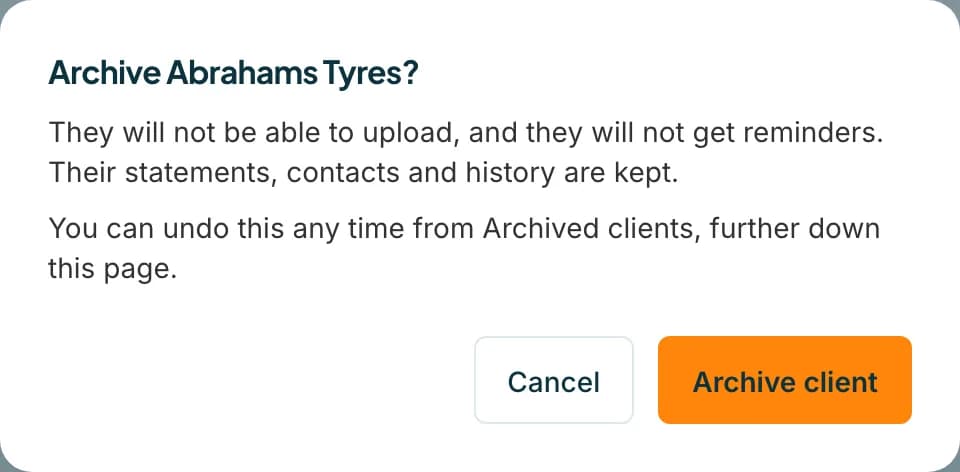 Open full size screenshot for step 2
Restore an archived client
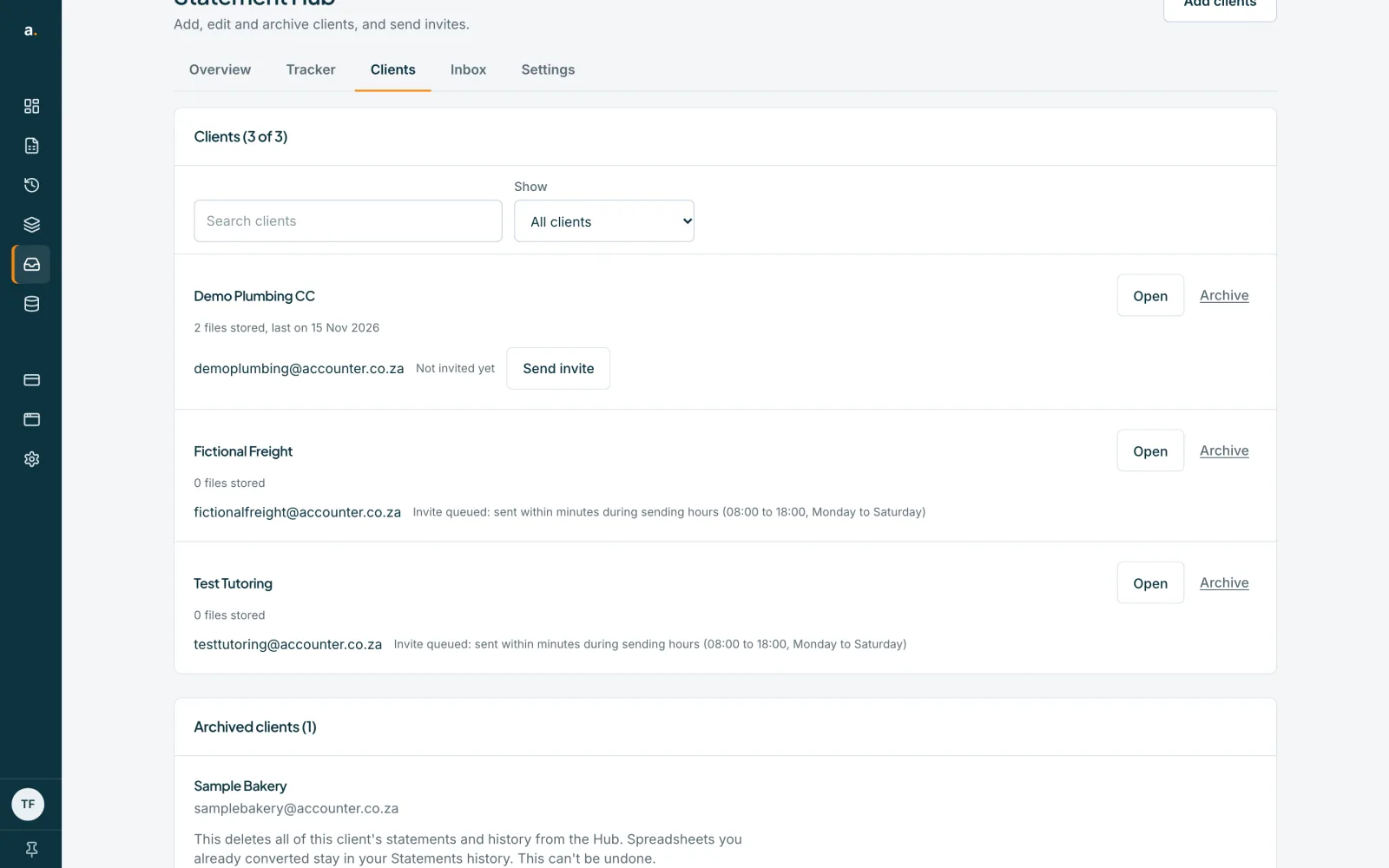
Scroll down to Archived clients and press Restore. They come back with their contacts, accounts and history.
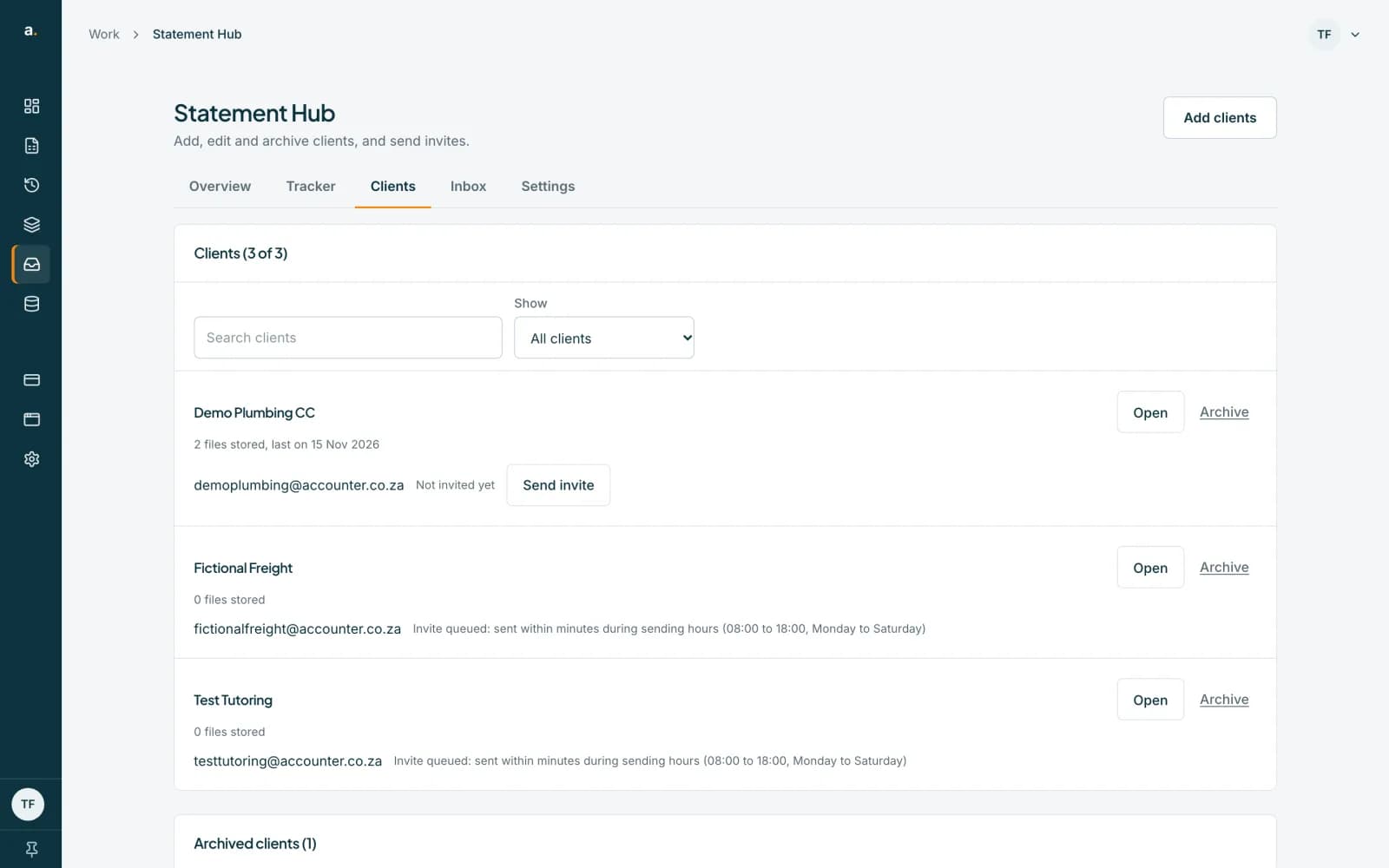 Open full size screenshot for step 3
Delete a client permanently
Press Delete permanently on an archived client. Type the client's name exactly, then confirm. This deletes all of the client's statements and history from the Hub. Spreadsheets you already converted stay in your Statements history. This can't be undone.
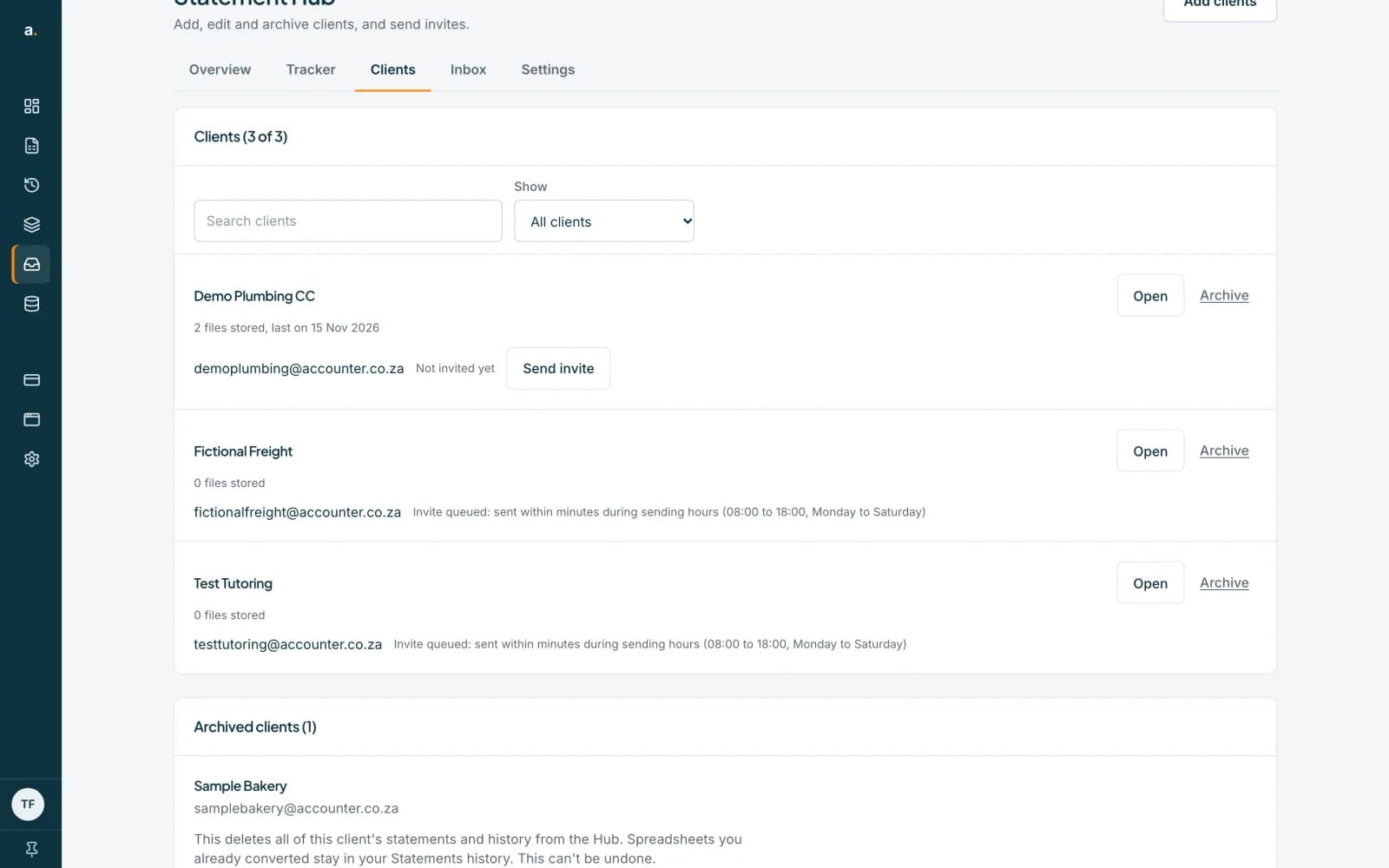 Open full size screenshot for step 4
Tips
- Only active clients count towards the free limit of 100 clients, so archiving frees space.
- Only an owner or admin can archive, restore or delete a client. Members do not see these options.
- You cannot delete a client permanently without archiving first.
If something goes wrong
- You see That name doesn't match.
- Type the client's name exactly as shown, including capitals and punctuation.
- You see A statement for this client is still being processed.
- Try again in a few minutes.
- A client shows Deleting, not finished.
- Some files could not be deleted yet. Press Finish deleting. It carries on where it stopped.
- You see Could not restore. You can restore them from Archived clients.
- Use Restore in the Archived clients list.
Related guides
- Choose how long statements are keptDecide how long Statement Hub keeps clients' statements before deleting them automatically.
- Free limits, credits and held statementsKnow the free client and statement limits, what happens when you go over, and how a purchase releases held statements.
- Who can do what in Statement HubSee what owners, admins and members can each do in Statement Hub, and where colleagues are added.