Who can do what in Statement Hub
Last reviewed 15 November 2026 · 4 steps
See what owners, admins and members can each do in Statement Hub, and where colleagues are added.
Firms
Steps
Know the three roles
Every colleague on your Accounter team is an owner, an admin or a member. They all see the same clients, requests and files.
What members can do
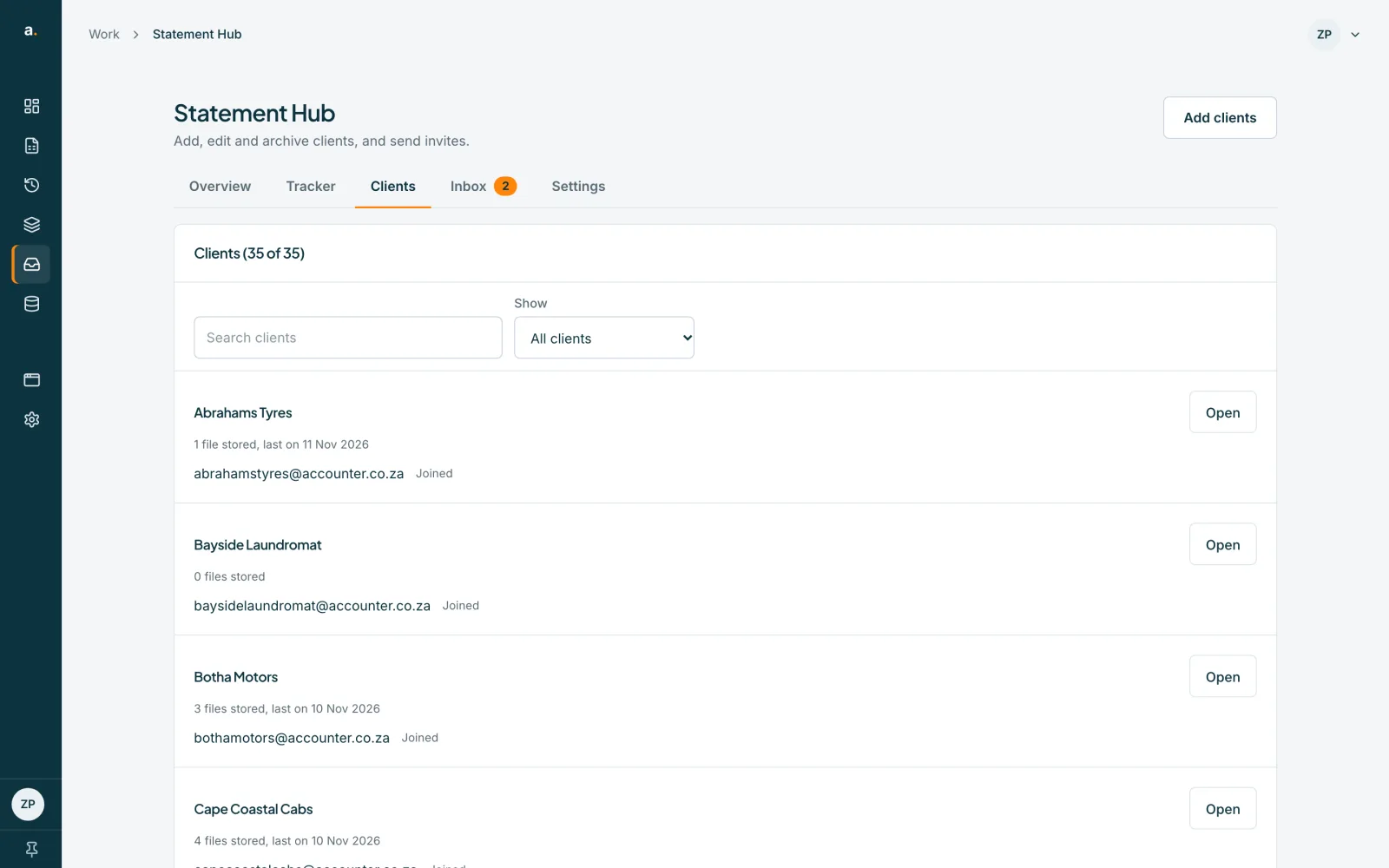
Members can view everything, add clients, import clients, request, remind, invite, convert, download, use the Inbox, and add bank accounts.
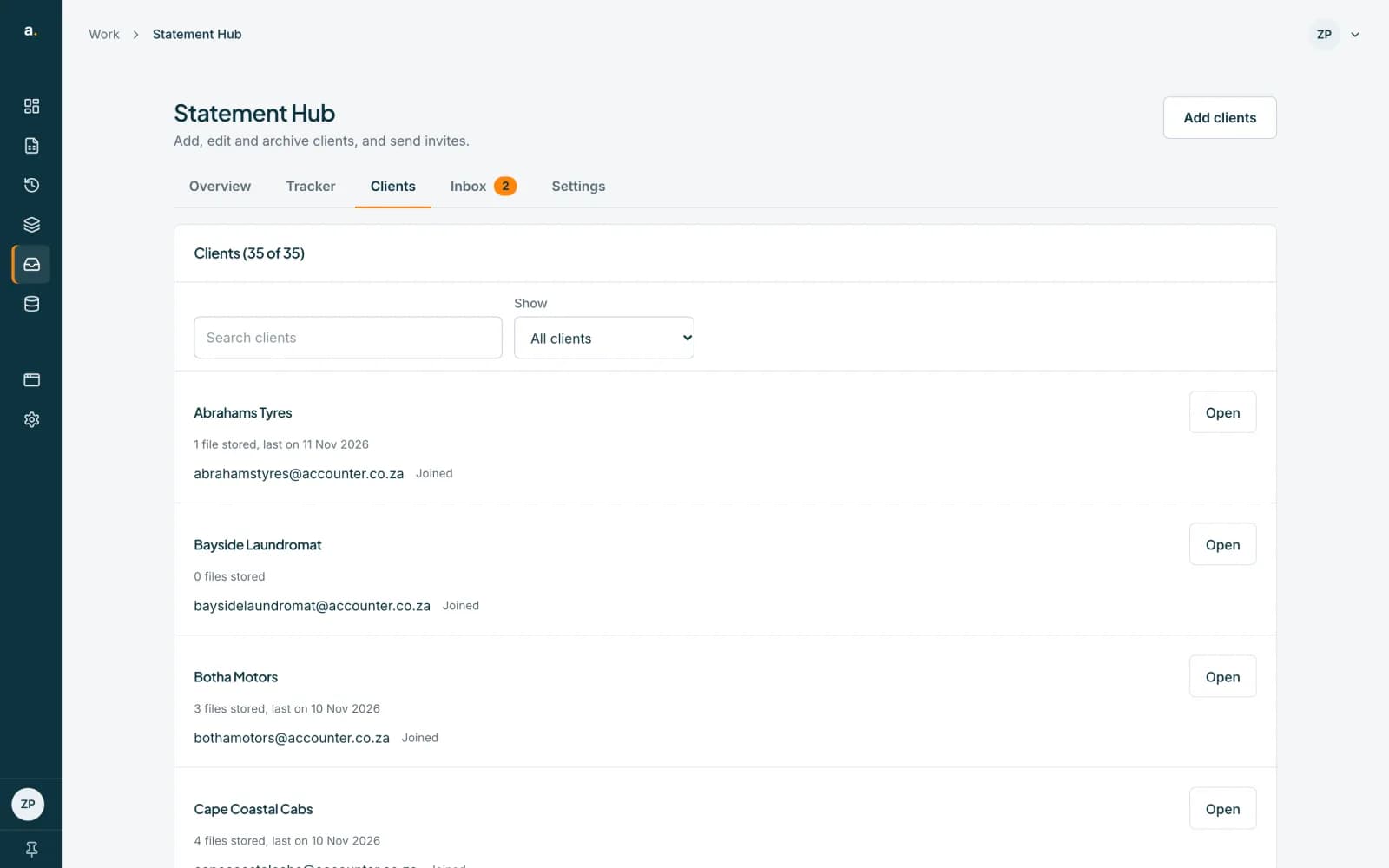 Open full size screenshot for step 2
What only owners and admins can do
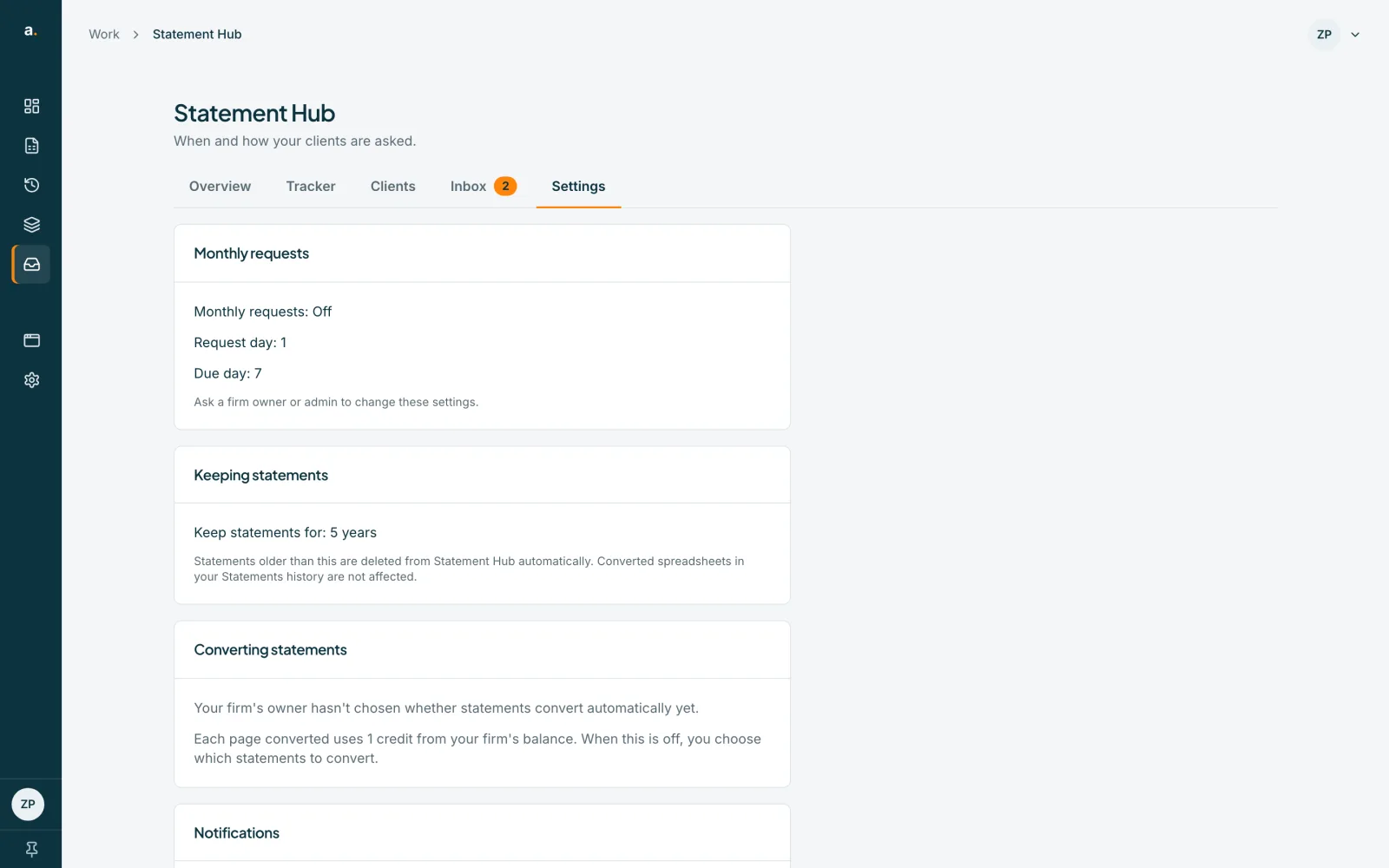
Only an owner or admin can change Settings, archive, restore or delete clients, close bank accounts, create or replace the inbox address, set a client's automatic conversion, and turn the Hub on for an existing firm workspace.
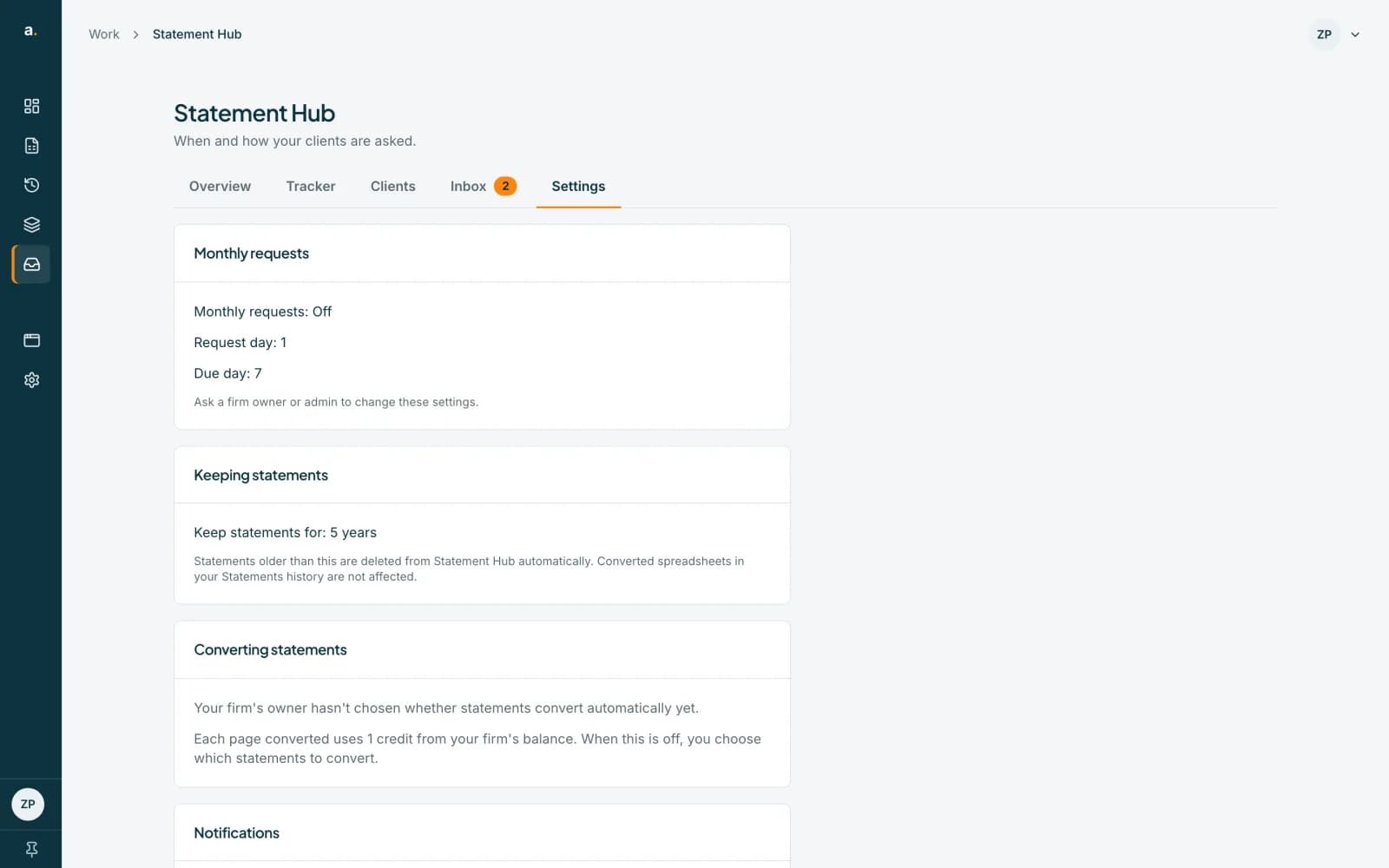 Open full size screenshot for step 3
Add colleagues on the Team page
Open Settings in the left menu, then choose Team to see members and their roles, and to invite people. The number of seats depends on your plan.
Tips
- Credits come from the firm owner's balance. A member who converts uses those credits, and the rest wait if they run out.
- Members do not see the credit balance.
- Each person's daily summary email is their own choice.
If something goes wrong
- You see All seats are in use.
- Your plan has no spare seat. Free workspaces have one seat. Ask us about a plan with more seats.
- A setting is read-only and says Ask a firm owner or admin to change these settings.
- You are a member. An owner or admin must change it.
- You see Ask your firm's owner to turn on Statement Hub.
- Only an owner or admin can turn the Hub on for an existing firm.
Related guides
- Choose how long statements are keptDecide how long Statement Hub keeps clients' statements before deleting them automatically.
- Turn on monthly requestsHave Statement Hub ask every client for last month's statements automatically, and choose the request day and due day.
- Archive, restore and delete a clientArchive a client you no longer collect from, restore them later, or delete them and their statements permanently.