Turn on monthly requests
Last reviewed 15 November 2026 · 4 steps
Have Statement Hub ask every client for last month's statements automatically, and choose the request day and due day.
Firms
Steps
Open Settings
Choose the Settings tab. The first card is Monthly requests. Only an owner or admin can change it. A member sees the values and Ask a firm owner or admin to change these settings.
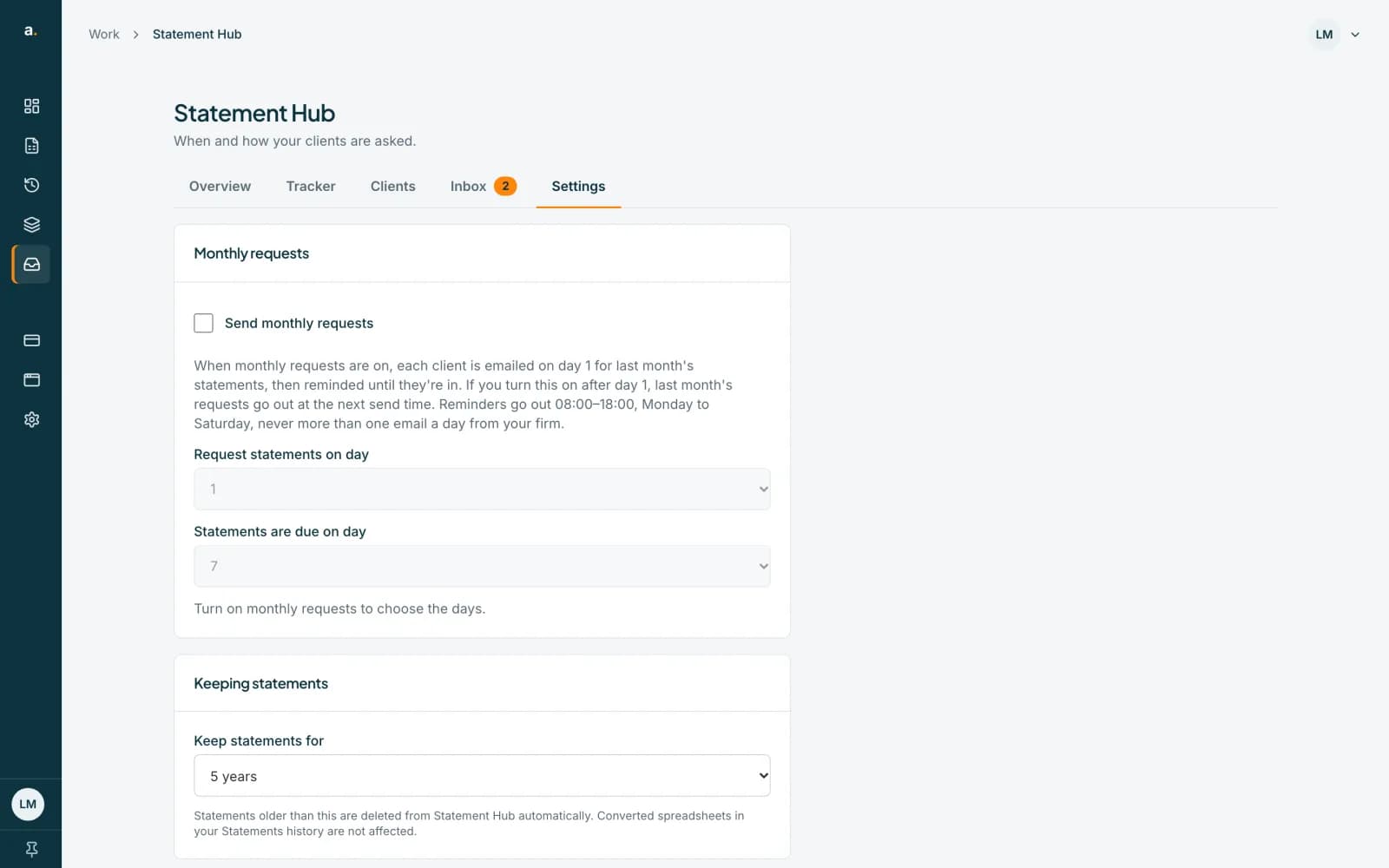 Open full size screenshot for step 1
Tick Send monthly requests
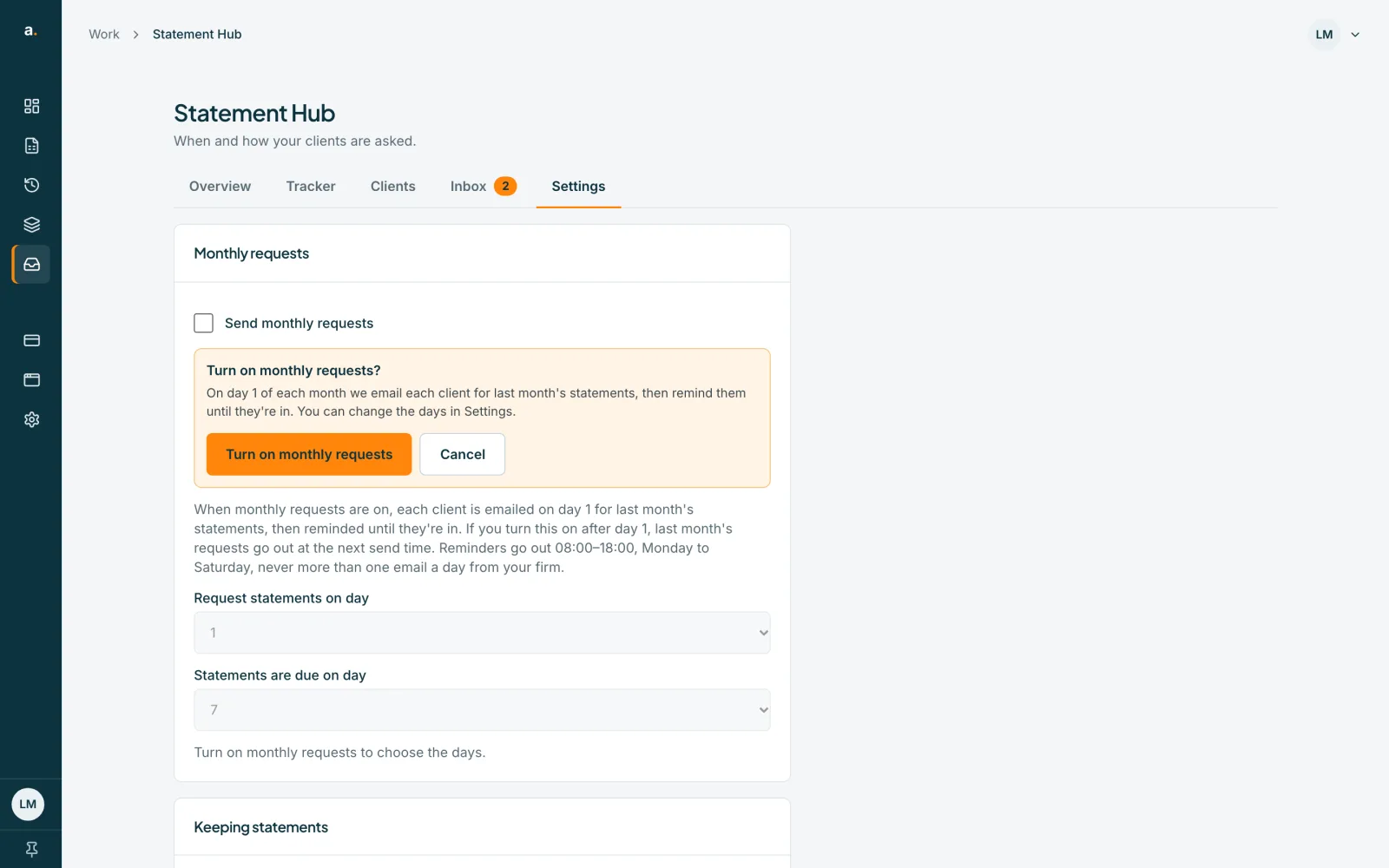
A panel appears asking Turn on monthly requests? It says that on the request day each month we email each client for last month's statements, then remind them until they are in.
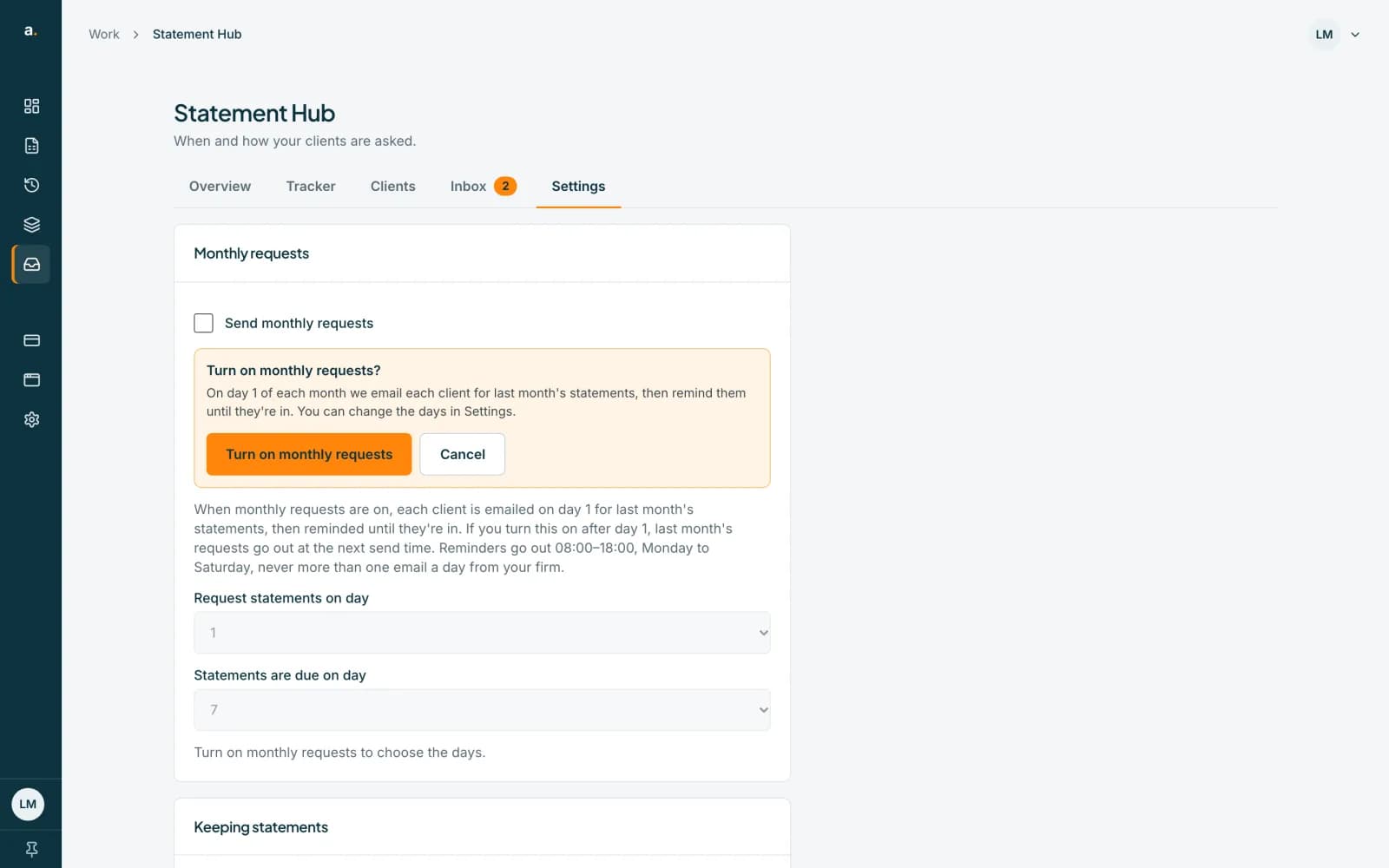 Open full size screenshot for step 2
Press Turn on monthly requests
The setting turns on and a message says Monthly requests are on, with the request day.
Choose the days
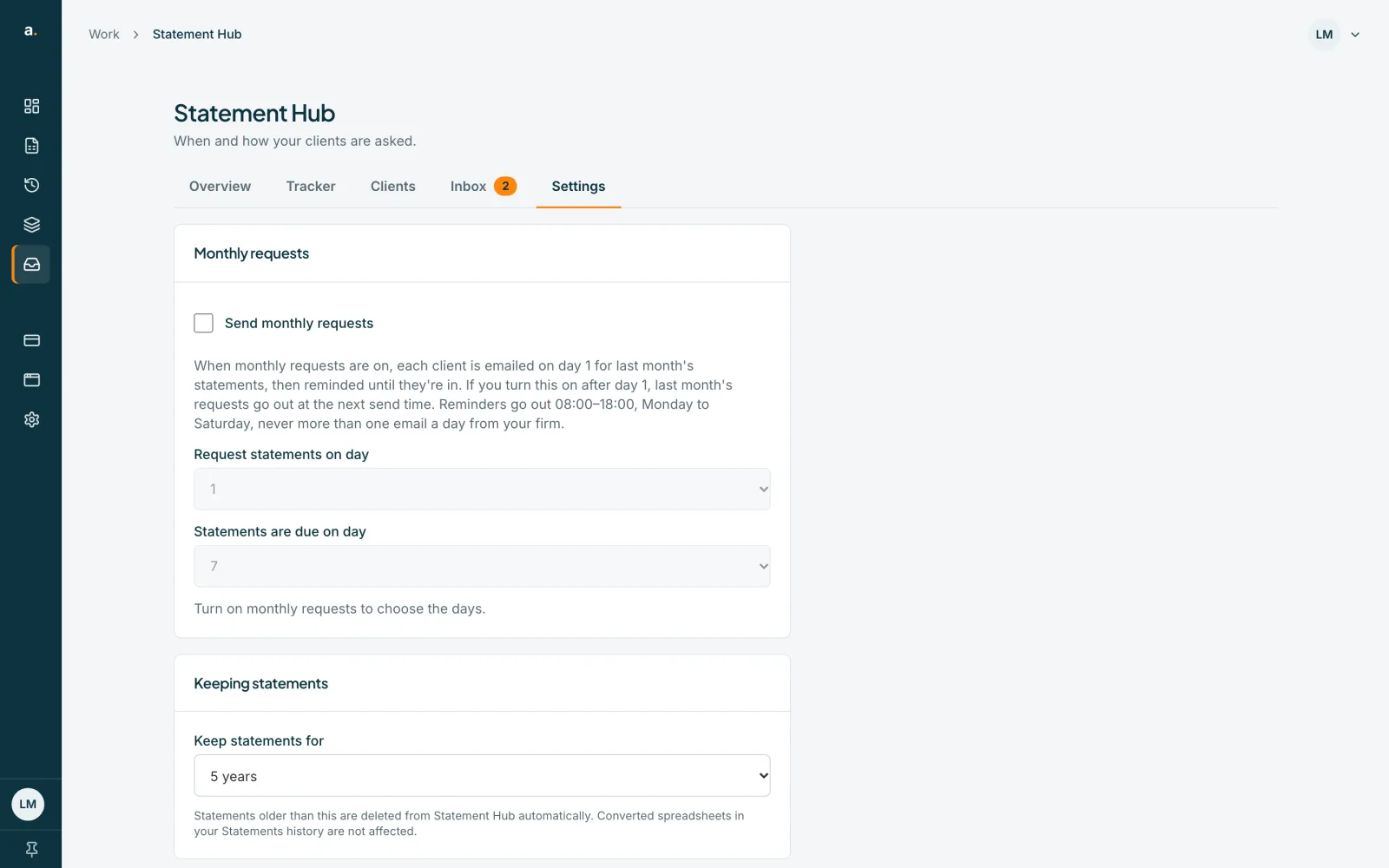
Use Request statements on day and Statements are due on day. Both go from 1 to 28. The due day cannot be before the request day. Changes save as soon as you make them, with a Saved note.
Tips
- Statements are due on that day of the following month. For example, with a due day of 7, October statements are due on 7 November.
- If you turn it on after the request day, last month's requests go out at the next send time.
- Turn it off any time by clearing the tick. It saves at once, with no confirmation.
If something goes wrong
- The day pickers are greyed out.
- Turn on monthly requests first. The pickers are for choosing the days once it is on.
- You see Due day can't be before the request day.
- Choose a due day on or after the request day. Change the due day first.
- You see Couldn't turn on monthly requests. Try again.
- Check your connection and tick the box again.
- The settings are not editable.
- You are a member. Ask an owner or admin.
Related guides
- Request a month for many clientsAsk every client who has not been asked for a month with one request, and see who is and is not included.
- Understand the sending windowInvites, requests and reminders go out 08:00 to 18:00, Monday to Saturday, South African time. See what happens outside those hours.
- Who can do what in Statement HubSee what owners, admins and members can each do in Statement Hub, and where colleagues are added.