Request a month for many clients
Last reviewed 15 November 2026 · 4 steps
Ask every client who has not been asked for a month with one request, and see who is and is not included.
Firms
Steps
Choose the month on the Overview
Open the Overview tab and pick the month in the Month list. You can choose any of the last 6 months.
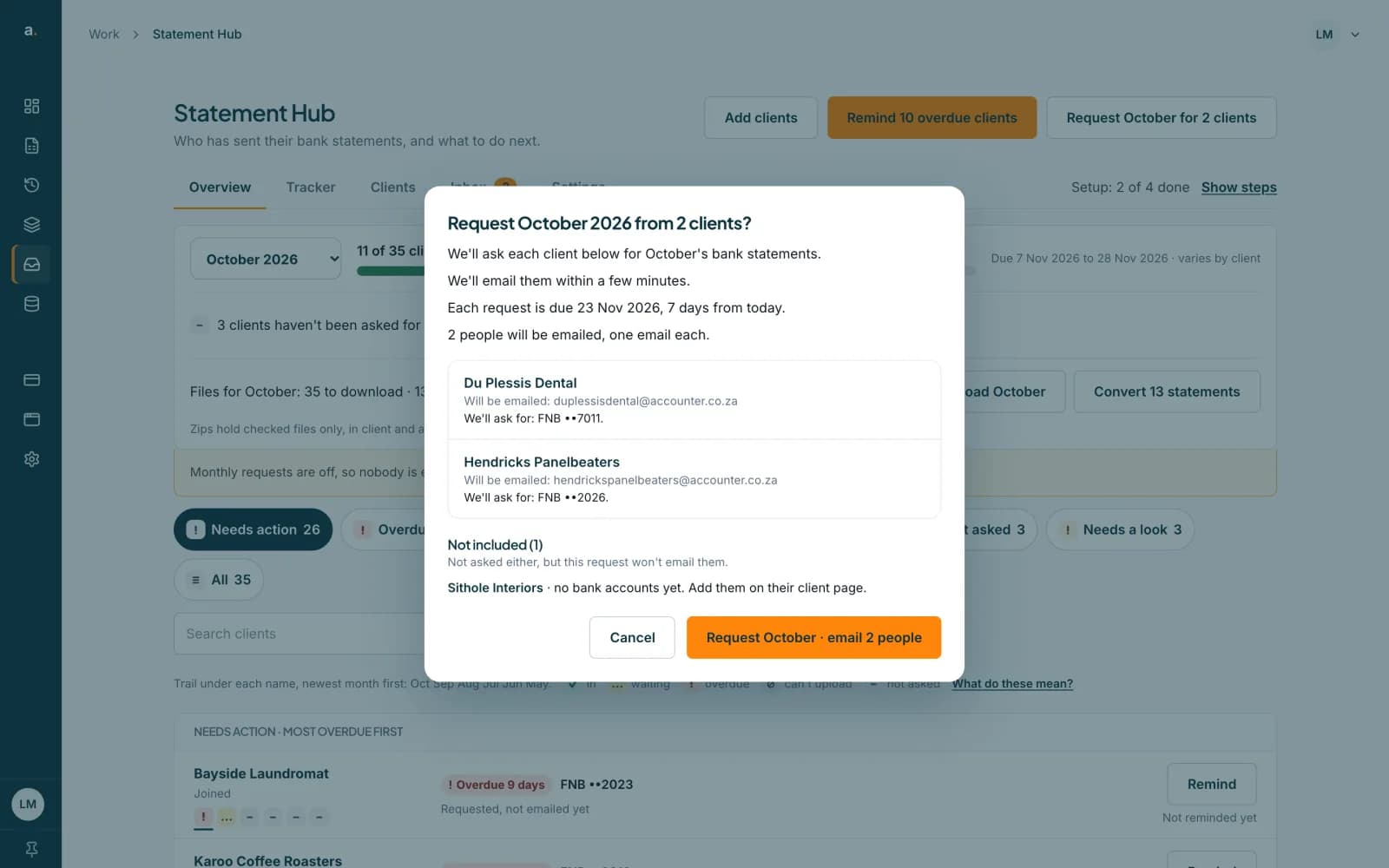
Press Request {month} for N clients
At the top of the page, press the button, for example Request October for 2 clients. It appears when some clients have not been asked for that month and a request can reach them. The Get set up strip has the same button.
 Open full size screenshot for step 2
Read who is included
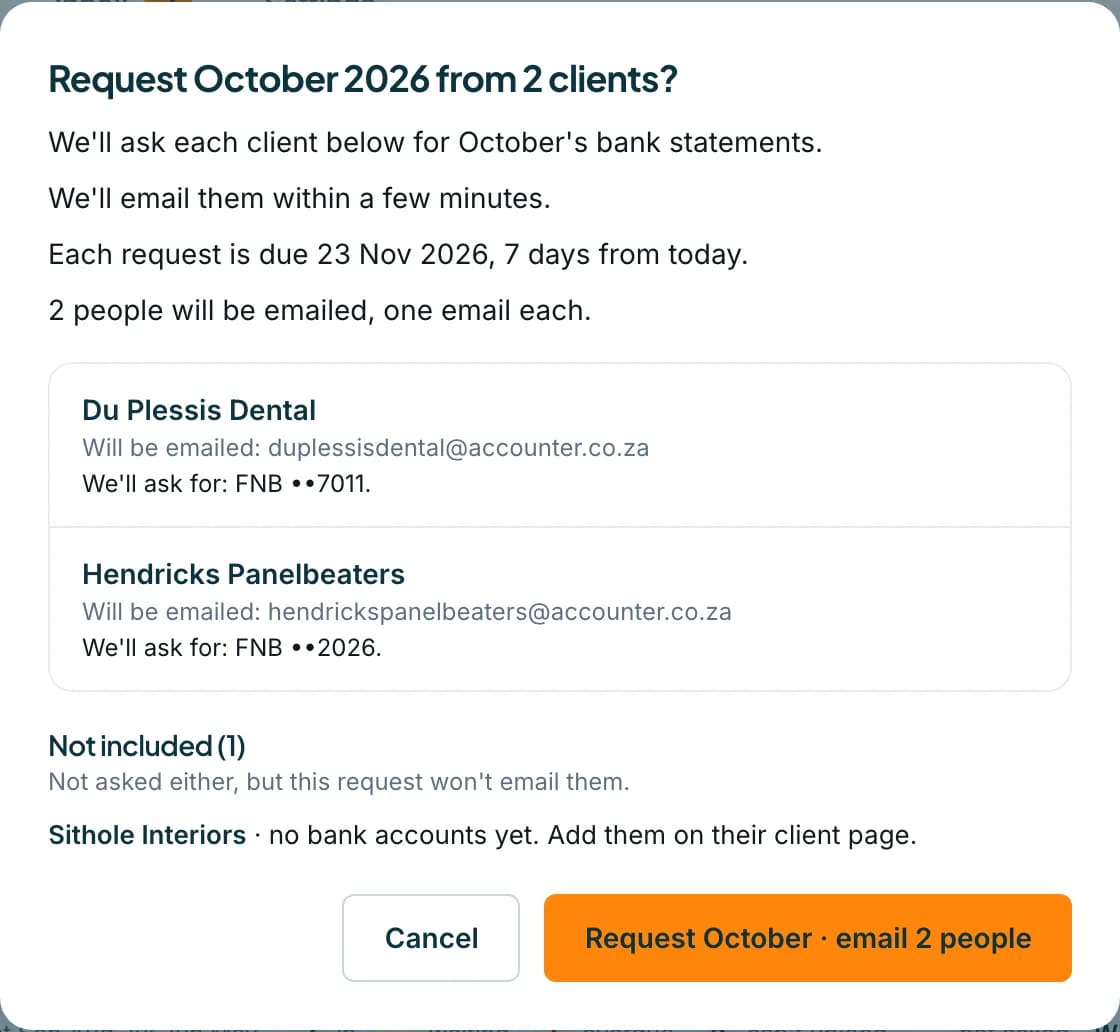
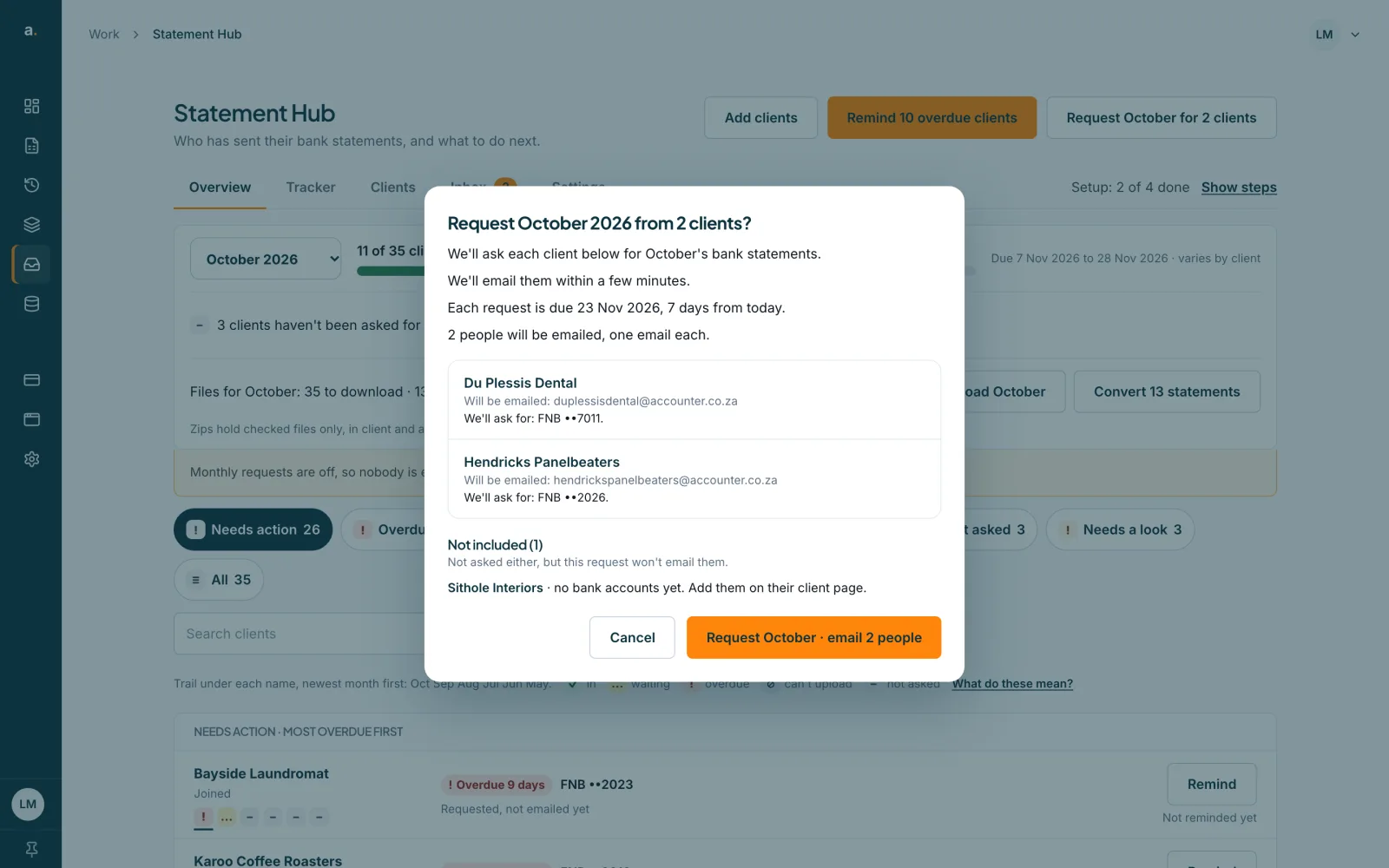
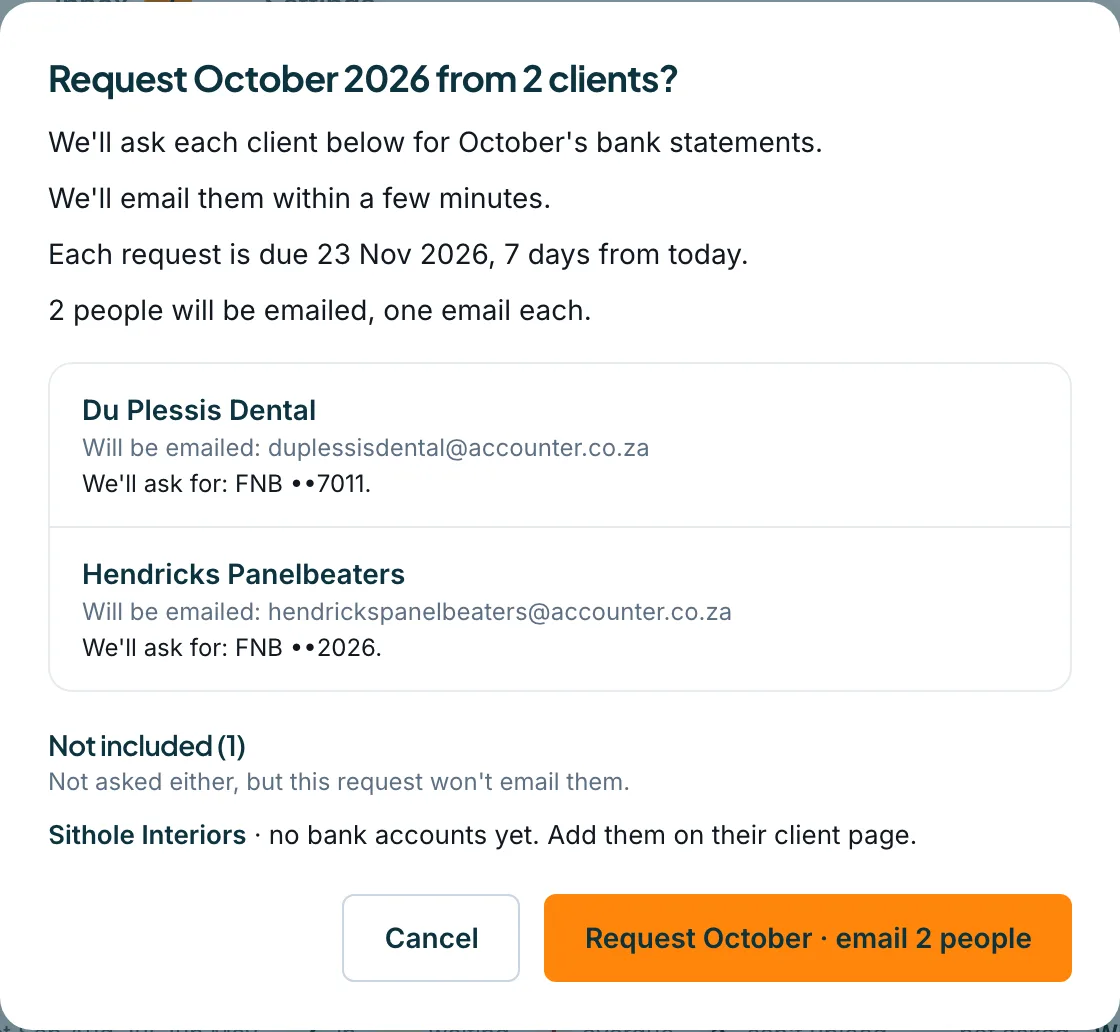
The dialog asks Request October 2026 from 2 clients? It lists each client and the people who will be emailed, says when the emails go out (for example at 08:00 on Monday 16 November), and says each request is due 7 days from today. Under Not included you see clients that cannot be emailed and why.
 Open full size screenshot for step 3
Confirm
Press Request October · email 2 people. Nothing is created until you do. The dialog shows Requesting and then Done, with how many were requested. Months that already had a request show Already requested.
Tips
- If three requests fail in a row, the dialog stops and says Stopped after 3 failures in a row. Press Cancel or Close and try again when your connection is back.
- Clients with no bank account, or nobody who can be emailed, are listed under Not included.
- For a monthly routine without pressing a button, see the guide on monthly requests.
If something goes wrong
- You do not see a Request button.
- Every client already has a request for that month, or none can be reached. Check the month in the Month list.
- Some clients show Couldn't request.
- Open that client and request from their sheet, where the reason is shown.
- The dialog says Requested for 20 of 25 clients.
- Five were not requested. Close the dialog and look at those clients in the list.
Related guides
- Request statements from one clientAsk one client for one or more months of bank statements, and see exactly who will be emailed and when.
- Send reminders to clientsRemind one client, or every overdue client at once, and see how automatic reminders work.
- Turn on monthly requestsHave Statement Hub ask every client for last month's statements automatically, and choose the request day and due day.