Send reminders to clients
Last reviewed 15 November 2026 · 4 steps
Remind one client, or every overdue client at once, and see how automatic reminders work.
Firms
Steps
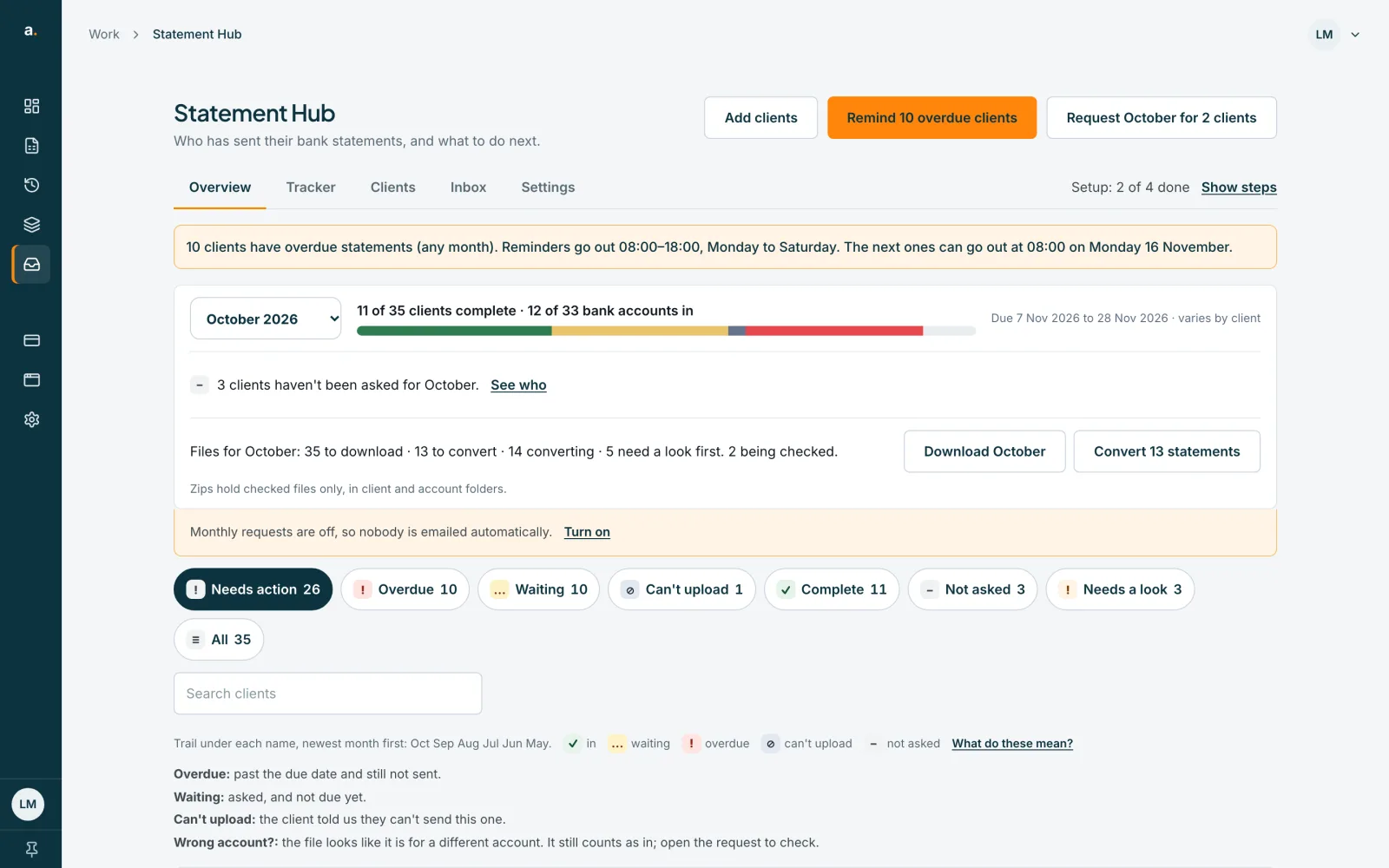
Find the client who is overdue
On the Overview tab, overdue clients are at the top of the Needs action list, with a note such as Overdue 8 days and a Remind button.
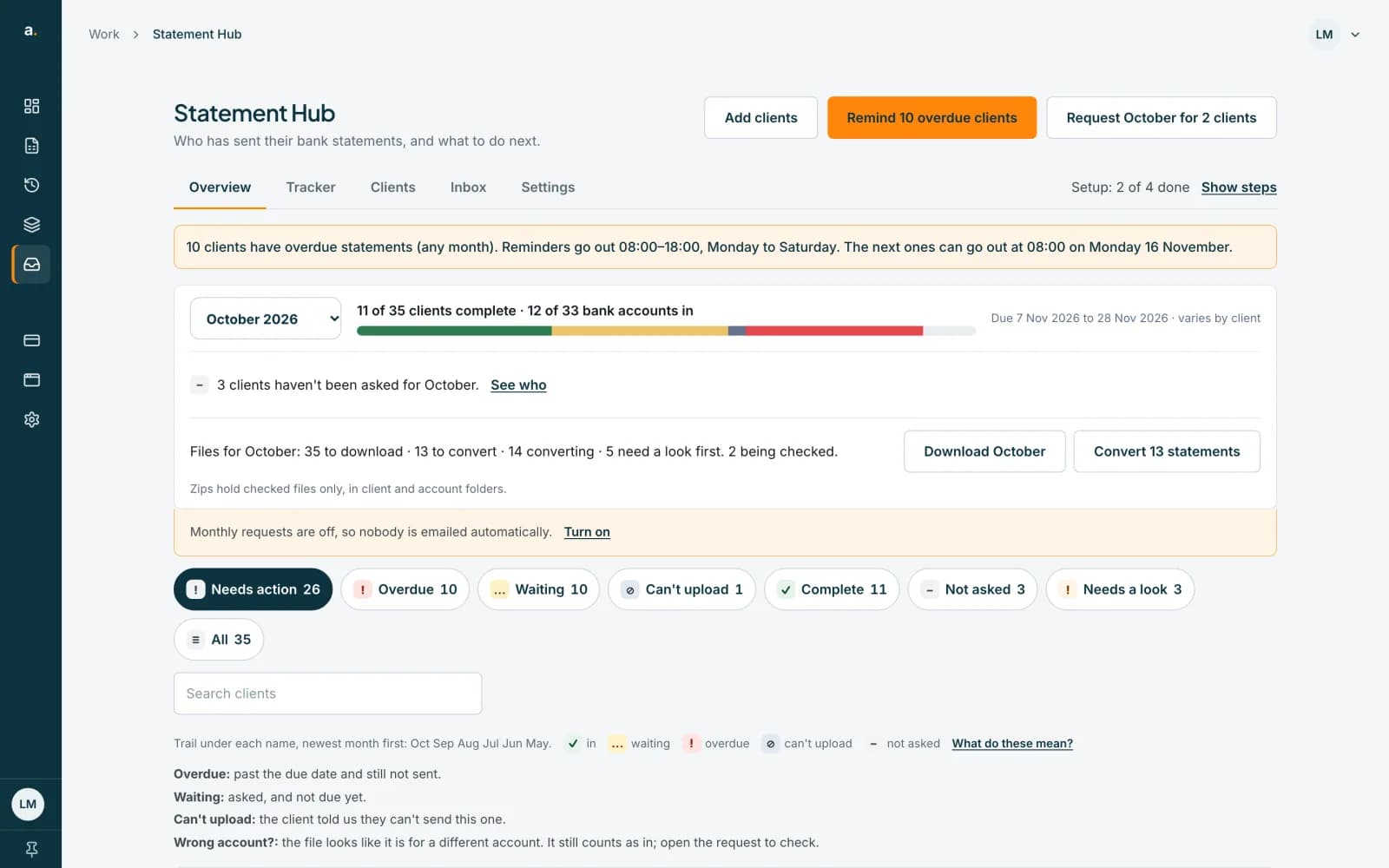 Open full size screenshot for step 1
Remind one client
Press Remind on the row. A panel asks Email the contact a reminder?, lists what is still needed and when they were last reminded. Press Send reminder to confirm. You can also press Send reminder now in the client's sheet, under Next step.
Remind everyone who is overdue
At the top of the Overview, press Remind N overdue clients. The dialog lists who will be emailed and, under Not included, who will not and why, for example Reminded today, no contact, or emails turned off. Press the Email button to send.
Read the result
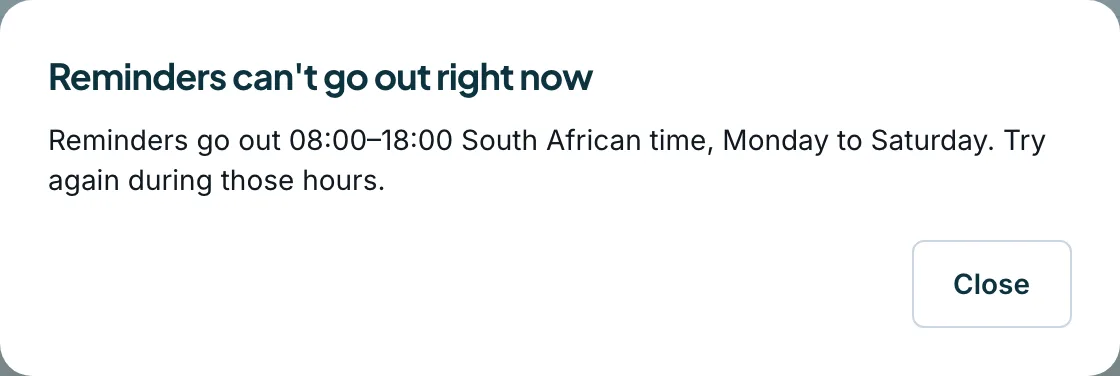
Each client shows Emailed, Already emailed today, Invited today so the reminder goes out tomorrow, or Nothing outstanding. If you press Remind outside the sending hours, you are told Reminders can't go out right now.
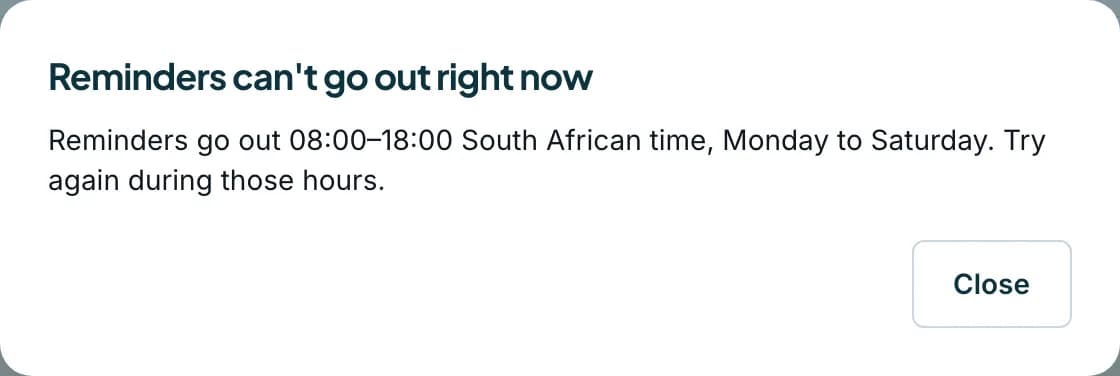 Open full size screenshot for step 4
Tips
- Each address gets at most one reminder a day. A contact invited today gets their first reminder tomorrow.
- Reminders also go out on their own: when a request is created, 3 days later, on the due date, and 2, 5, 12, 19 and 26 days after it. They stop 30 days after the due date.
- A client can stop emails from your firm. Their contact then shows Emails turned off by client.
If something goes wrong
- You see Reminders can't go out right now.
- Reminders go out 08:00 to 18:00 South African time, Monday to Saturday. Try again then. See the guide on the sending window.
- You see Reminders are paused right now, so no reminder can be sent.
- Reminders are paused for the whole service for now. Requests are still created. Try again later.
- The row says Already emailed today.
- Each address gets one email a day. Try again tomorrow.
- You see Reminders weren't sent: confirm your email address first.
- Confirm your own Accounter email address, then try again.
Related guides
- Understand the sending windowInvites, requests and reminders go out 08:00 to 18:00, Monday to Saturday, South African time. See what happens outside those hours.
- Request a month for many clientsAsk every client who has not been asked for a month with one request, and see who is and is not included.
- Use the Tracker to see what is missingSee every client and month in one grid, filter to what is still missing, and mark a statement received or can't upload.