Request statements from one client
Last reviewed 15 November 2026 · 5 steps
Ask one client for one or more months of bank statements, and see exactly who will be emailed and when.
Firms
Steps
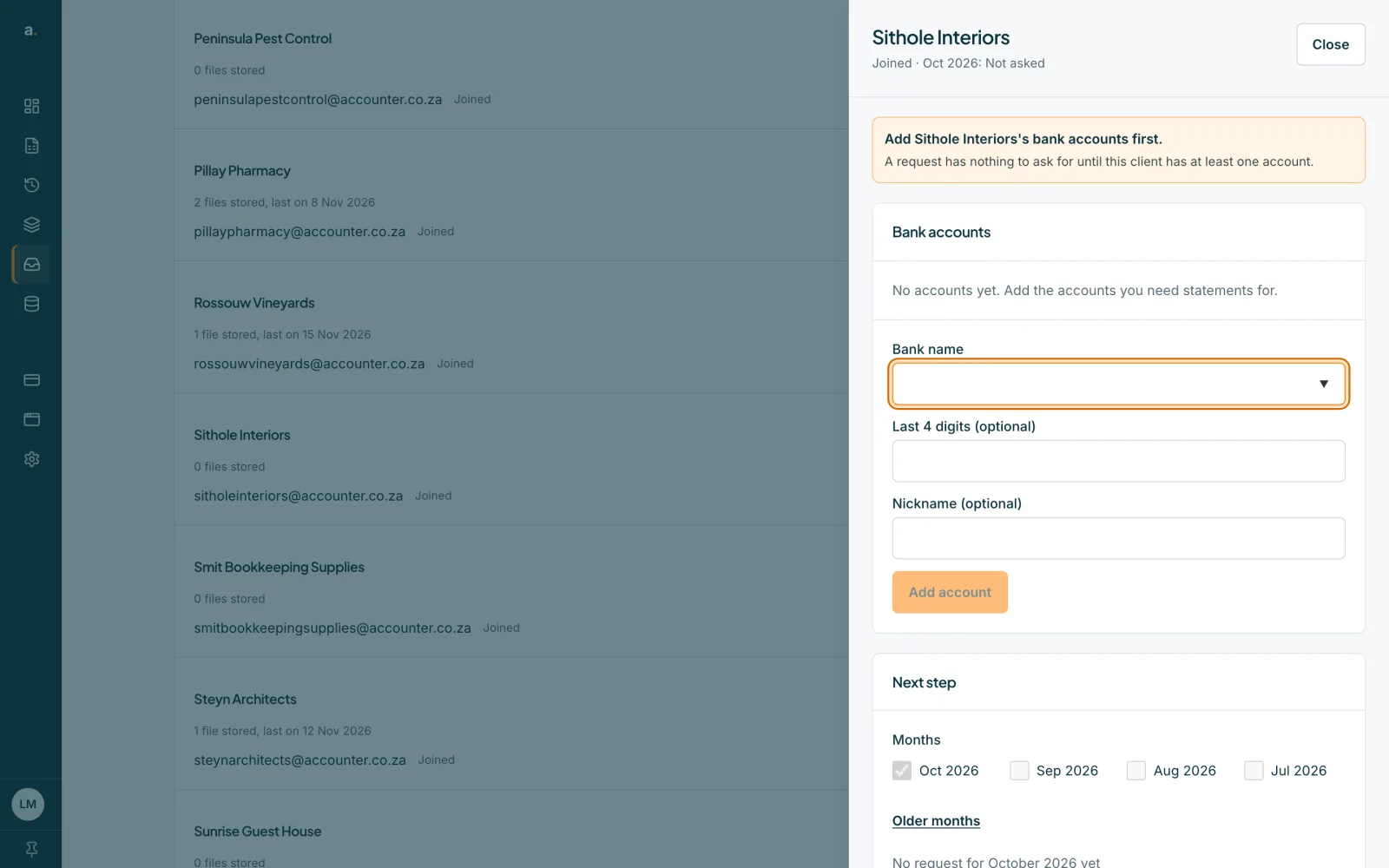
Open the client
On the Clients tab, press the client's name or Open. The client sheet shows Next step, Uploads from the client, Bank accounts and Client settings.
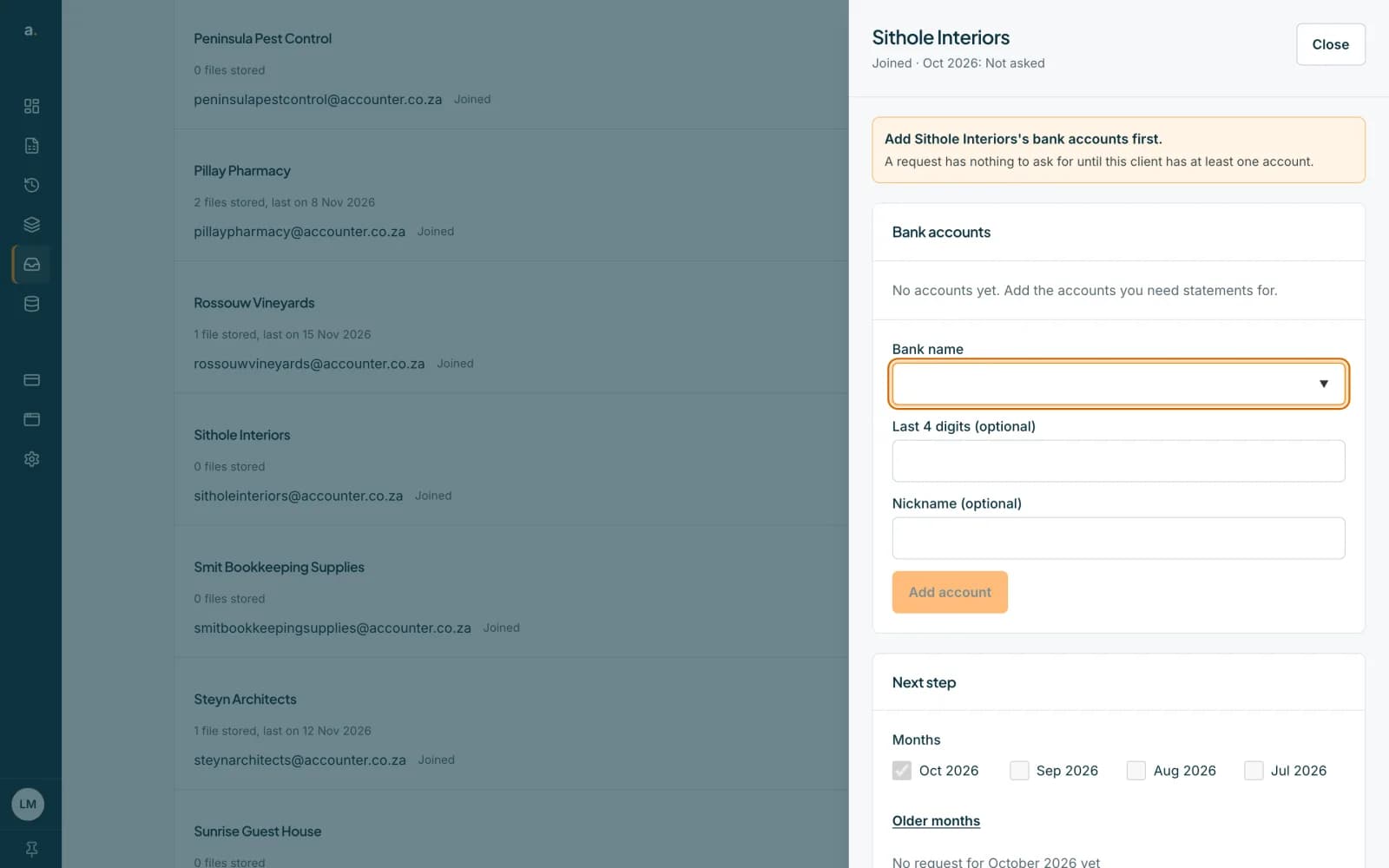 Open full size screenshot for step 1
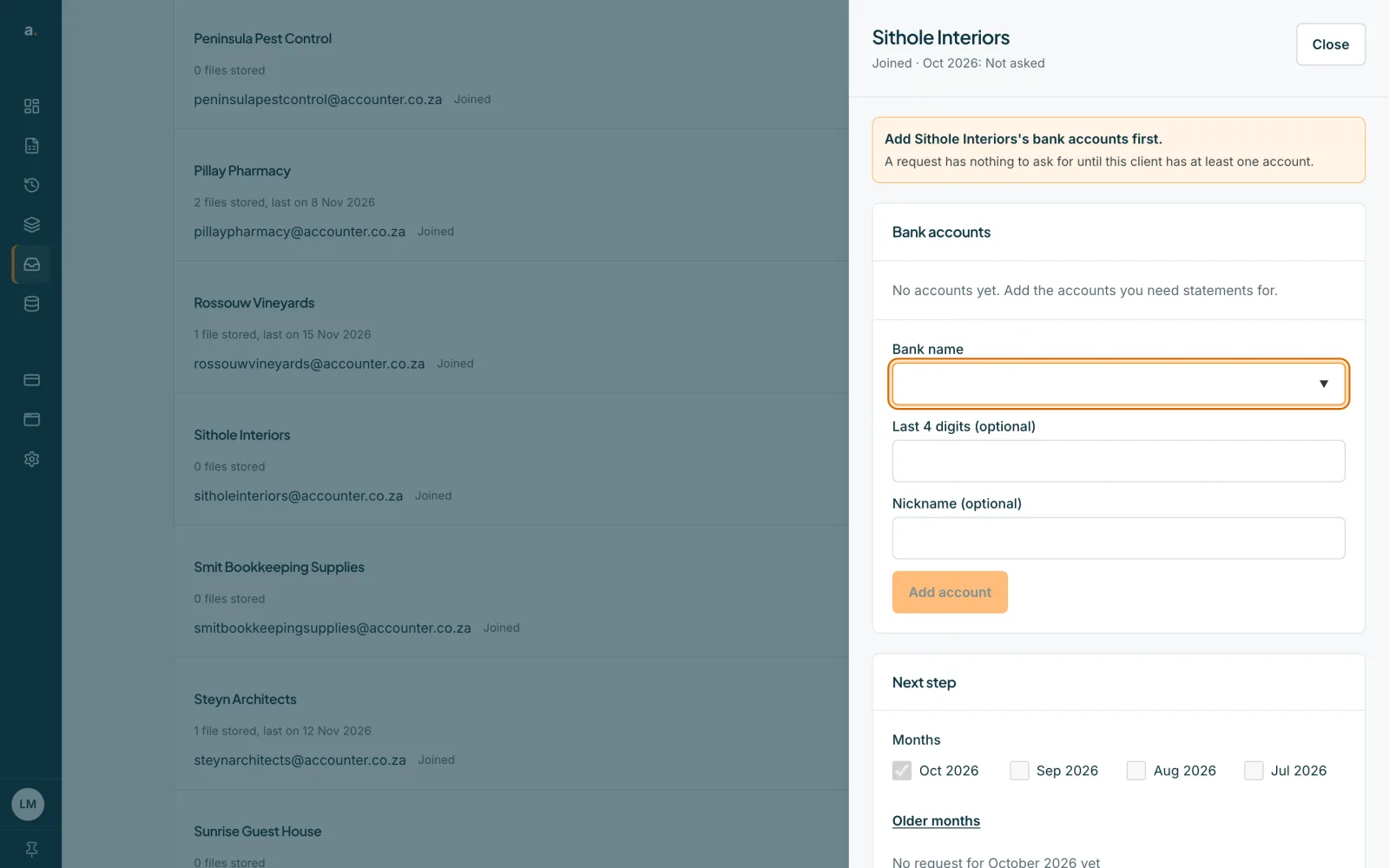
Open Ask for other months
In Next step, press Ask for other months. If the client has not been asked for the latest month, you can also press Request and the month on the Overview row, for example Request October.
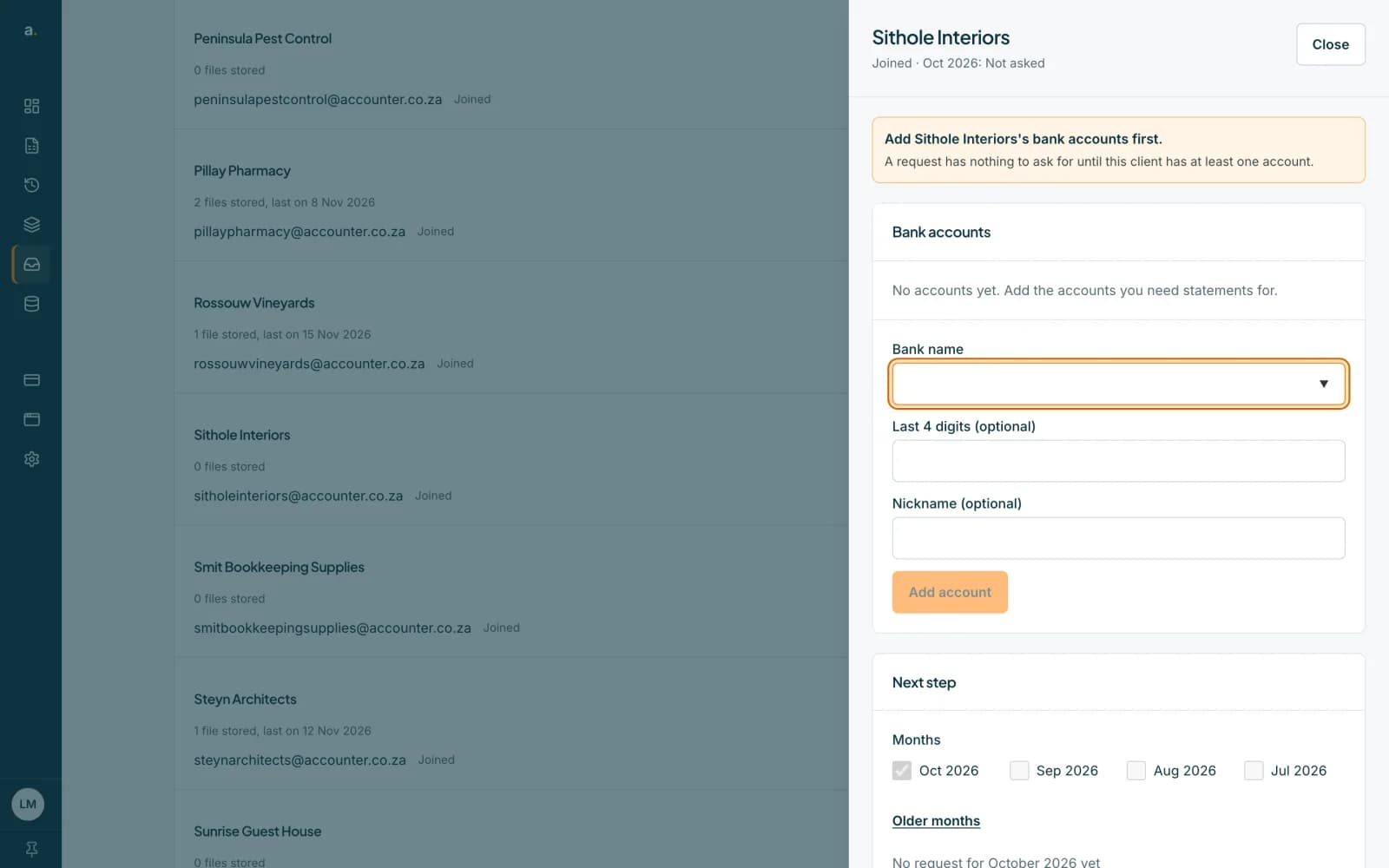 Open full size screenshot for step 2
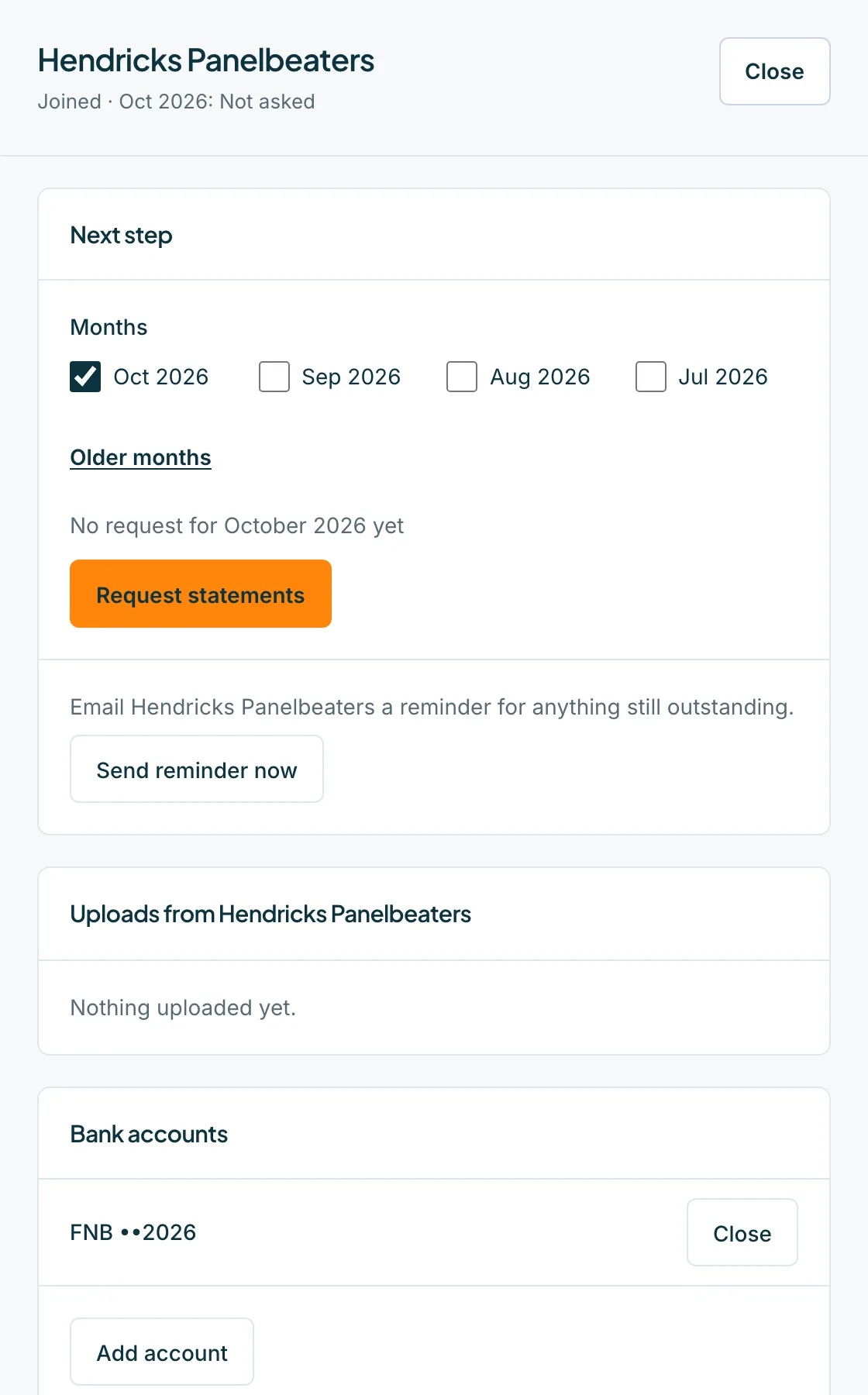
Choose the months
Under Months, tick each month to ask for. The last 12 months are available, and older ones are under Older months. Press Request statements.
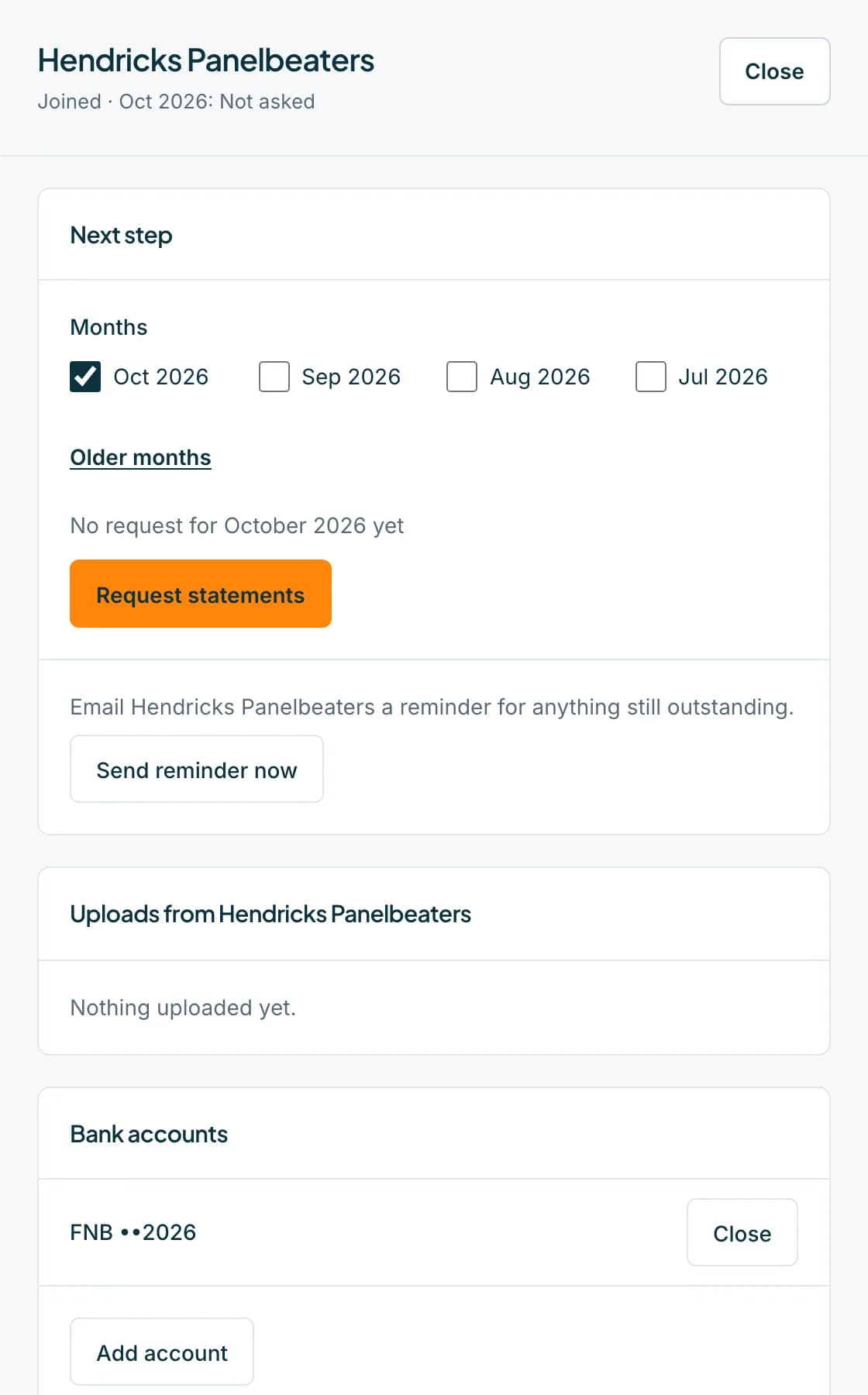 Open full size screenshot for step 3
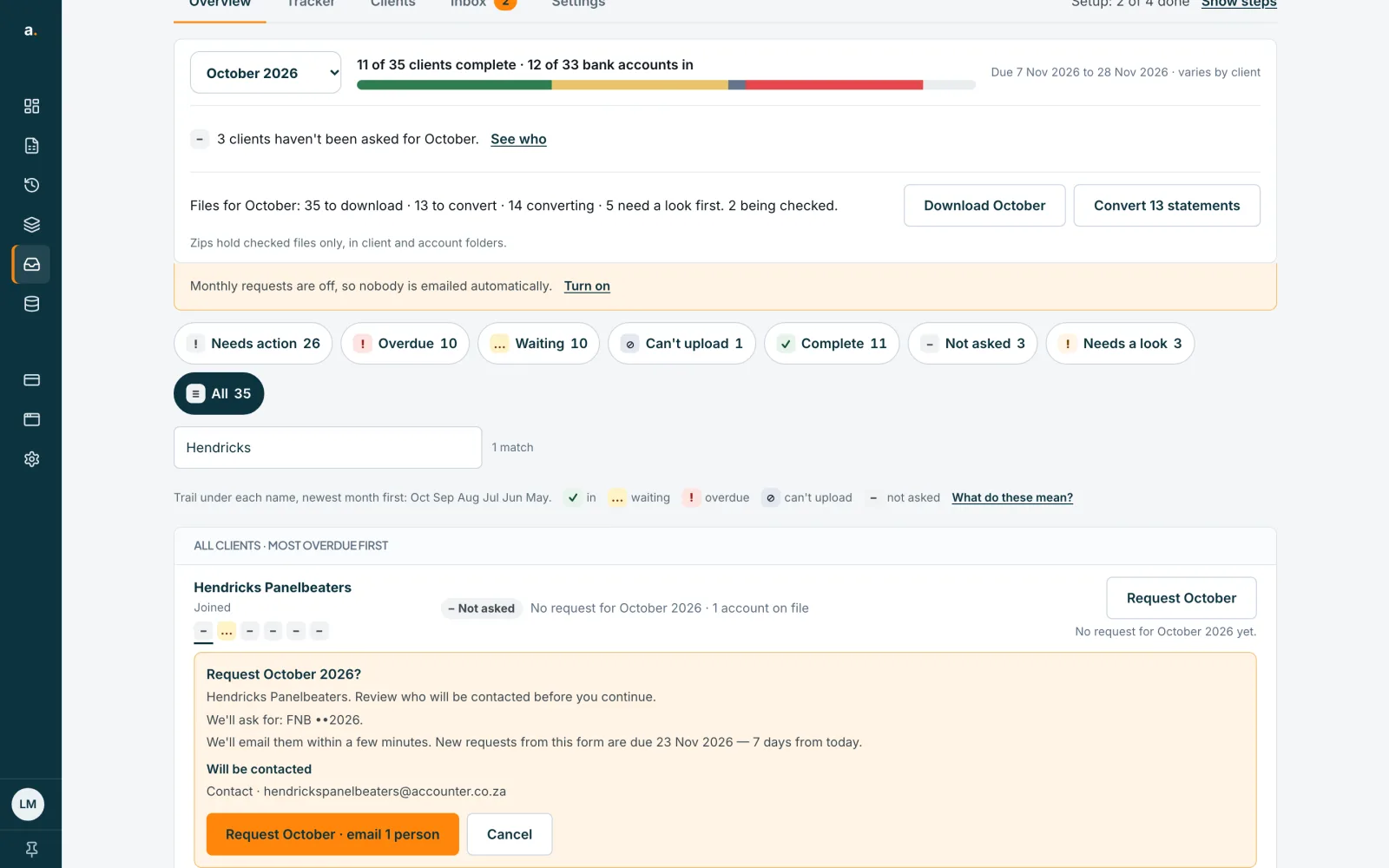
Review who will be emailed
A panel asks Request October 2026? It lists We'll ask for the accounts, when we will email them, and the people under Will be contacted. Manual requests are due 7 days from today. If no contact can be emailed, the button says Create request without emailing.
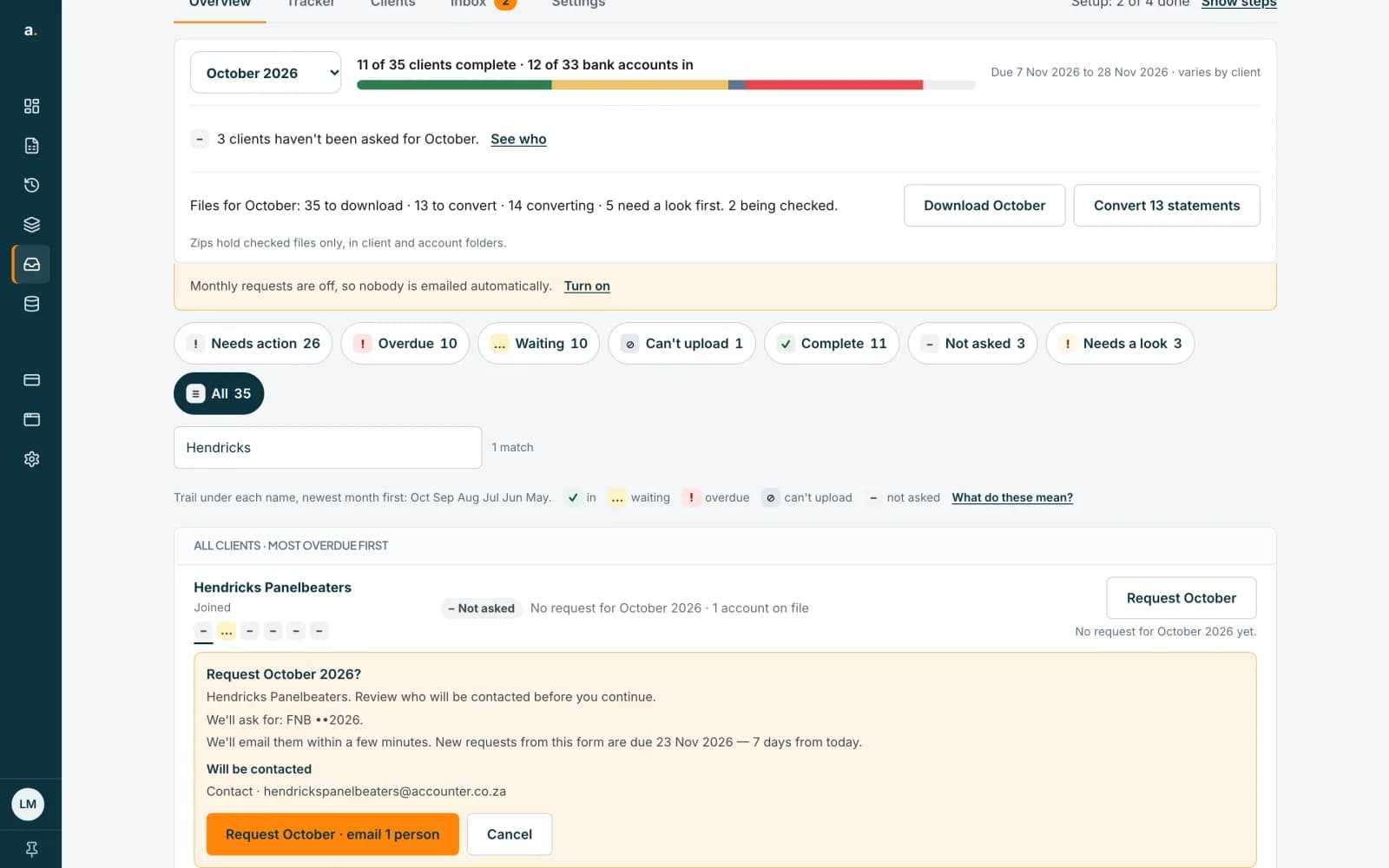 Open full size screenshot for step 4
Press the confirm button
Press Request October · email 1 person (the button names the month and the number of people). Nothing is sent until you press it. The email goes within a few minutes during sending hours, or at 08:00 on the next sending day.
Tips
- If the client has already sent files for those months, they are filed against the request and nothing more is asked for.
- The client's page shows a checklist of exactly what is needed, with the due date.
- The Tracker shows Requested (not emailed yet) until the first email has gone.
If something goes wrong
- The sheet says Add a bank account to request statements.
- A request has nothing to ask for until the client has an account. See the guide on adding bank accounts.
- You see Pick at least one month.
- Tick at least one month before pressing Request statements.
- The panel says Nothing is still needed for this month.
- The client already sent those statements, so no email is needed.
- You see The reminder period for this month has ended.
- Automatic reminders stop 30 days after the due date, so no more are sent for that month.
Related guides
- Request a month for many clientsAsk every client who has not been asked for a month with one request, and see who is and is not included.
- Send reminders to clientsRemind one client, or every overdue client at once, and see how automatic reminders work.
- Add and close a client's bank accountsTell Statement Hub which bank accounts to collect for each client, and close an account that is no longer used.