Import many clients from a CSV
Last reviewed 15 November 2026 · 5 steps
Add many clients at once from a CSV file, check the preview and download the rows that were skipped.
Firms
Steps
Open the CSV tab
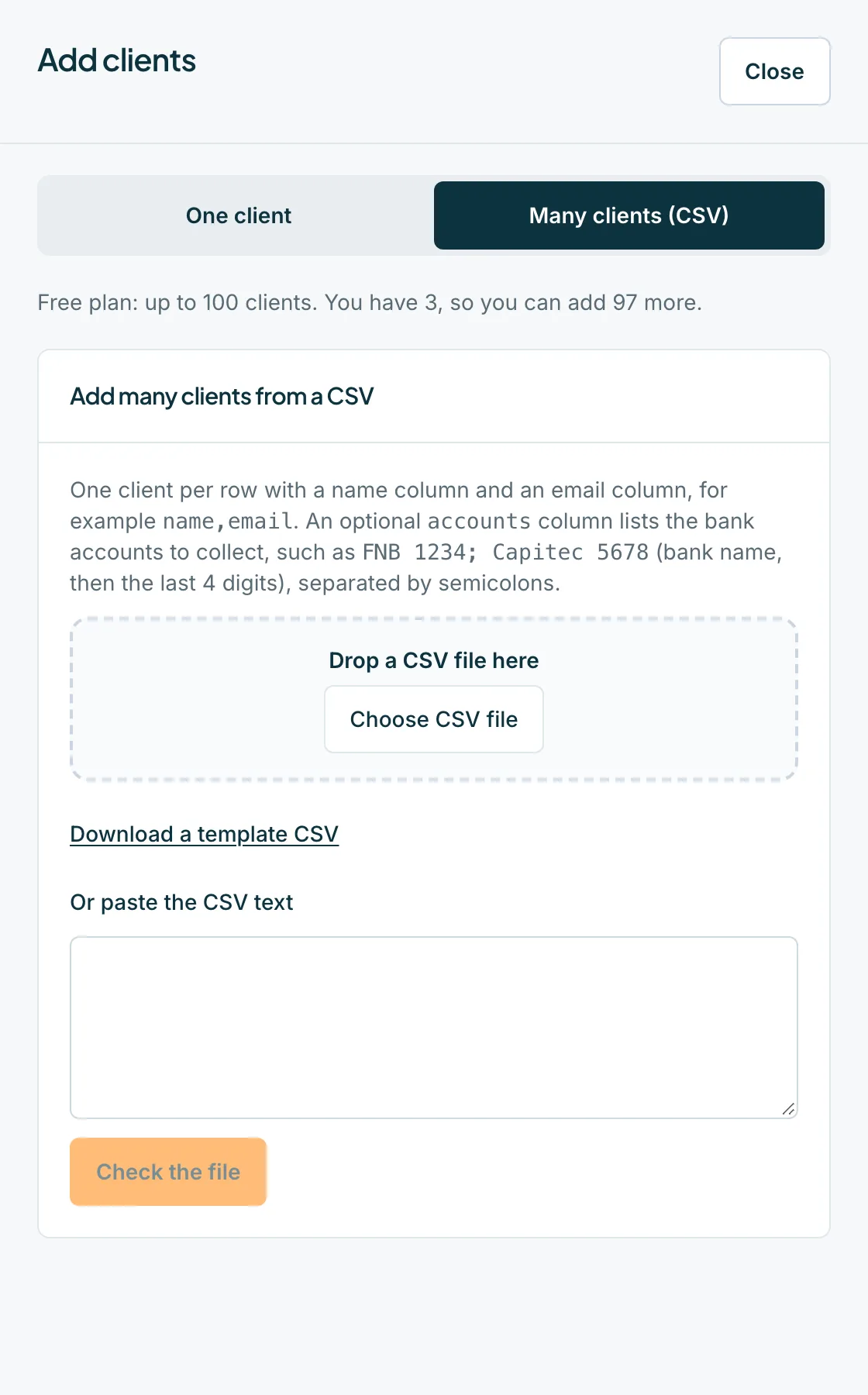
Press Add clients, then choose Many clients (CSV). On an empty Hub you can press Import many from a CSV instead. The sheet is titled Add many clients from a CSV.
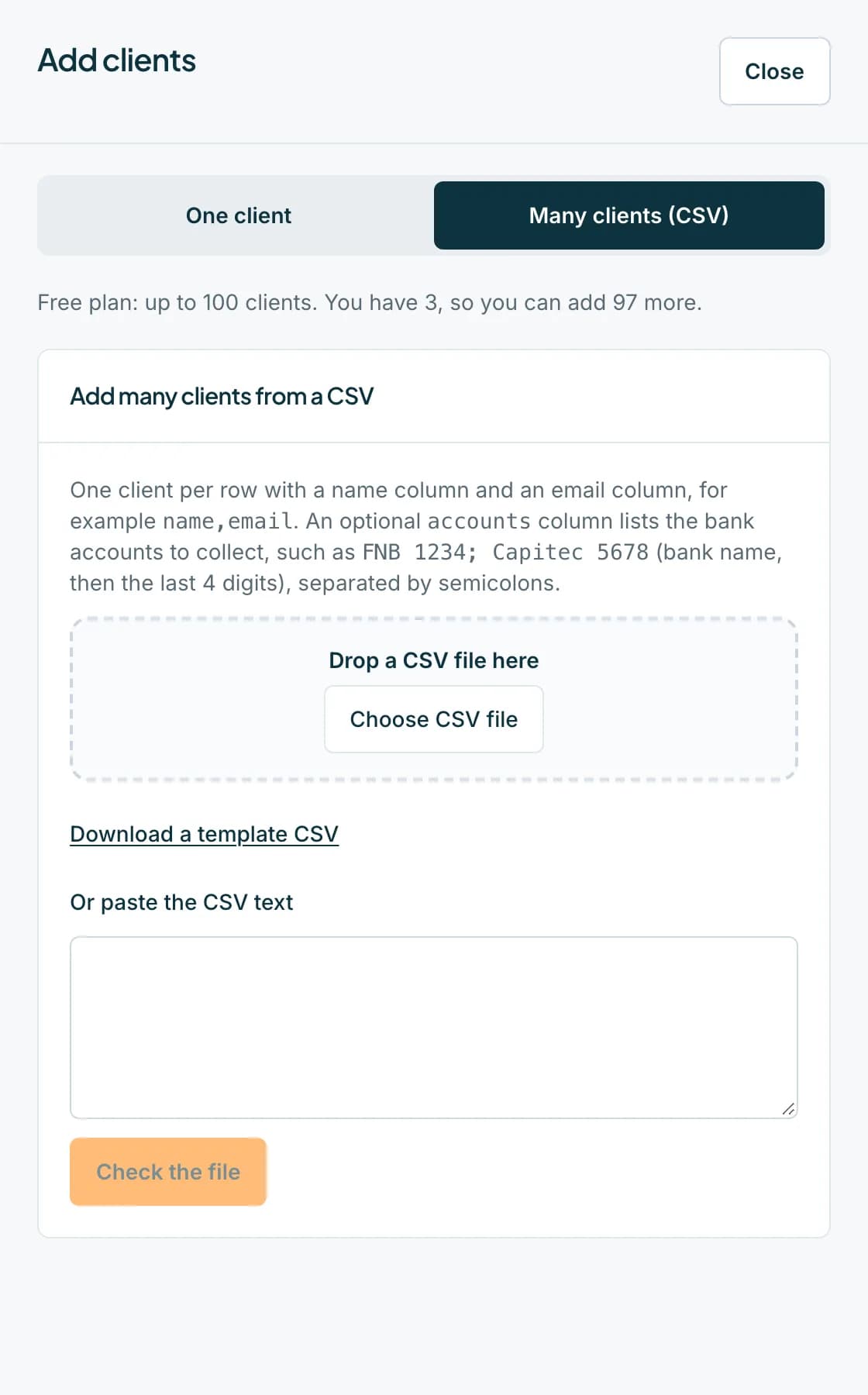 Open full size screenshot for step 1
Prepare your file
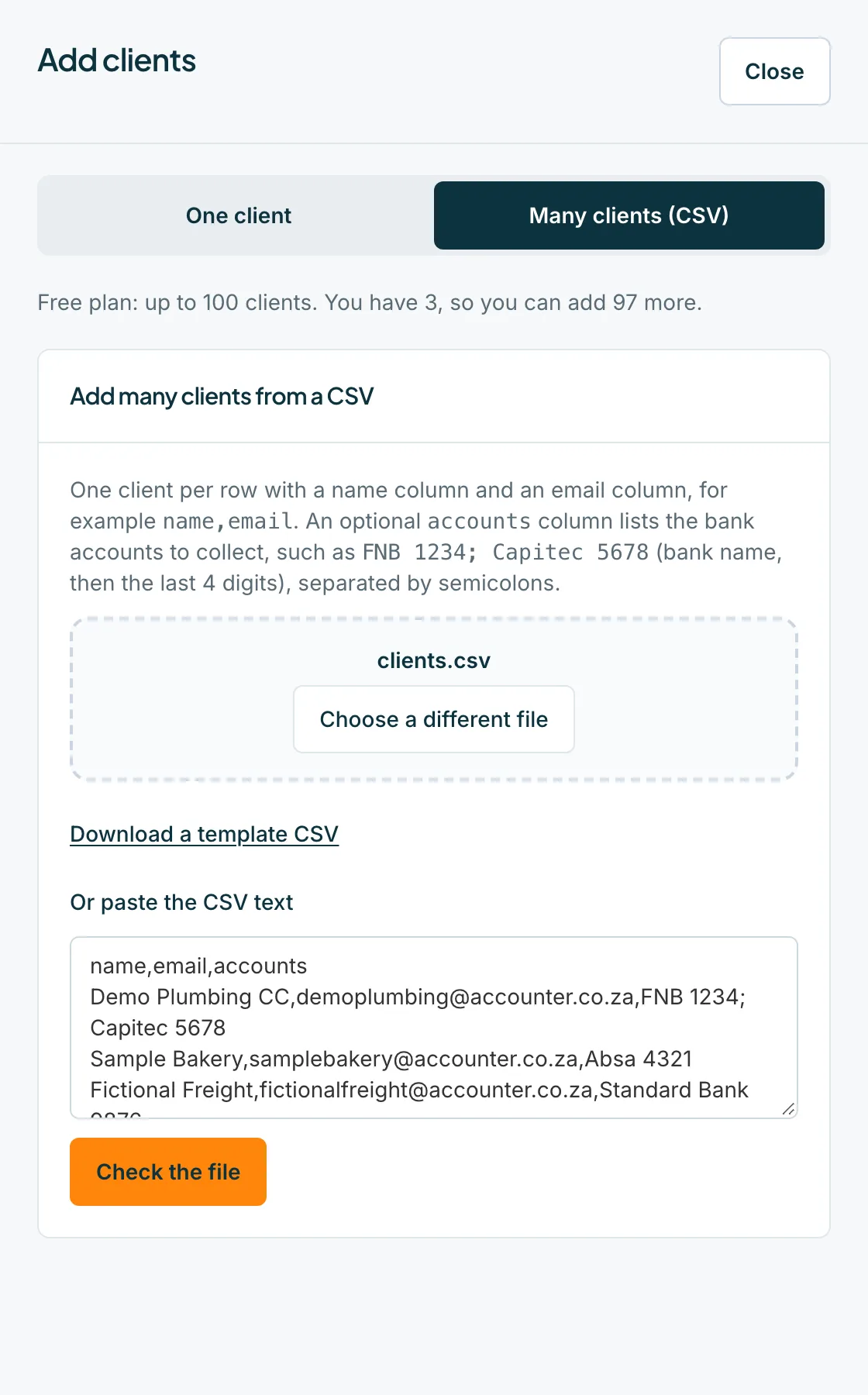
Use one client per row, with a name column and an email column, for example name,email. Extra emails go in email2 to email5. An optional accounts column lists bank accounts, such as FNB 1234; Capitec 5678 (bank name, then the last 4 digits), separated by semicolons. Press Download a template CSV to start from a ready-made file.
Choose the file and check it
Drop the file on the sheet, press Choose CSV file, or paste the text into Or paste the CSV text. Then press Check the file. Nothing is added yet.
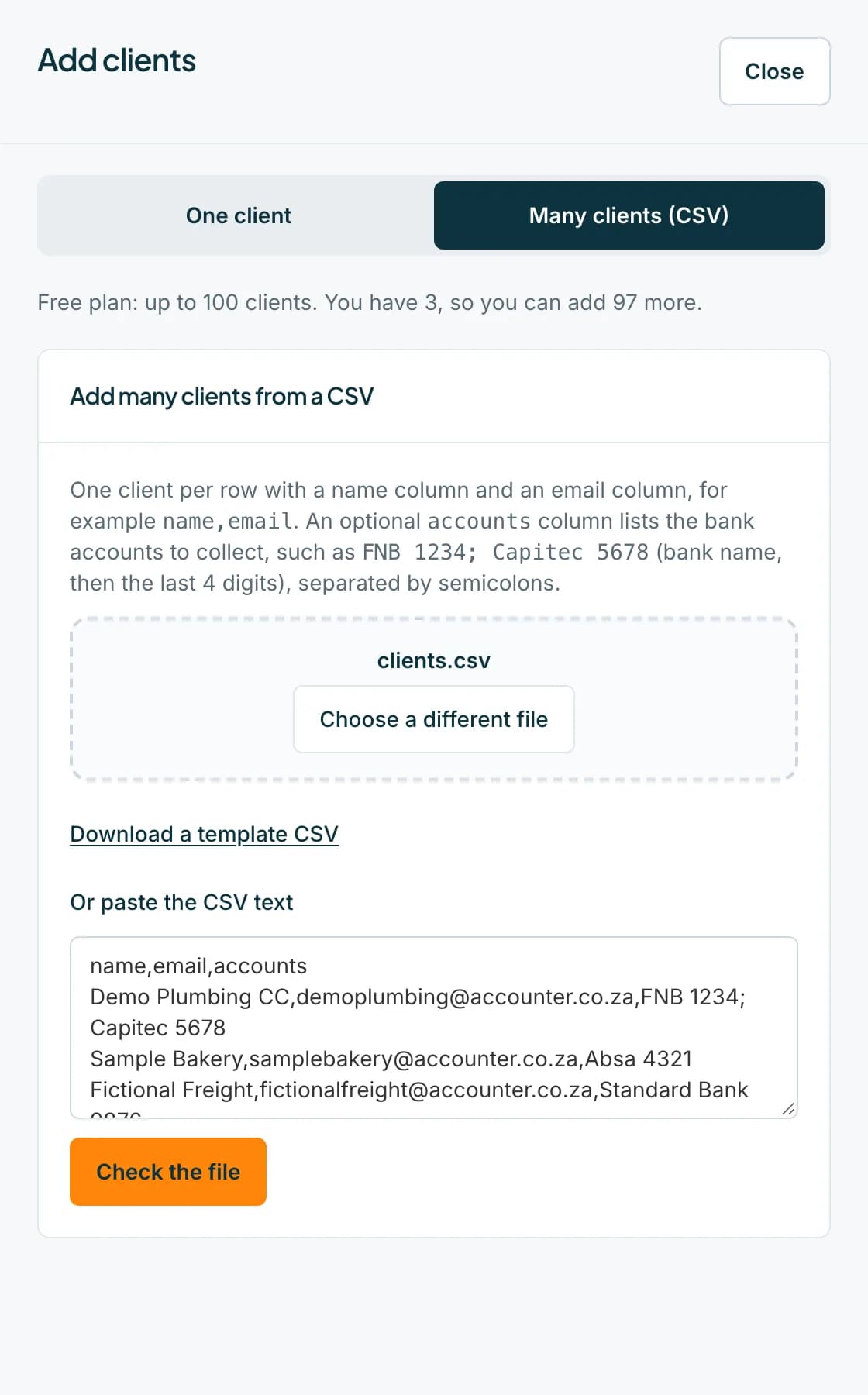 Open full size screenshot for step 3
Read the preview
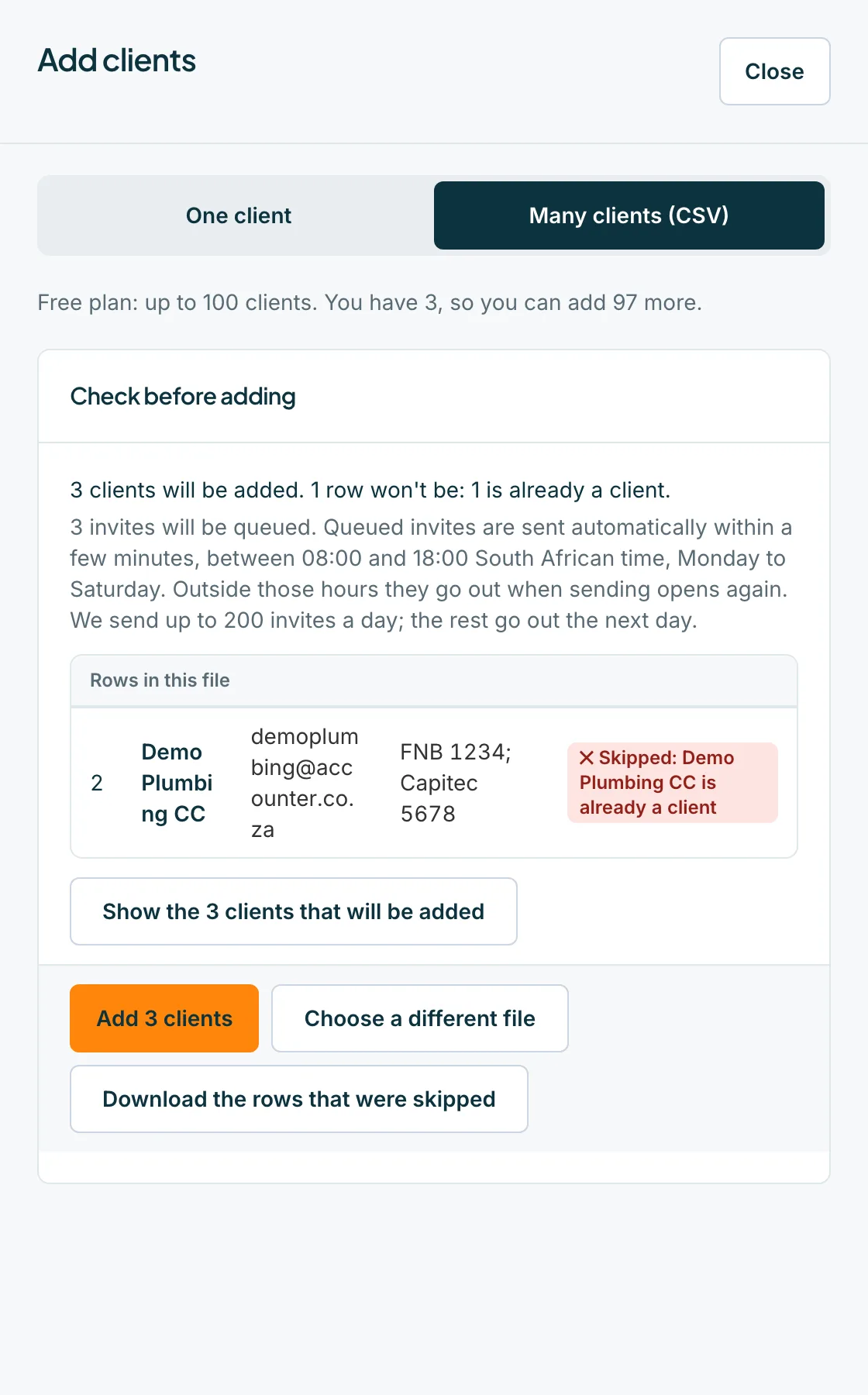
The preview says how many clients will be added, for example 12 clients will be added, and how many rows will not be, with the reason: already a client, a duplicate, over the free limit, or a problem. A bank name we do not know is flagged with Check the bank name. Press Download the rows that were skipped to fix them and try again.
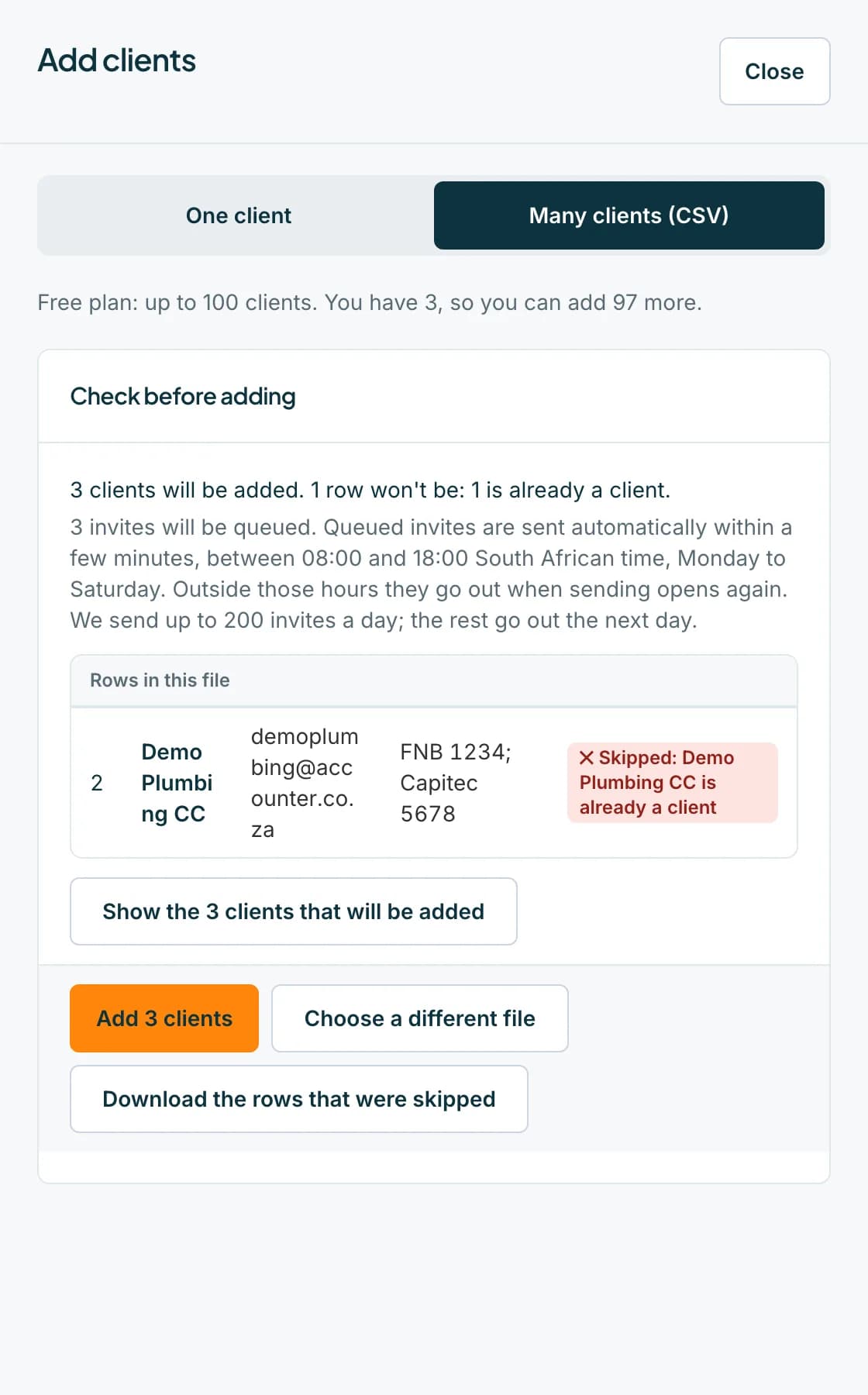 Open full size screenshot for step 4
Press Add clients
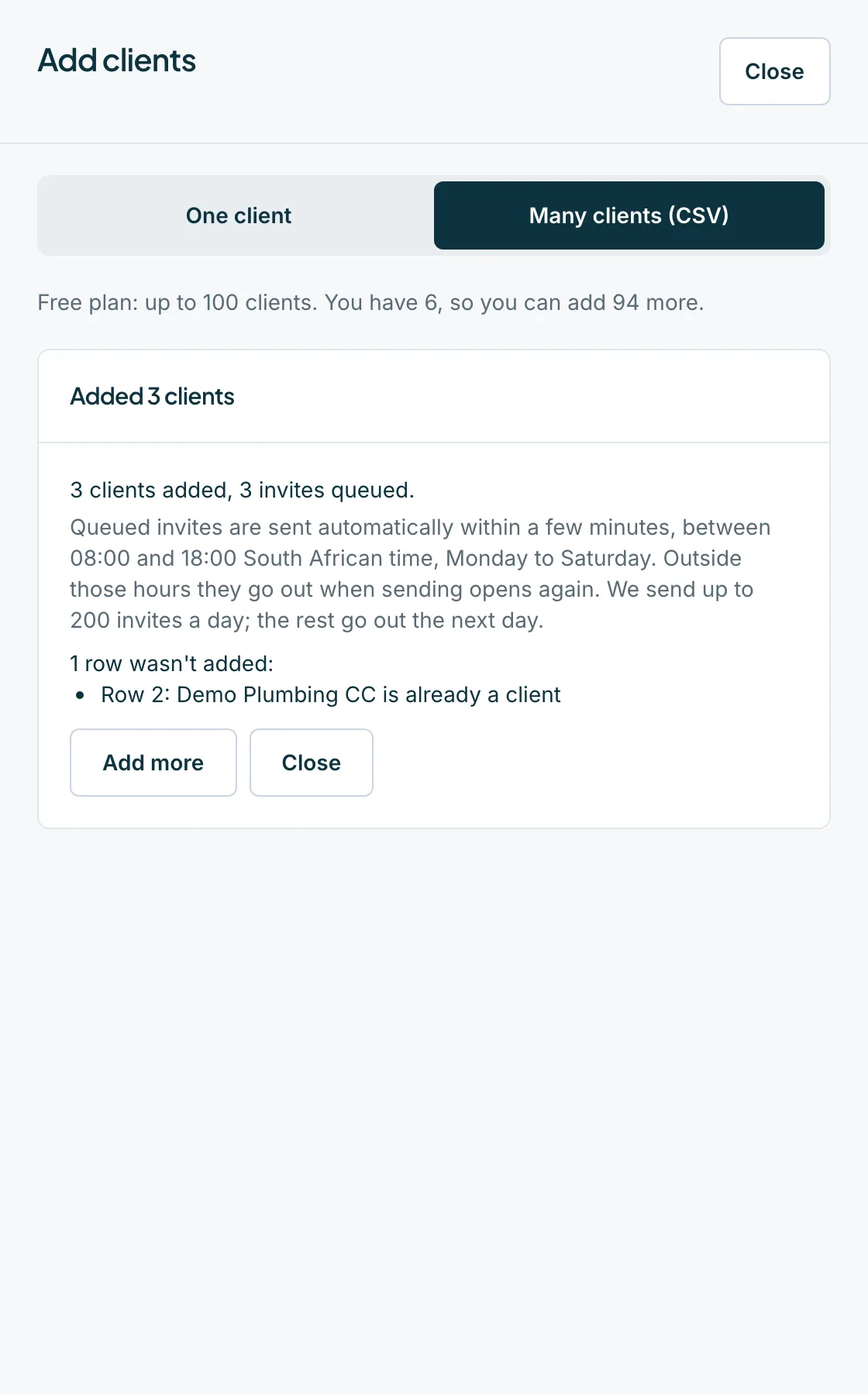
Press the button that says Add and the number of clients. The result says how many were added and how many invites are queued. Press Add more or Close.
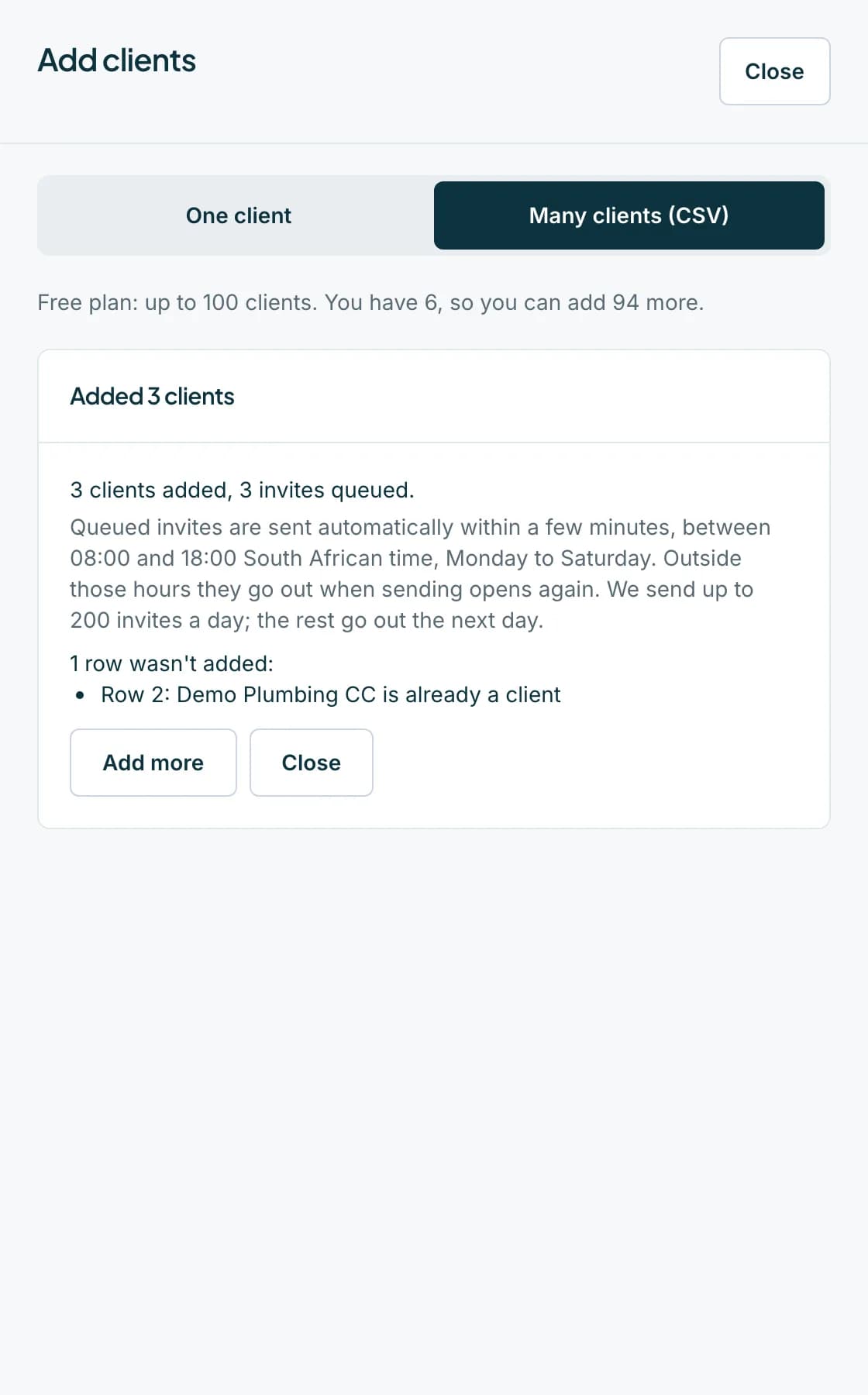 Open full size screenshot for step 5
Tips
- Invites for imported clients are queued, not sent at once. They go out within a few minutes, between 08:00 and 18:00 South African time, Monday to Saturday.
- A firm can send at most 200 invites a day. Any left over wait until the next day.
- Rows that are already clients are skipped, so it is safe to upload the same file again after fixing problems.
If something goes wrong
- The preview says Nothing can be added from this file.
- Every row was skipped. Read the reasons, fix the file and check it again.
- Rows are skipped because they would go over the free limit.
- Free firms can have up to 100 clients. Buy credits or a plan, or archive clients you no longer need.
- You see We couldn't confirm what was added.
- Open the Clients tab to see who is there, then check the file again. Names already added are skipped as duplicates.
- You see Could not check this file. Please try again.
- Nothing was added and your file is still on the sheet. Press Check the file again.
Related guides
- Add a clientAdd one client with up to five contact emails and their bank accounts, and email them an invite.
- Invite clients and resend invitesSee who has joined, who has been invited and who has not, and send or resend an invite to a contact.
- Free limits, credits and held statementsKnow the free client and statement limits, what happens when you go over, and how a purchase releases held statements.