Accept an invite to join a team
Last reviewed 16 November 2026 · 6 steps
Open your invite email, log in or create an account with the invited address, and join the team.
Anyone
Steps
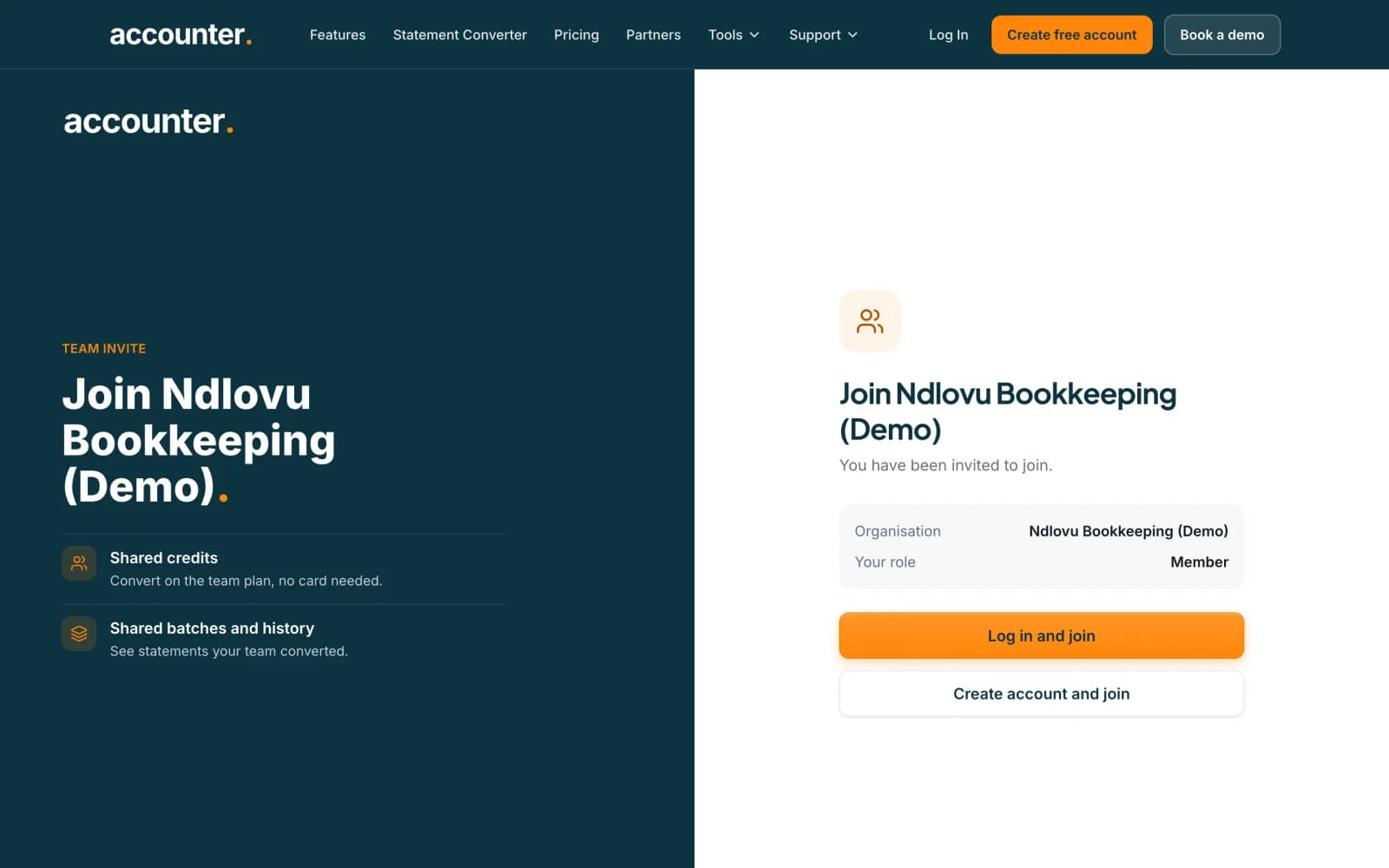
Open the link in your invite email
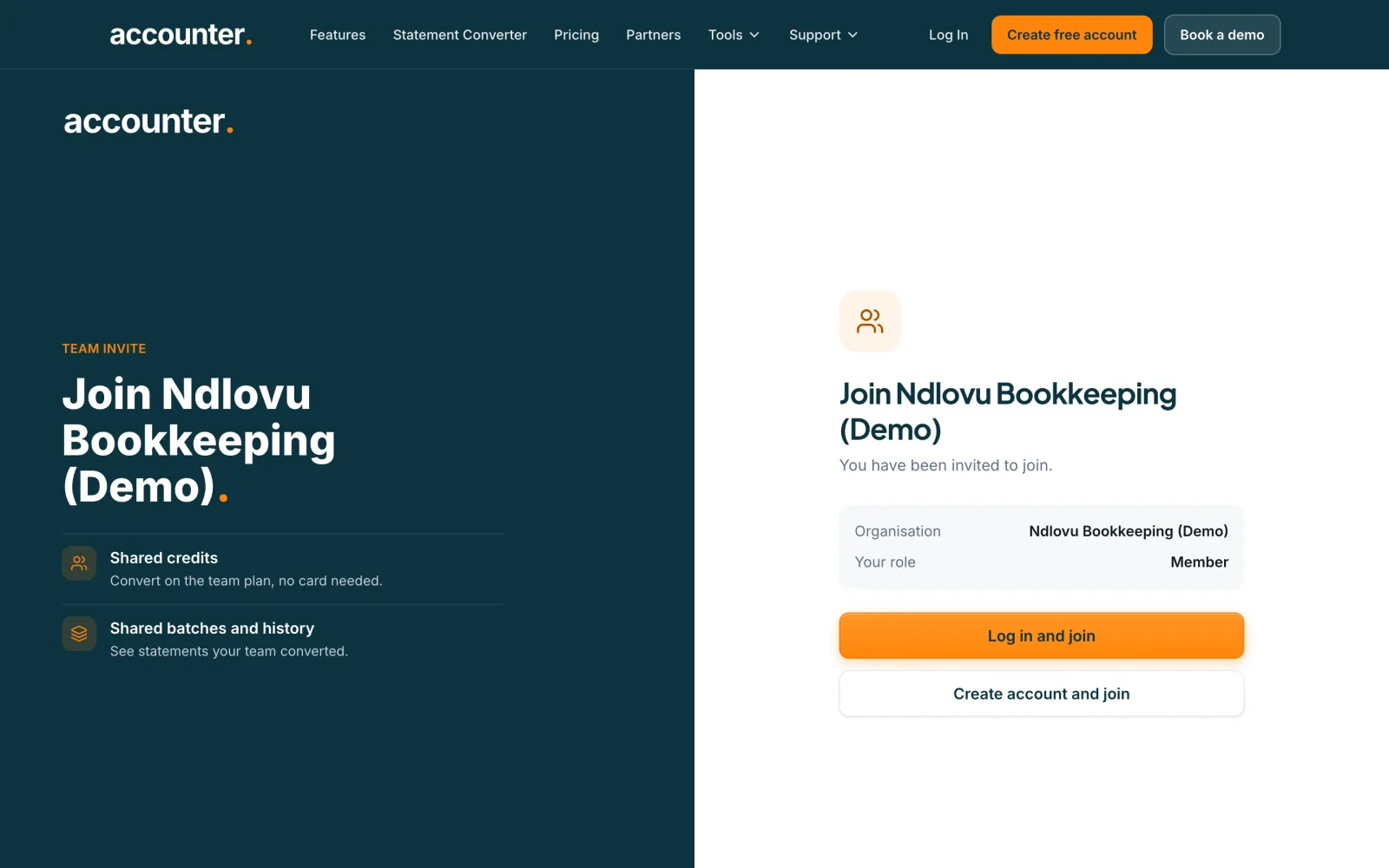
The invite page is headed Join followed by the organisation’s name. It shows who invited you, the Organisation and Your role. The invite is for the email address it was sent to, so use that address.
 Open full size screenshot for step 1
If you are new to Accounter
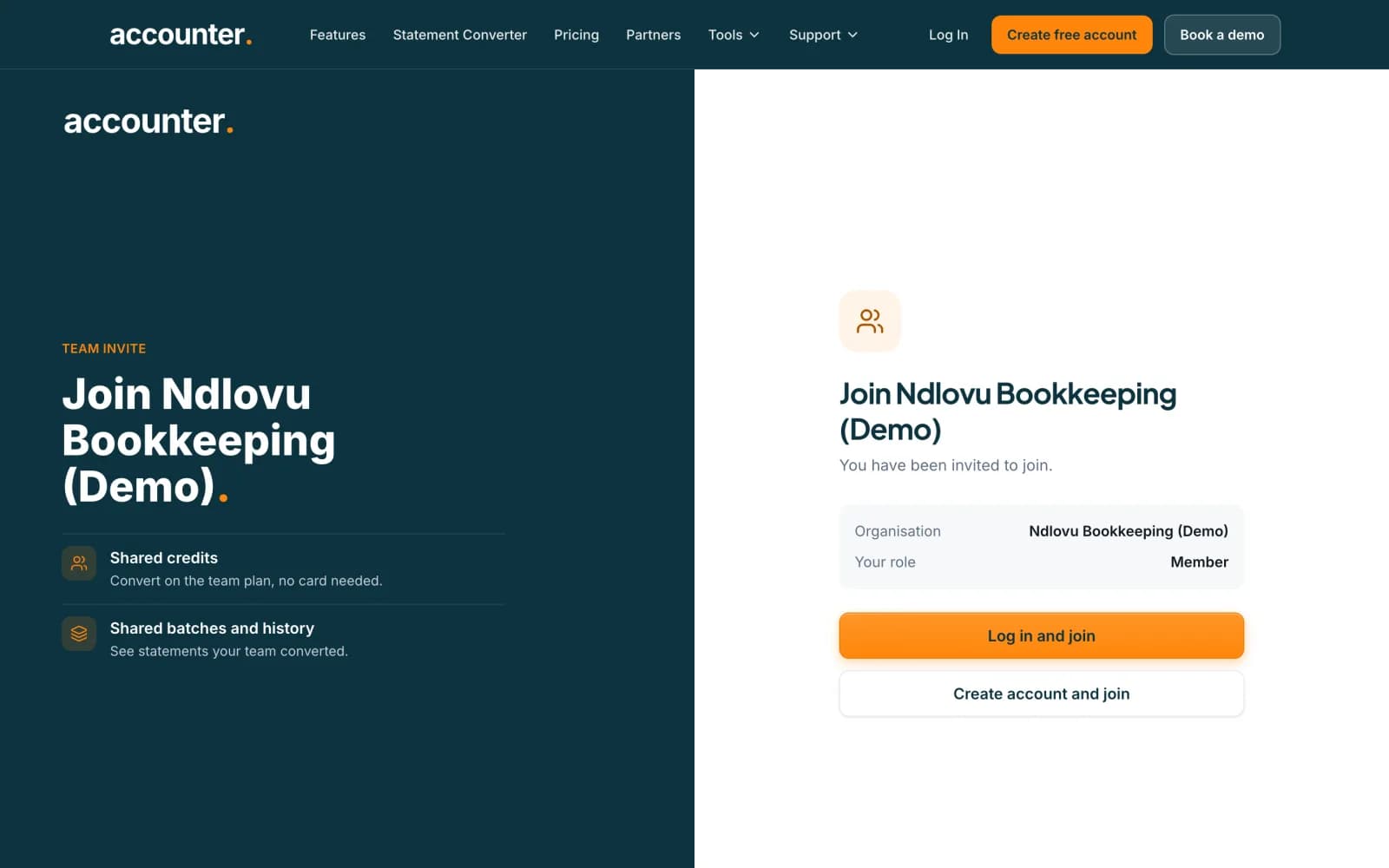
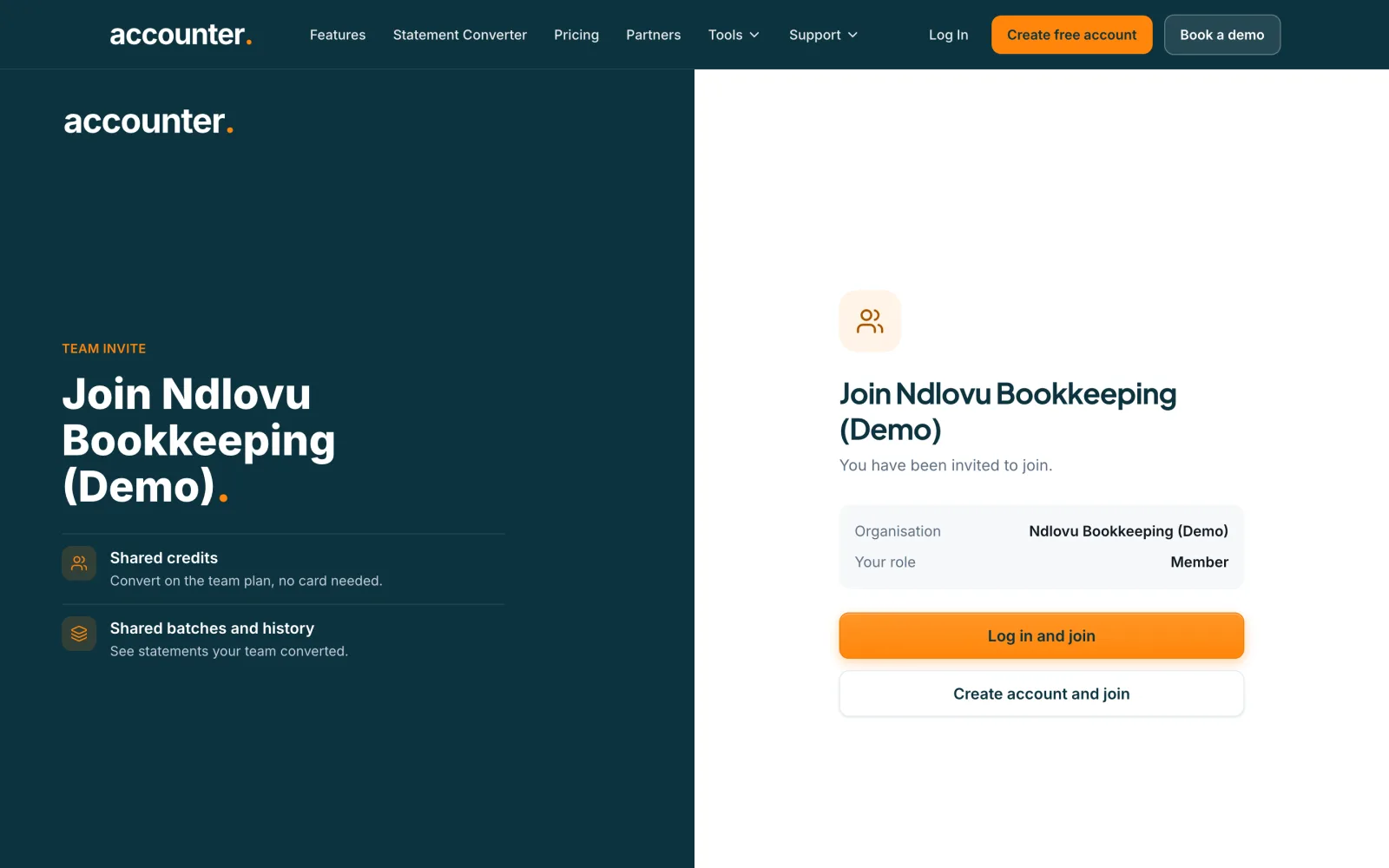
Press Create account and join and fill in the sign-up form using the invited email address. Verify your email when we send the link. You join the team as soon as you confirm.
If you already have an account
Press Log in and join and log in with the invited address. You are brought back to the invite.
 Open full size screenshot for step 3
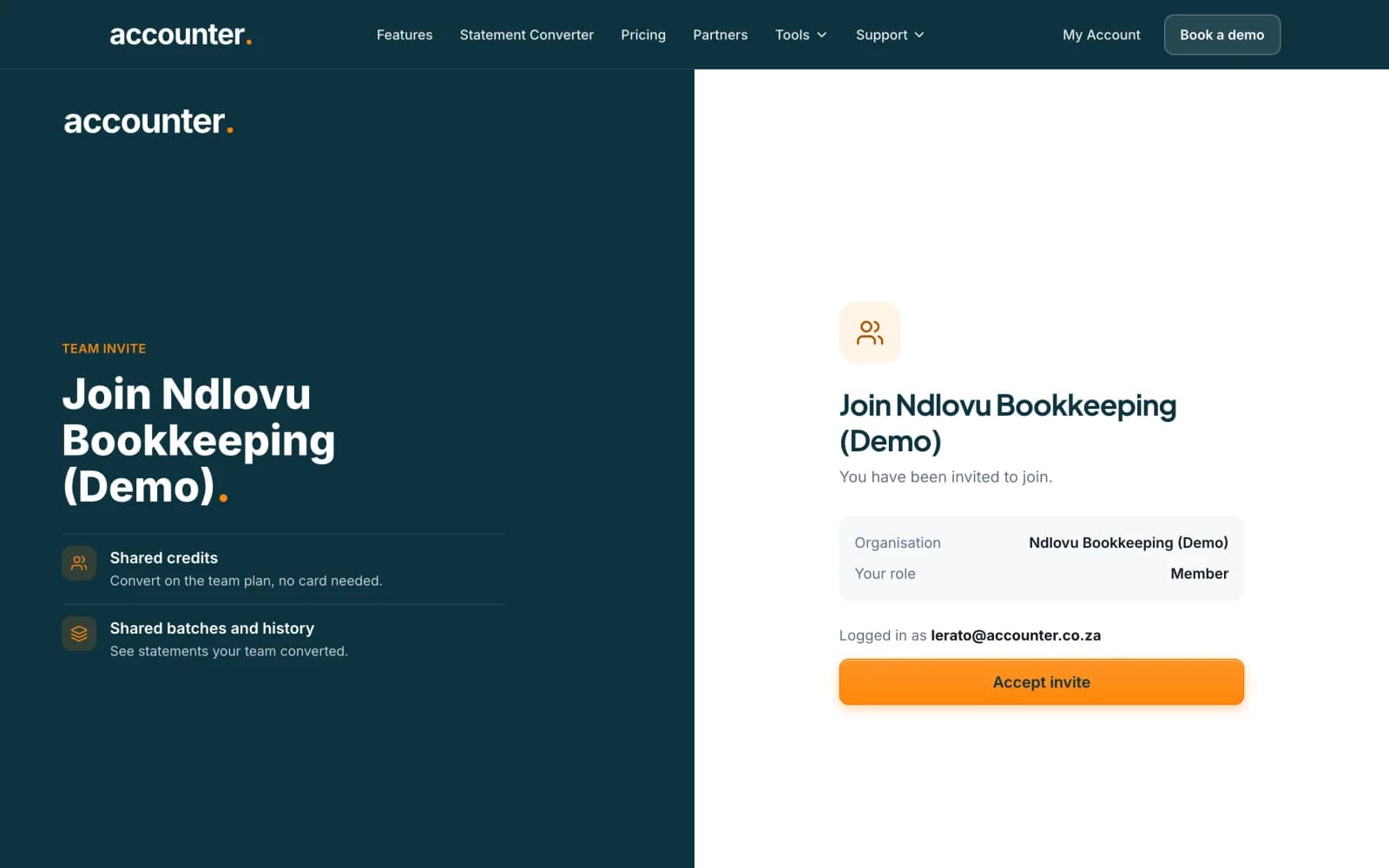
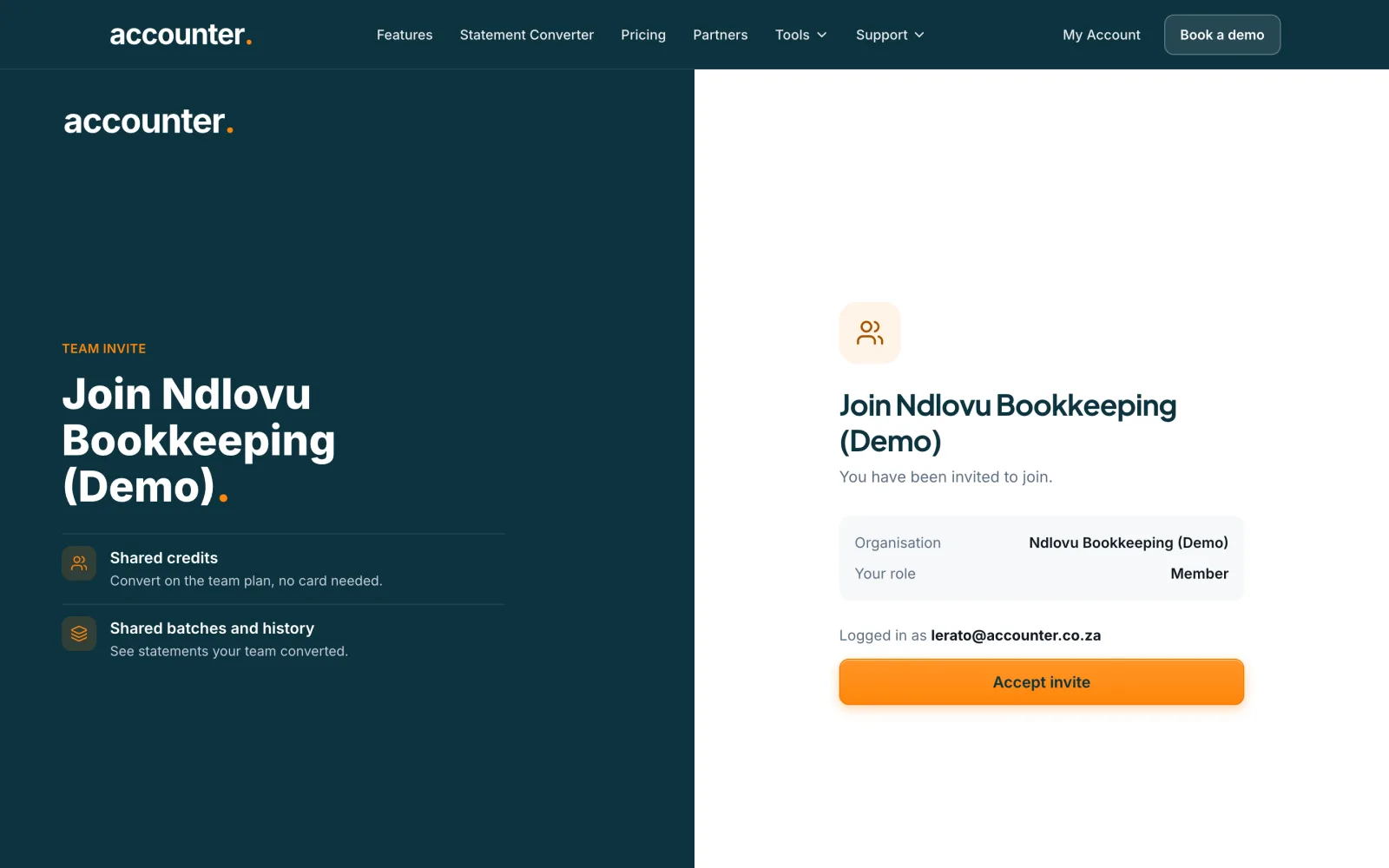
Press Accept invite
When you are logged in, the page says Logged in as and your email. Press Accept invite. You are taken to the Team page. If you are logged in with a different address, the page says the invite was sent to another email. Press Log out and switch account.
 Open full size screenshot for step 4
What changes when you join
You share the team’s credit pool and history. If you had your own paid plan, it is paused while you are in the team and comes back if you leave. A person can belong to one organisation at a time, so if you are already in another you must leave it first.
If the link does not work
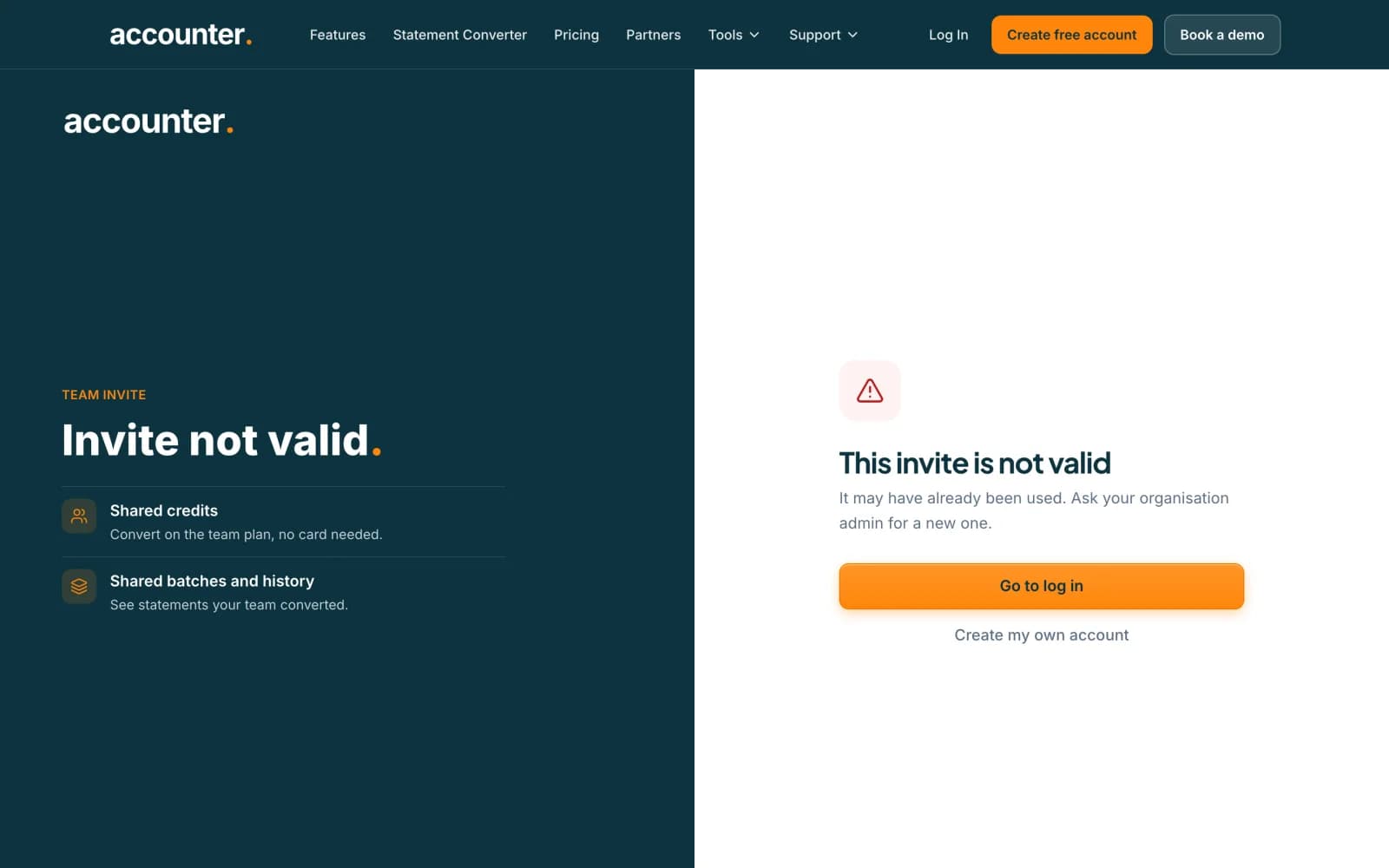
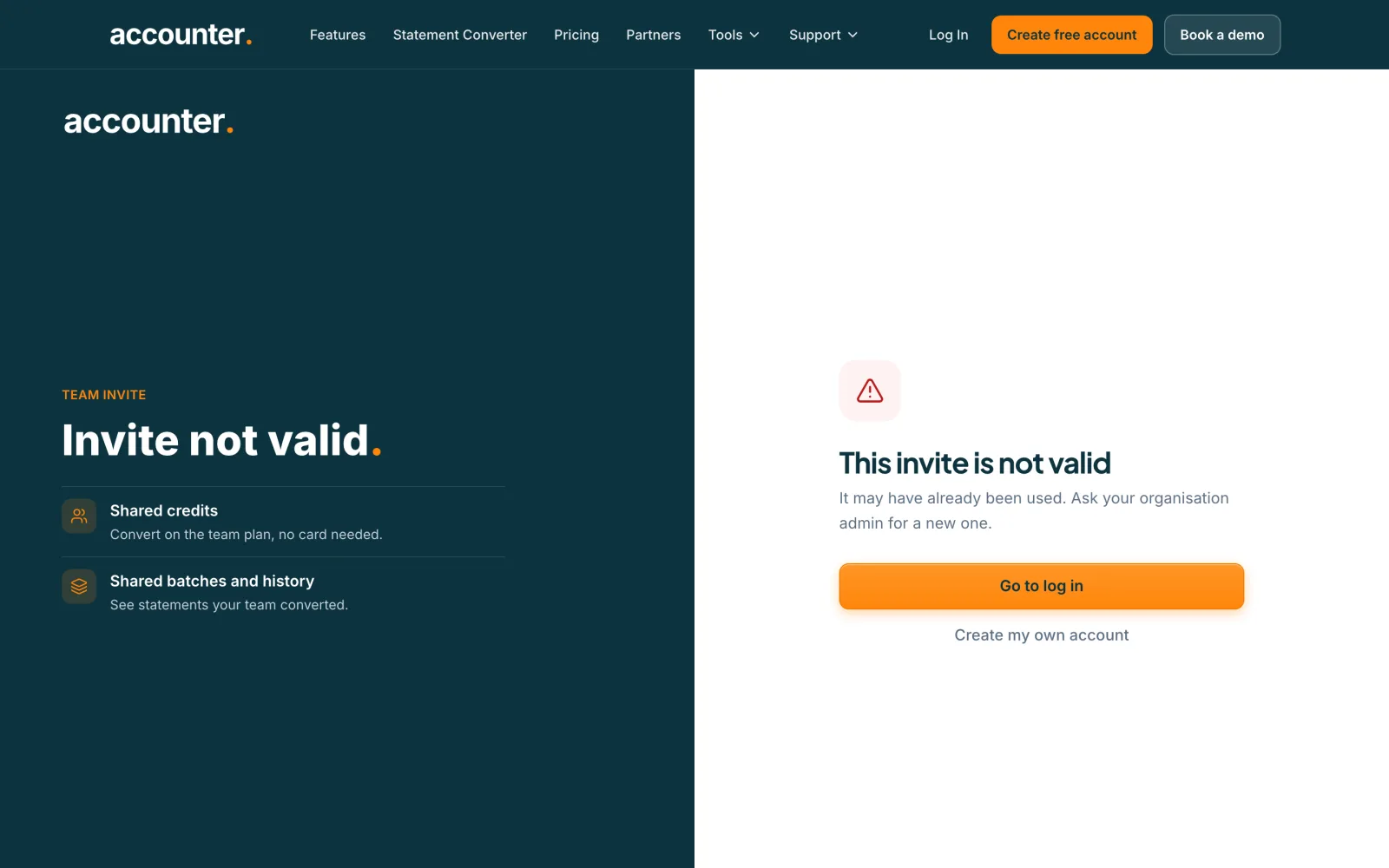
The page says This invite has expired when the 7 days are up, or This invite is not valid when it has already been used. Ask your organisation admin to send a new one. Nothing was charged.
 Open full size screenshot for step 6
Tips
- Invites last 7 days.
- You may have to verify your email before the team page opens. You join as soon as you confirm.
- Only the address that was invited can accept.
If something goes wrong
- The page says the invite was sent to another address.
- Log out and log in with the invited address, or ask the admin to invite the address you use.
- You see You already belong to an organization.
- Leave your current organisation first, then accept the invite.
- You see This organization has no seats available on its current plan.
- Ask the organisation owner or admin to free a seat.
Related guides
- Invite someone to your teamSend an invite by email, choose their role, and track or revoke invites that are still pending.
- Transfer ownership or leave a teamHand a team to another member and move billing with it, or leave a team you belong to.
- Create an Accounter accountSign up for a free Accounter account, verify your email and get 10 free pages every month.