Change the bank or account details in a CSV
Last reviewed 16 November 2026 · 4 steps
Replace the bank, account holder or account number written into one statement's CSV, without changing the saved statement.
Free account
Steps
Open the statement and press Export CSV
Open the statement from Statements and press Export CSV. The Export options panel opens on the right. Choose CSV as the file type.
Scroll to the Advanced section
At the bottom of the panel, press Advanced: change the statement details in this file.
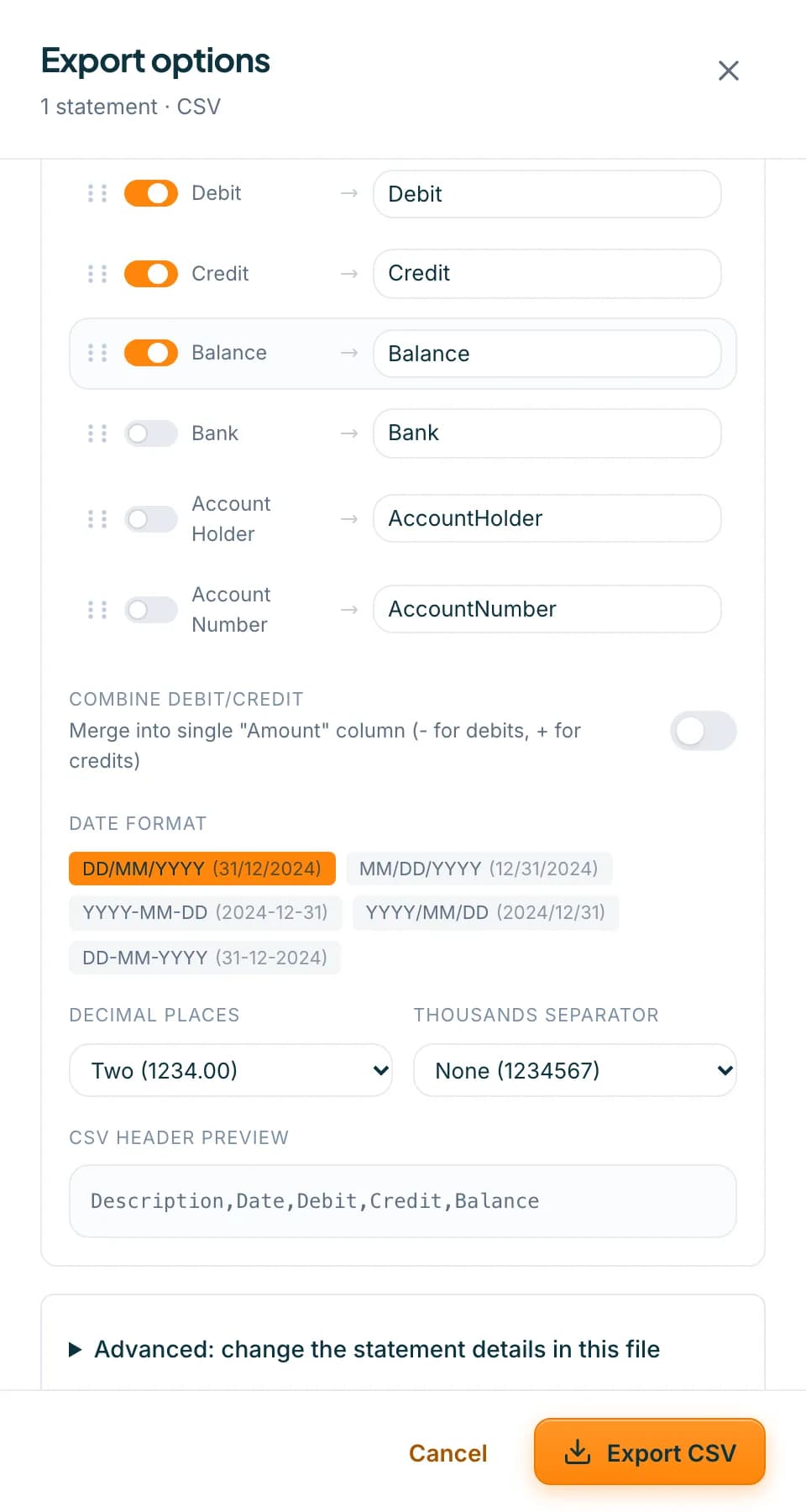 Open full size screenshot for step 2
Type the details you want
The section says it replaces the bank, account holder or account number written into this statement's CSV. Fill in Bank, Account holder and Account number. Leave a box empty to use what was read from the statement.
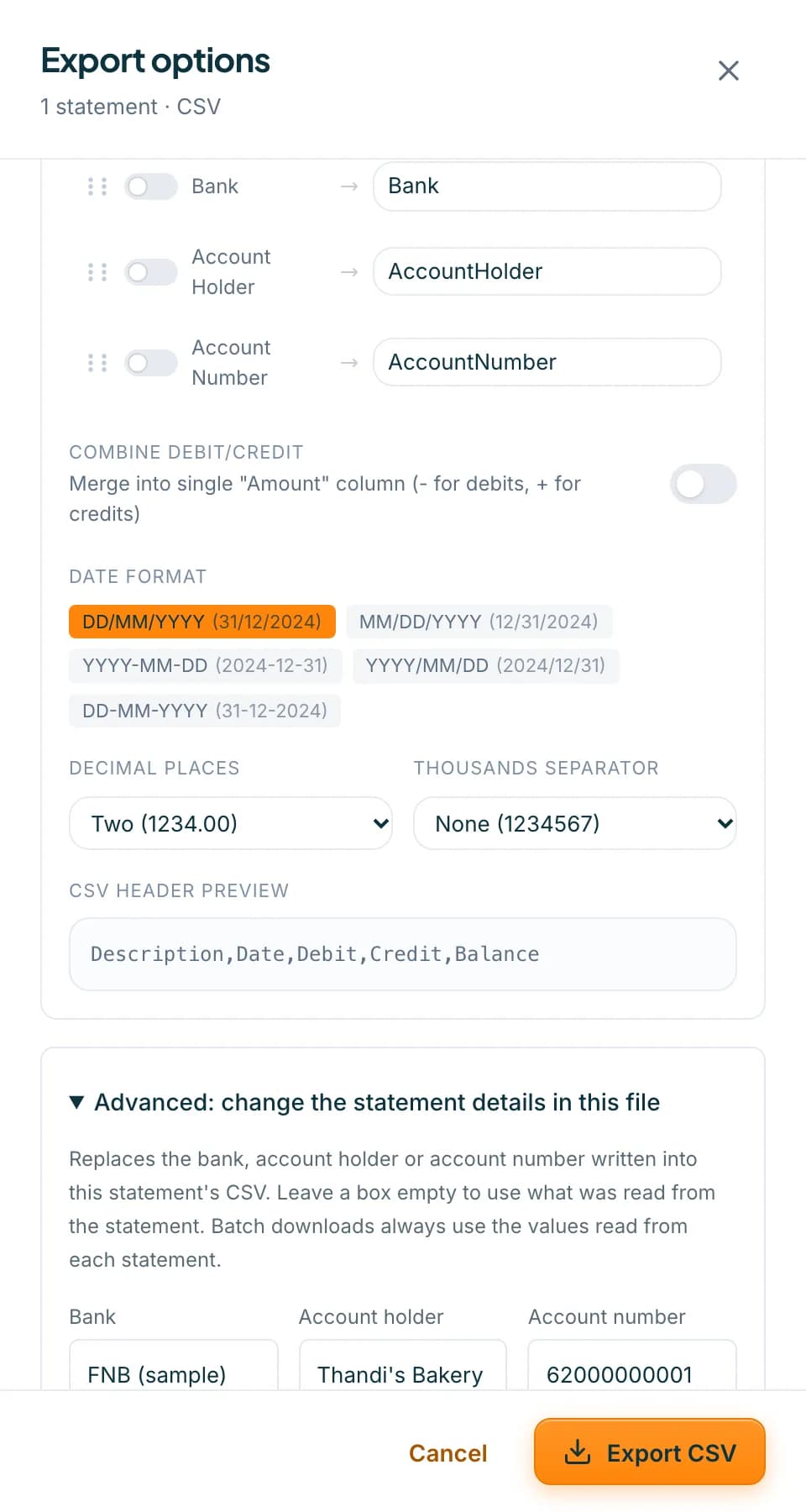 Open full size screenshot for step 3
Press Export CSV
The file downloads with your details. Your saved statement is not changed.
Tips
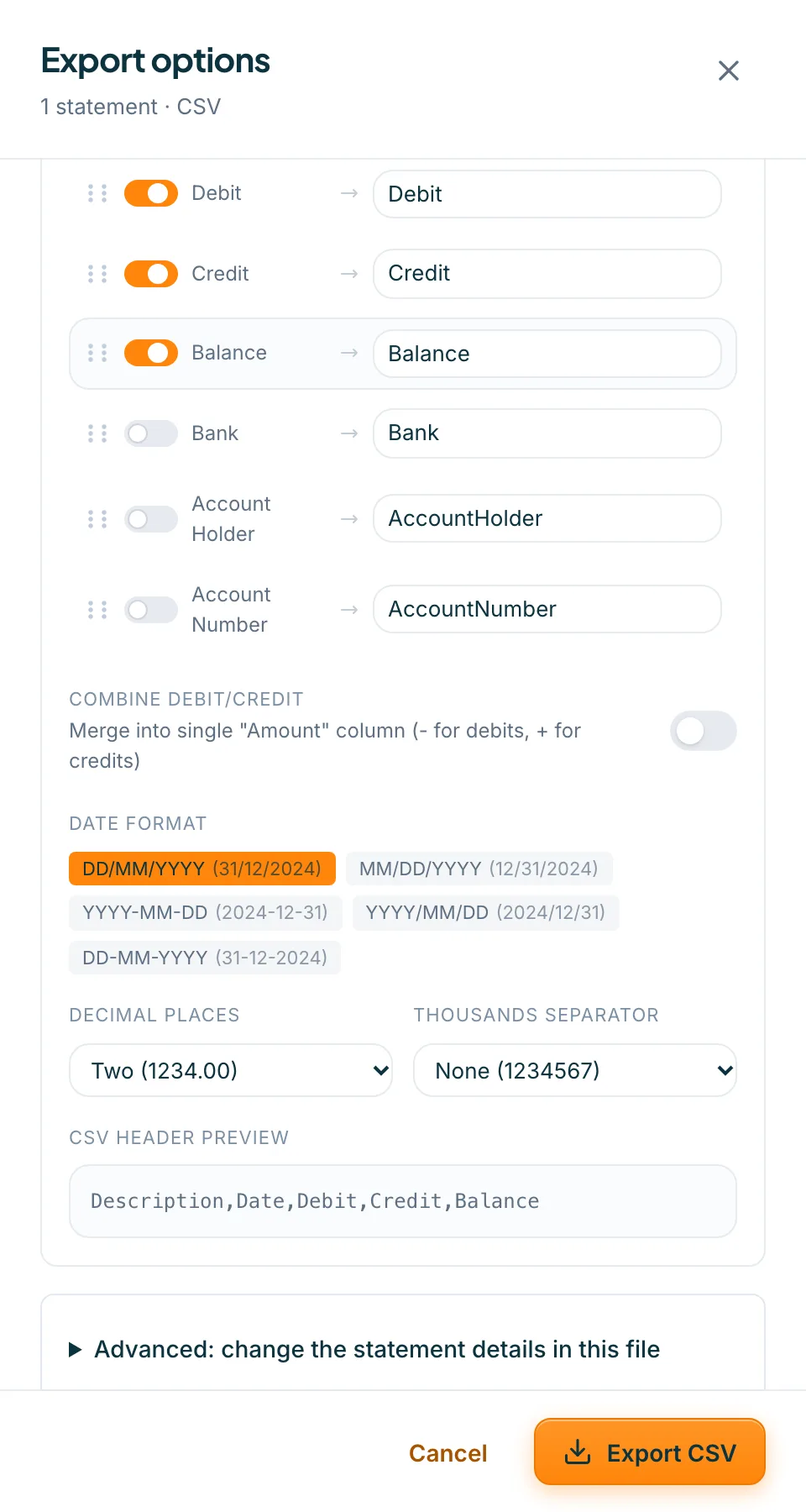
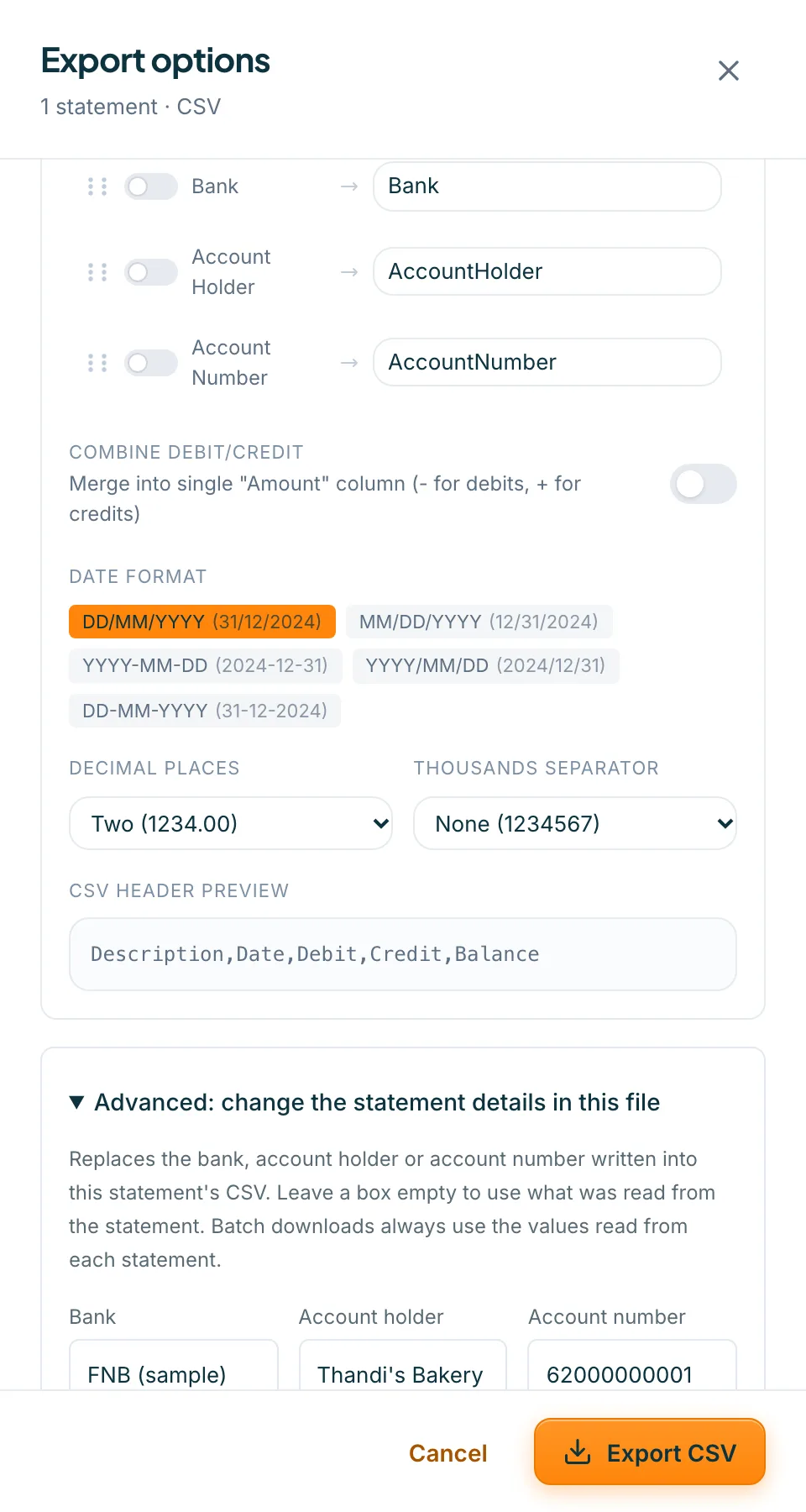
- The details show in the file only when the Bank, Account Holder or Account Number columns are on. The Excel Ready preset has them. Standard does not. See the guide on CSV presets.
- Batch downloads always use the values read from each statement. The Advanced section appears for one statement and for CSV only.
- What Accounter read is shown under What we read from the statement in Balance checks.
If something goes wrong
- You cannot see Advanced.
- It is on the Export options panel for a single statement when the file type is CSV. It is not there for OFX, QIF or the accounting CSVs, or when you download several statements.
- The details are not in the file.
- Switch on the Bank, Account Holder or Account Number columns in the same panel.
- The details are back to the original.
- They apply to the statement you have open. Enter them again when you open another statement.
Related guides
- Set up and save your own CSV presetPick a built-in preset, choose and reorder columns, set date and number formats, and save your own preset.
- Choose your export file type and columnsDownload a statement as CSV, OFX, QIF or an accounting-app CSV, and set the columns, date format and presets for your CSV.
- Edit a statement and save correctionsFix a row that was read wrongly, add a missing row or delete an extra one, then save so your downloads include the changes.