What to do when the original PDF is not archived
Last reviewed 16 November 2026 · 4 steps
Some statements are saved without their PDF. You can still edit and export them, and you can upload the file again to read it afresh.
Free account
Steps
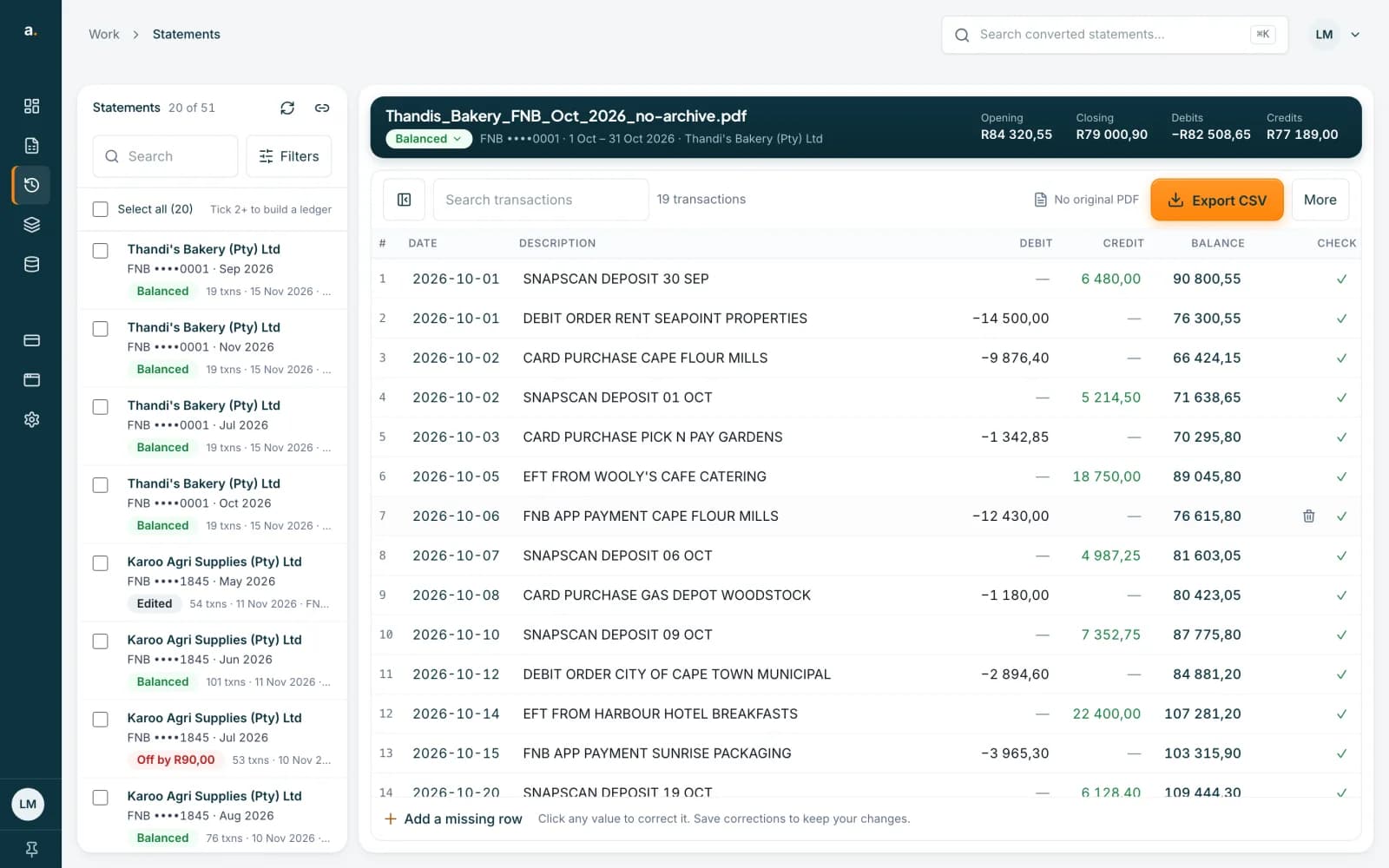
Recognise it
Where other statements have Compare with PDF, this one shows No original PDF beside Export CSV. The rows, the balance check and your exports still work.
 Open full size screenshot for step 1
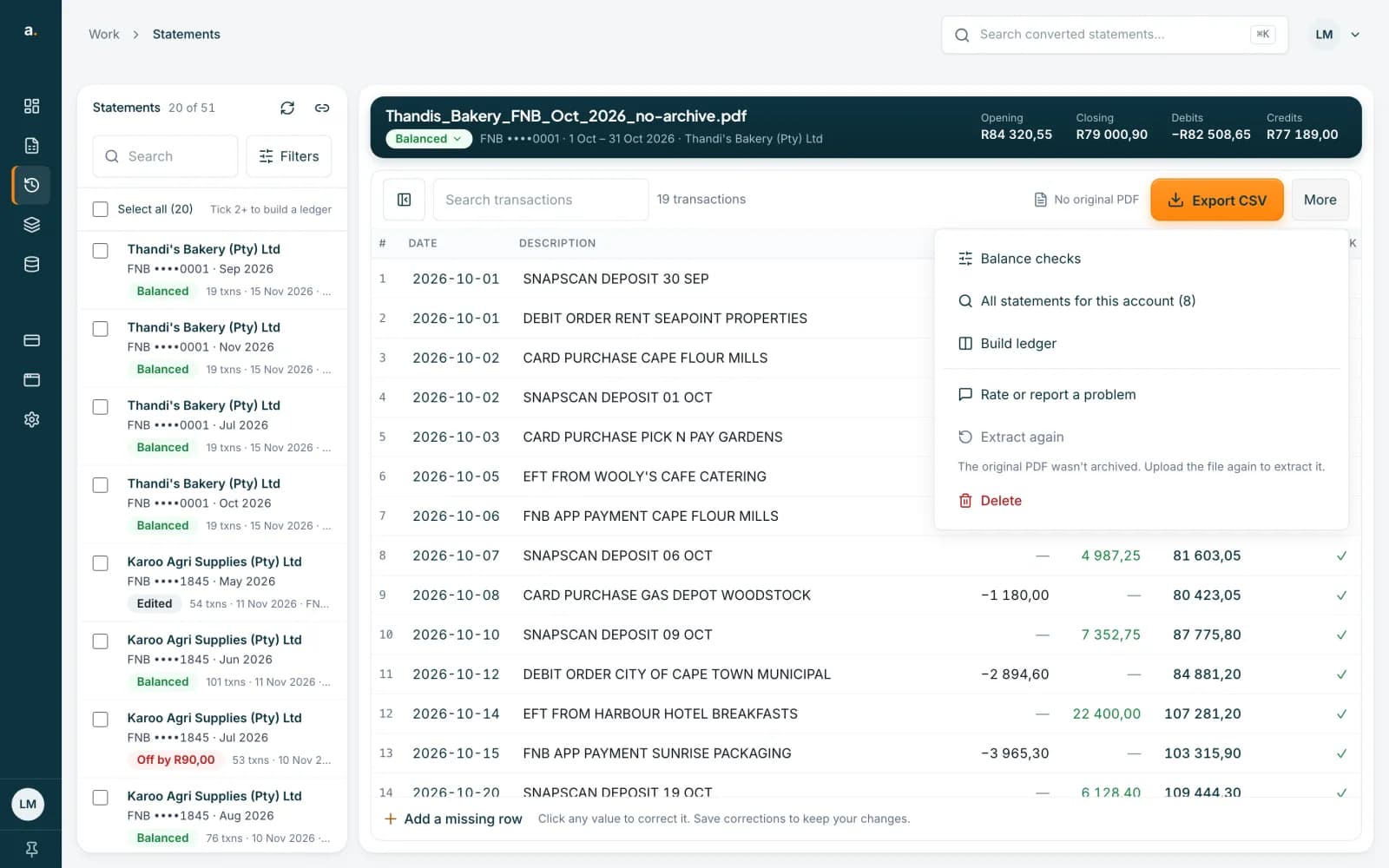
Look at the More menu
Open More. Open original PDF is not listed. Extract again is greyed out with the note The original PDF wasn't archived. Upload the file again to extract it.
 Open full size screenshot for step 2
Upload the file again
Find the PDF in your downloads or email. Choose Add statements and add it. Accounter may say You've converted this statement before. Press Extract again to read it from scratch. This uses credits, 1 per page.
Check the new copy
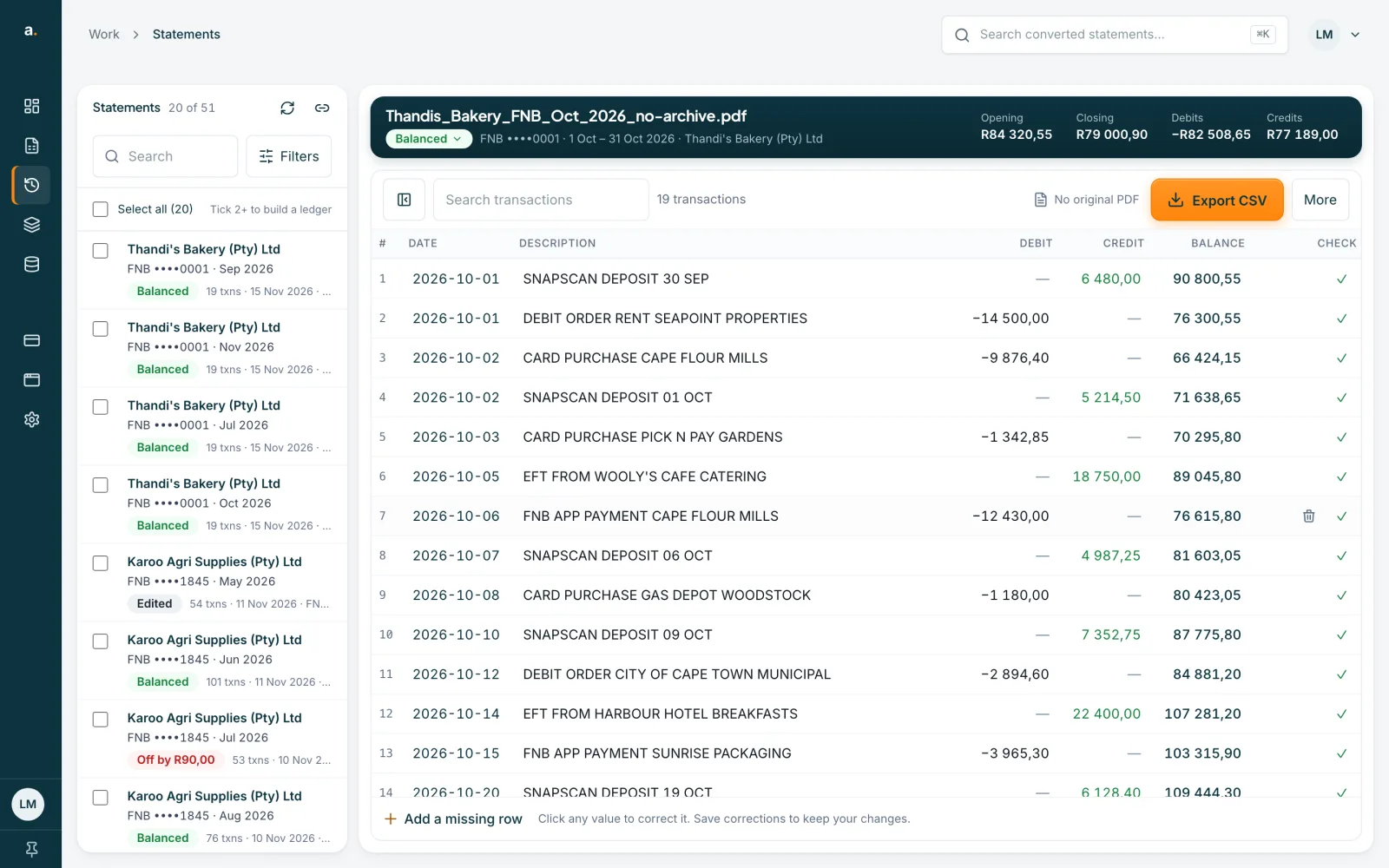
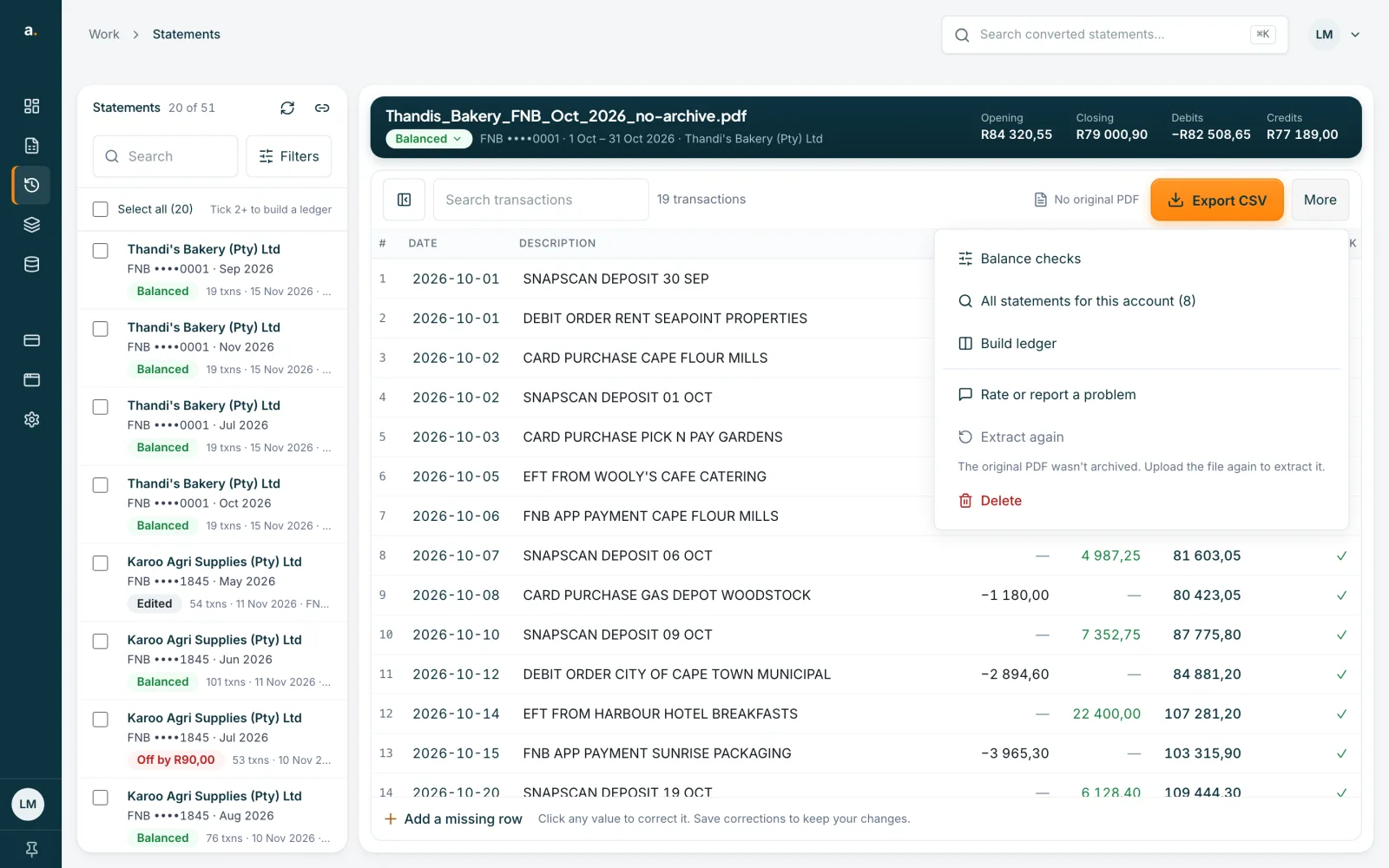
The new statement is saved as a separate copy, with its own PDF. Compare the rows and the balance badge. Your corrections on the first copy stay where they are.
Tips
- You do not have to re-extract. If the rows are balanced and checked, keep working with the statement as it is.
- Without the PDF there is no side-by-side comparison, and page buttons cannot show the original page.
- Unsure where the PDF is? Download the statement again from your bank.
If something goes wrong
- You see The saved PDF is no longer available.
- The file has gone from storage. Upload it again to extract it.
- You see The saved PDF couldn't be read.
- Upload the file again. No credits were used for the failed attempt.
Related guides
- Reopen a statement for free or extract it againIf you add a PDF you have already converted, open the saved statement for free, or pay to read it again from scratch.
- Compare a statement with its PDFOpen the original PDF beside the transactions to check rows, page by page, while you correct them.
- See which PDF page a row came fromUse the page button on a row to jump the original PDF to the page the row was read from.