Merge PDFs into one file
Last reviewed 16 November 2026 · 5 steps
Combine up to 30 PDFs in the order you choose, in your browser, with nothing uploaded.
Anyone
Steps
Open the Merge PDF tool
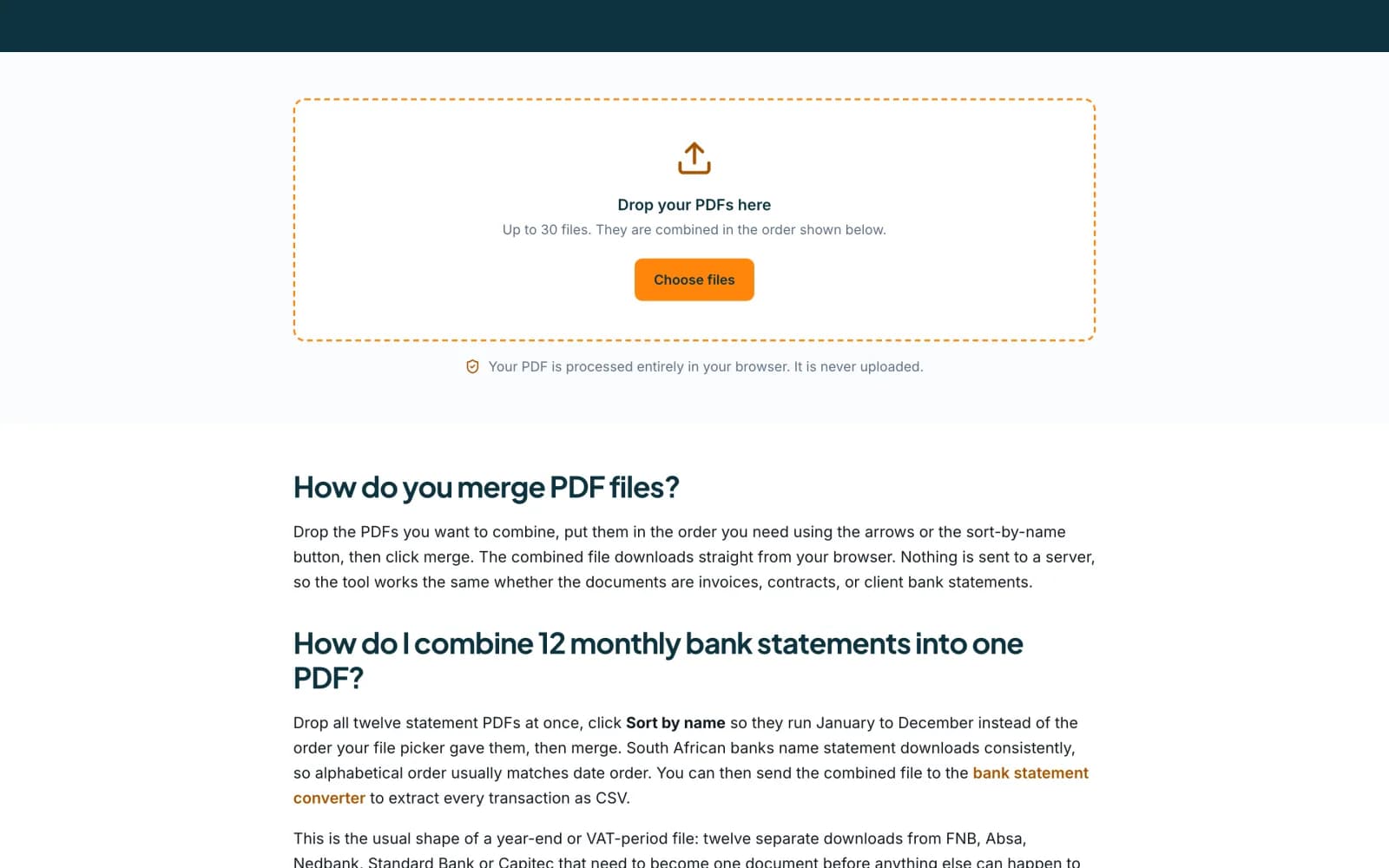
Go to accounter.co.za/tools/merge-pdf. No account is needed. The page says Your PDF is processed entirely in your browser. It is never uploaded.
 Open full size screenshot for step 1
Add your PDFs
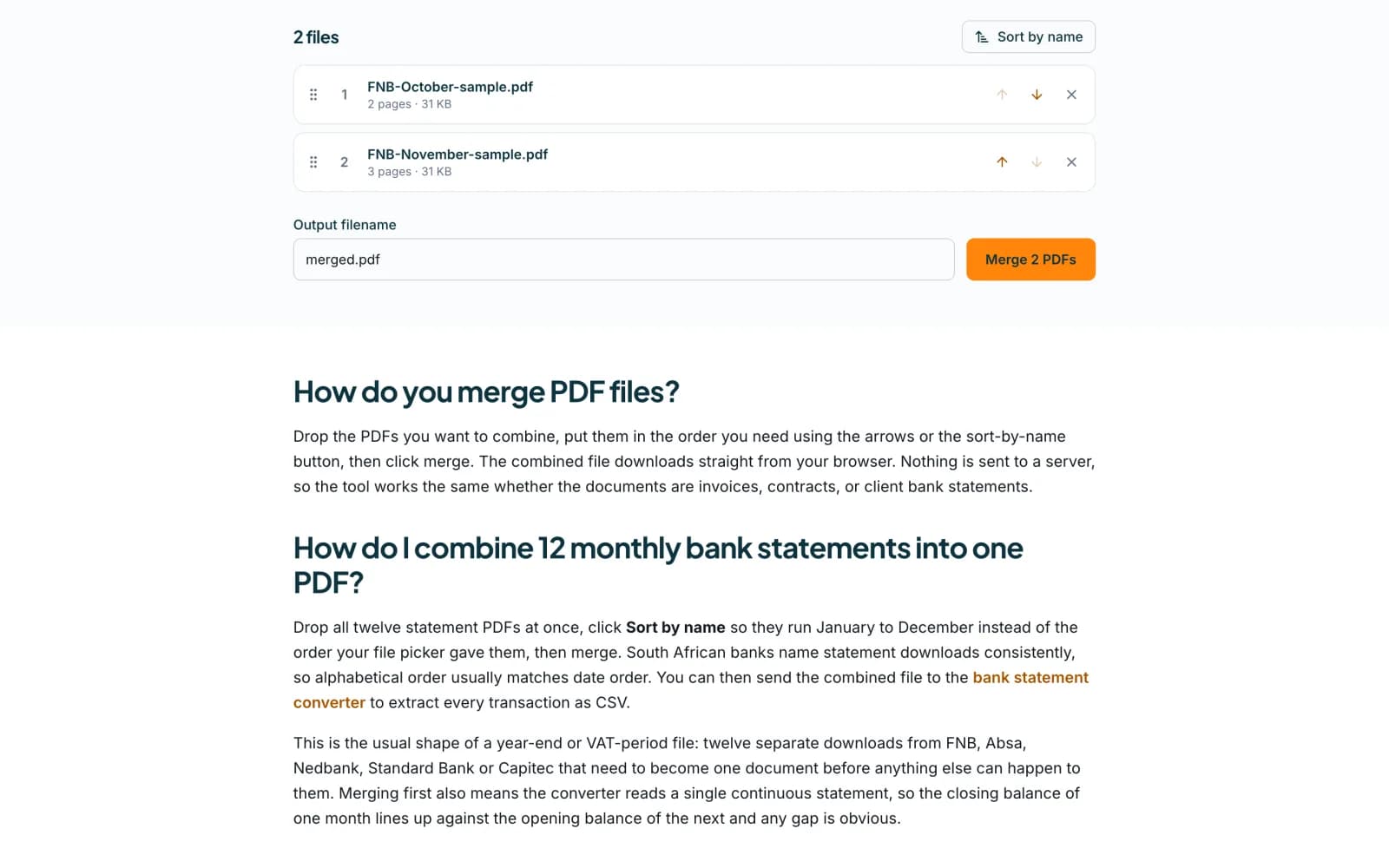
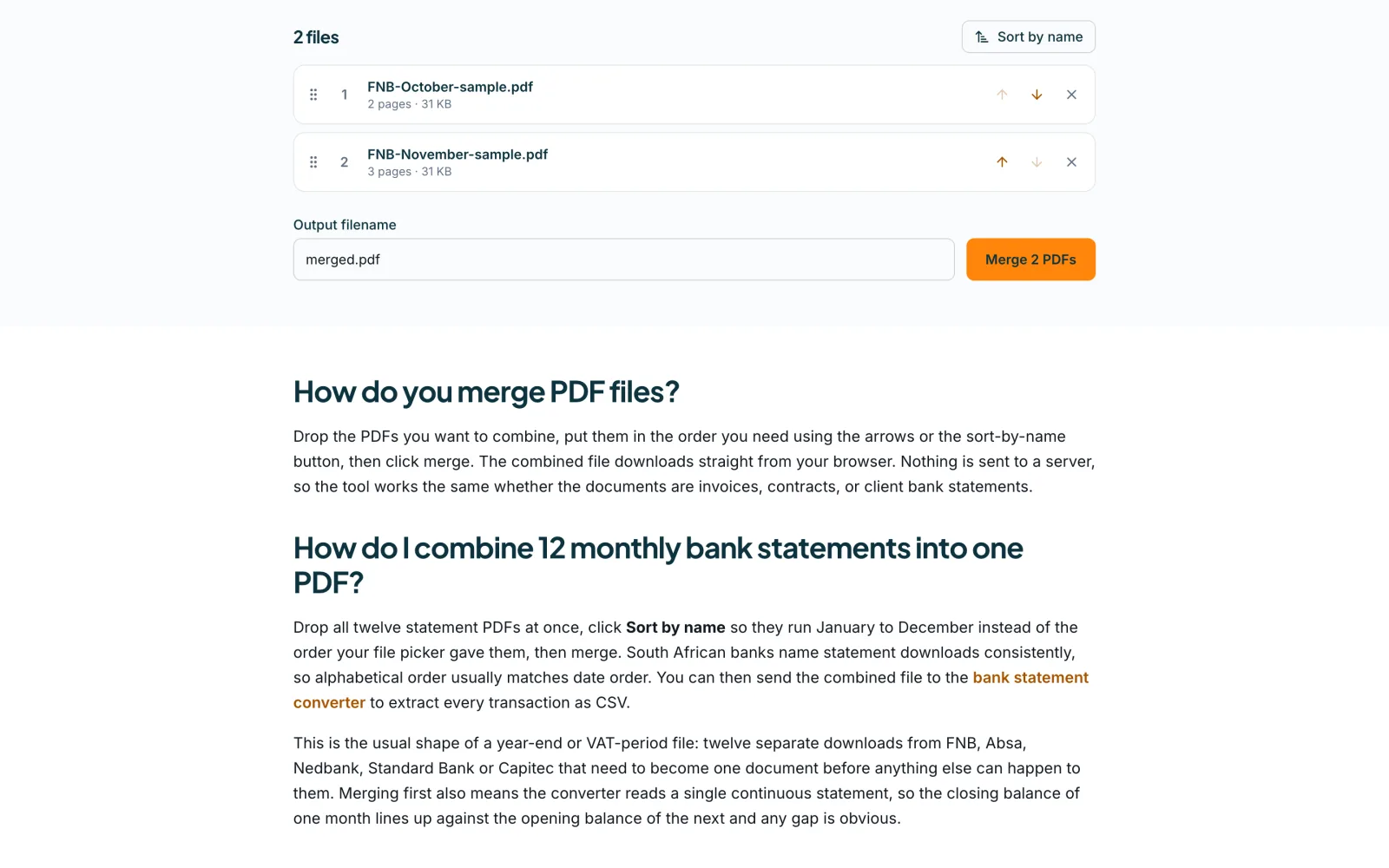
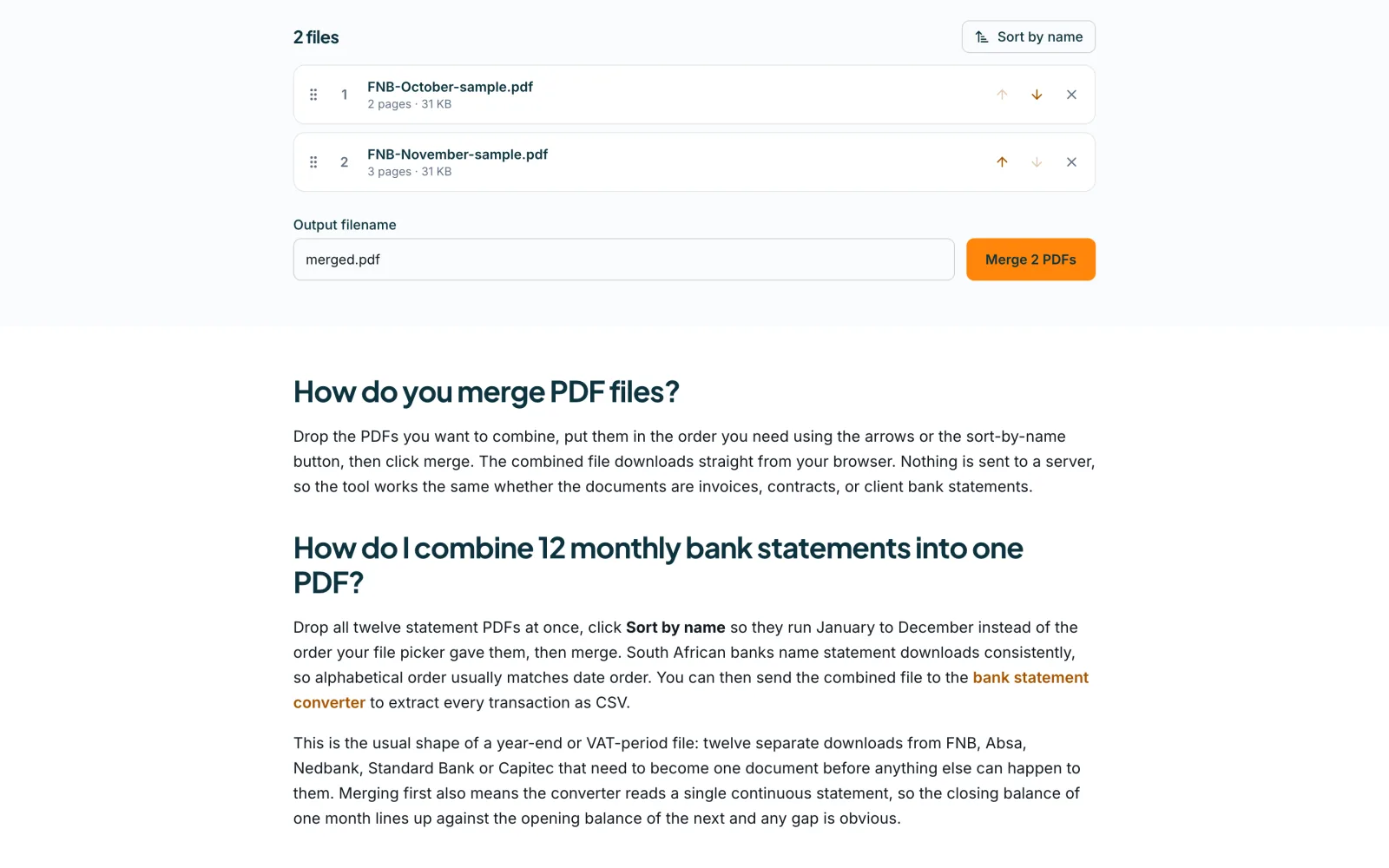
Drop the PDFs onto the box, or press Choose files. You can add up to 30 files. Each shows its name, its number of pages and its size. A file that is not a PDF, or that is locked with a password, is flagged with a message.
 Open full size screenshot for step 2
Put them in order
The PDFs are combined in the order shown. Use the up and down arrows beside a file to move it, the remove button to take it out, or Sort by name to arrange them alphabetically. Bank statement downloads are usually named so that alphabetical order is date order.
Name the file and press Merge
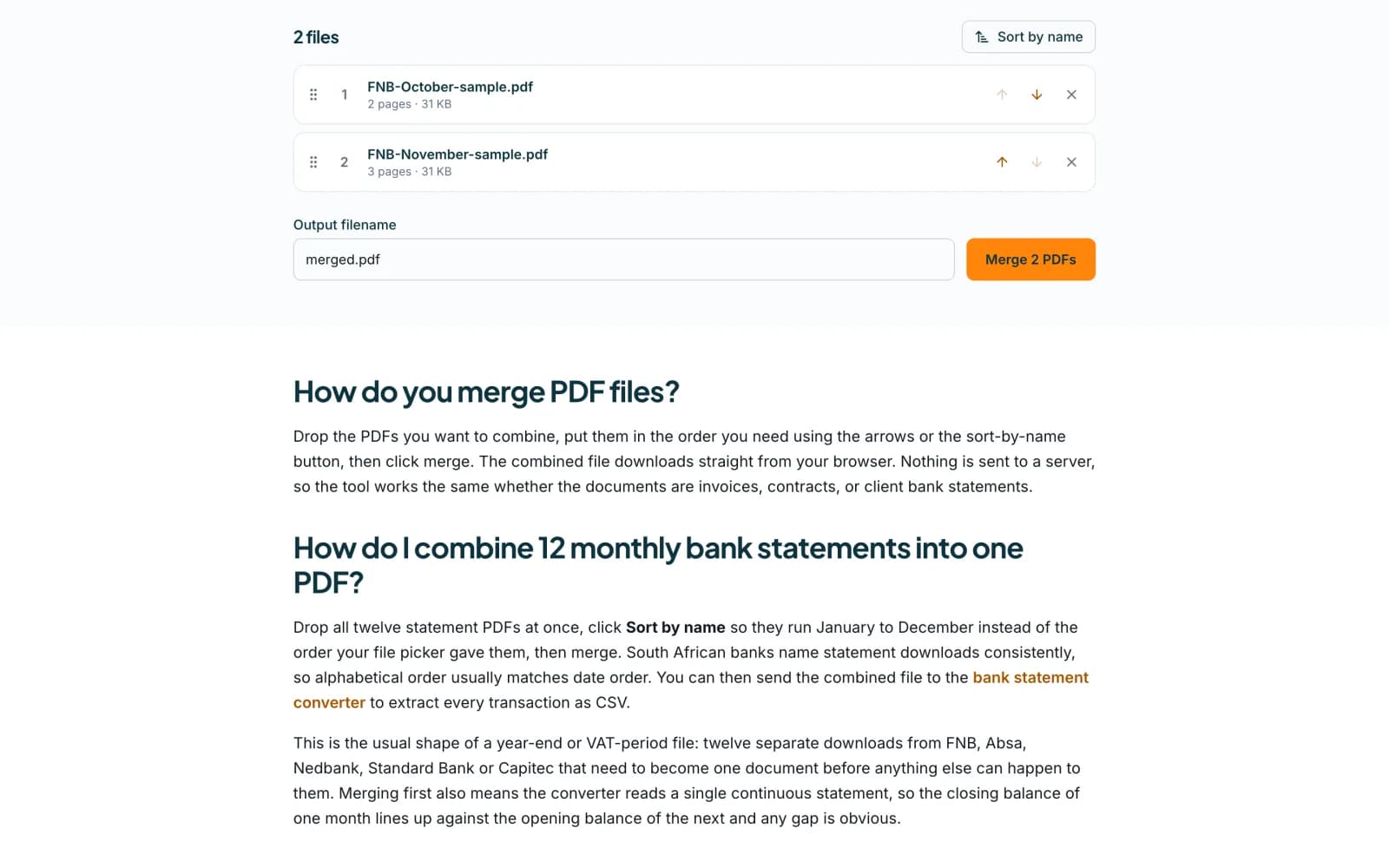
Type a name in Output filename, or keep merged.pdf. Press Merge followed by the number of PDFs, for example Merge 2 PDFs. You need at least two readable PDFs.
 Open full size screenshot for step 4
Download the result
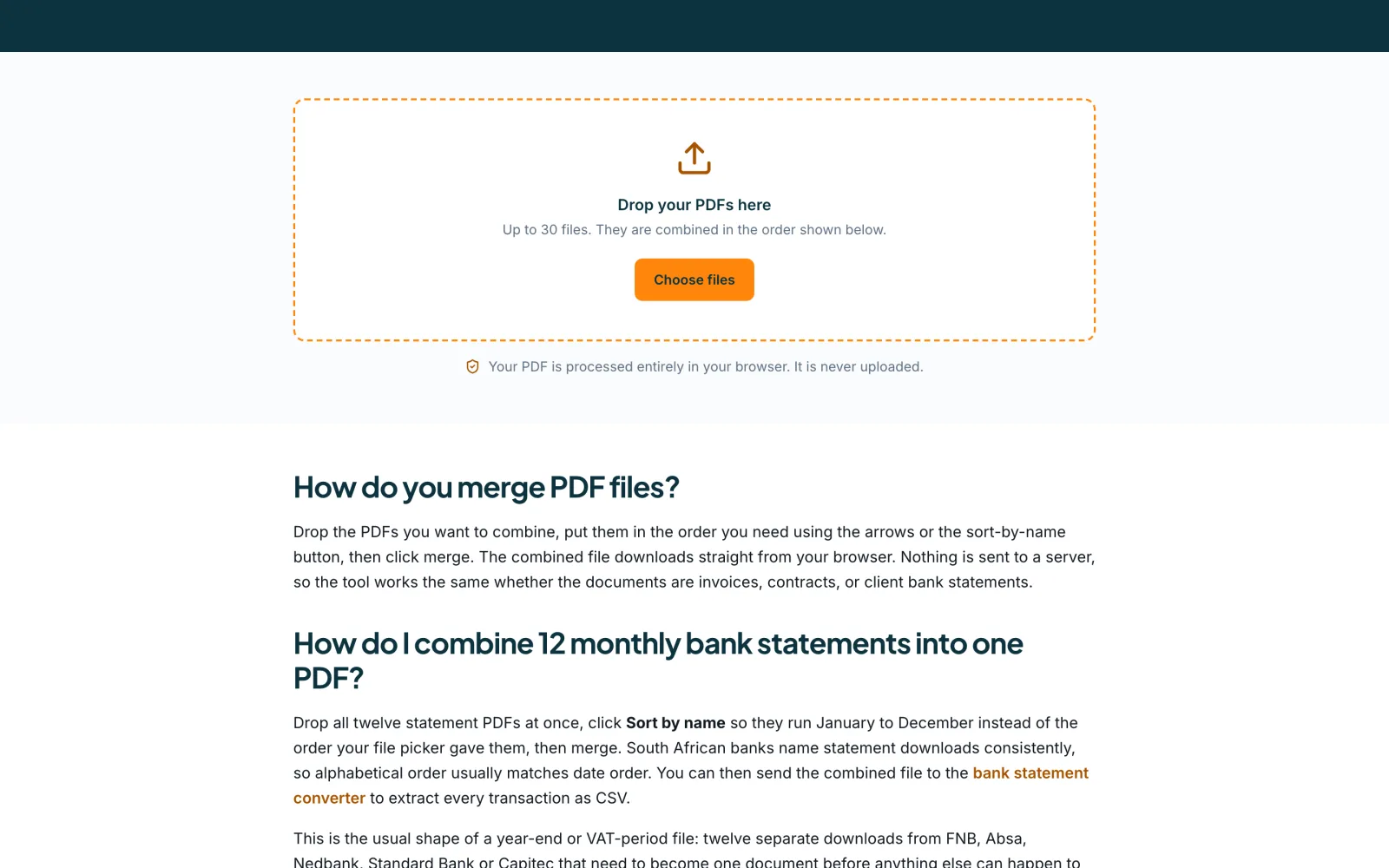
When it finishes you see how many files were merged into how many pages. Press Download followed by the file name. The file saves from your browser.
Tips
- The merge happens in your browser, so your documents are never uploaded.
- Now extract the transactions is the one step that does upload: it sends the merged PDF to the converter. Use it only when you want a CSV.
- Big files are processed in your browser and can be slow on a phone.
- Merging a year of monthly statements into one PDF keeps each month’s closing balance next to the next month’s opening balance.
If something goes wrong
- The Merge button is greyed out.
- You need at least two readable PDFs, and no more than 30.
- A file says it is password-protected.
- Open it, save an unlocked copy, and add that copy instead.
- A file is flagged as not a PDF.
- Only PDF files can be merged. Remove the file and add a PDF.
Related guides
- Convert a bank statement PDF to CSVUpload a bank statement PDF, check the balance and download a CSV you can open in Excel.
- Convert many statements at once with batchesDrop up to 50 statement PDFs in one batch, let Accounter read and check them in the background, and review the ones that need a look.
- Check statement totals with the balance checkerEnter four figures from a bank statement and see whether the opening balance, money in and out and closing balance agree.