Delete a Pastel data set
Last reviewed 16 November 2026 · 4 steps
Delete a converted Pastel data set permanently, or clear everything from Privacy & data.
Free account
Steps
Open the data set
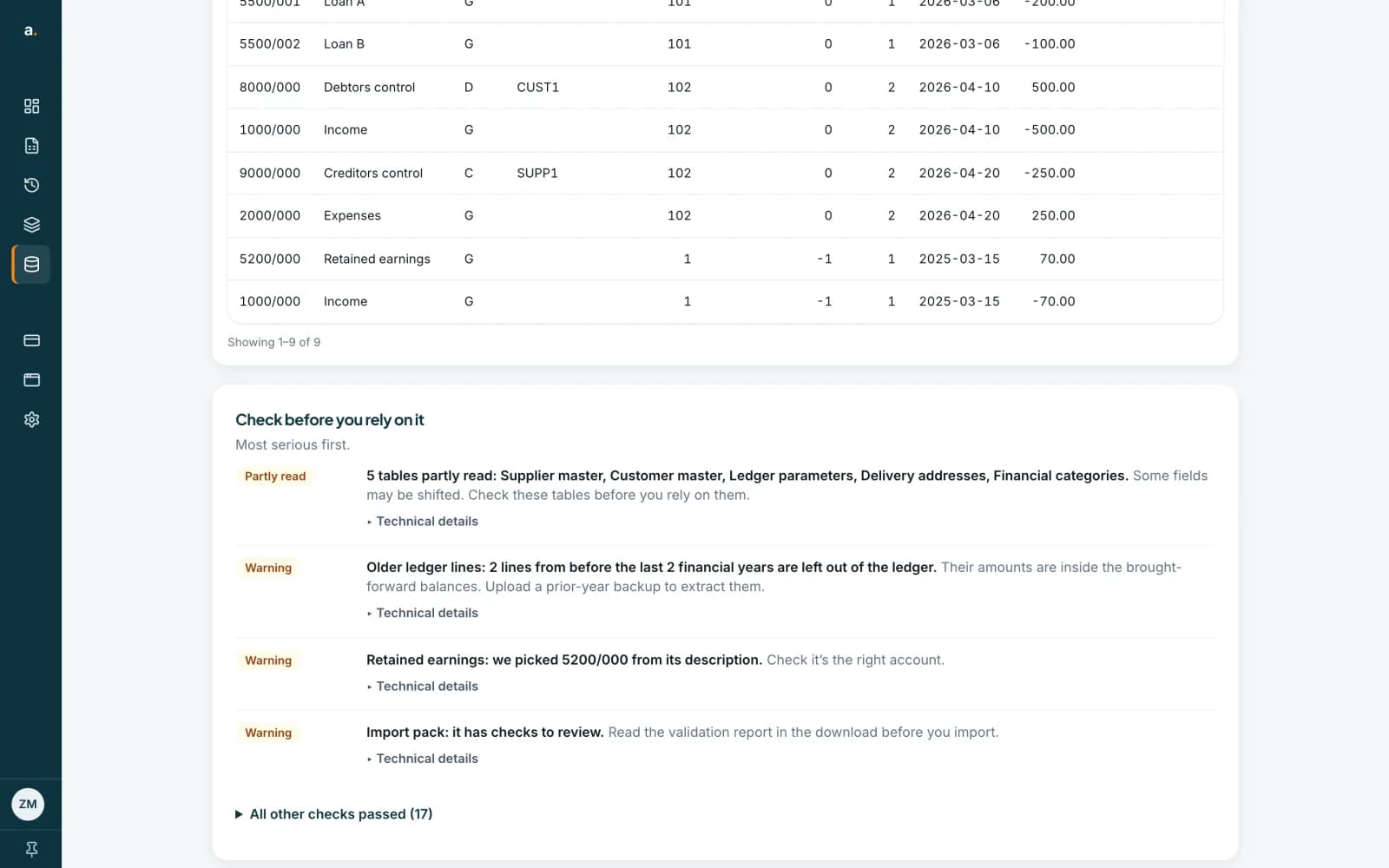
In the Pastel converter, press the name of the data set you want to remove. Next to the Name box you will see Rename and Delete. You can also press Delete on the data set’s row in the list.
 Open full size screenshot for step 1
Press Delete and read the confirmation
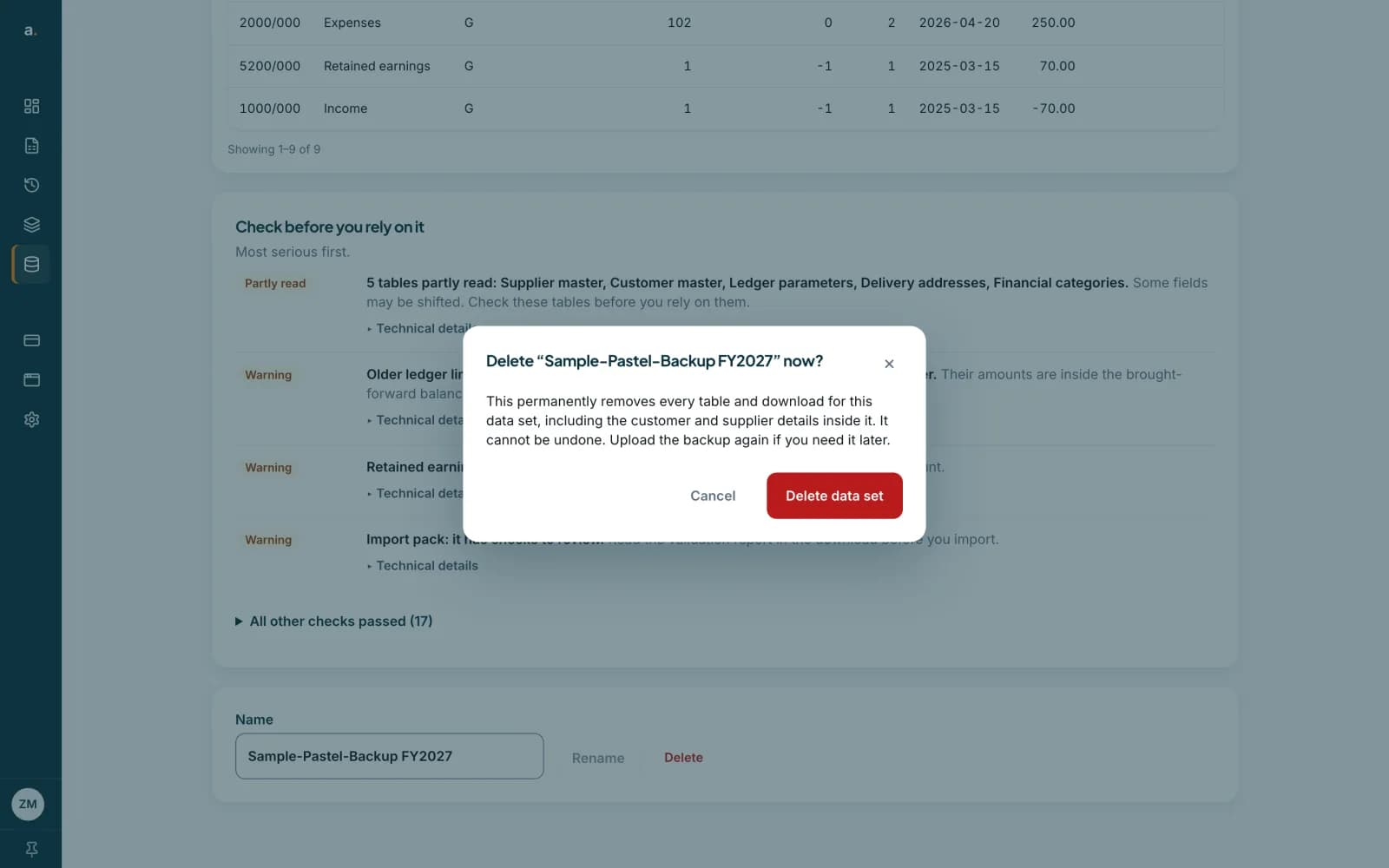
A box asks Delete the data set now? It explains that this permanently removes every table and download for the data set, including the customer and supplier details inside it, and that it cannot be undone. You would upload the backup again if you needed it later.
 Open full size screenshot for step 2
Confirm the deletion
Press Delete data set to remove it, or Cancel to keep it. A data set that is only partly deleted shows Deleting, not finished, with a Finish deleting button.
Or clear everything at once
To remove all your data in one go, open Privacy & data and use Clear my history. That also removes your Pastel data sets. See the guide on clearing history or deleting your account.
Tips
- A backup holds personal details of the company’s customers, suppliers and staff. Delete a data set when you have finished with it.
- The zip you uploaded is already deleted as soon as processing ends. Only the converted data is left to delete.
- Deleting a data set does not give back your free conversion.
- Data sets that you do not delete are removed 30 days after upload.
If something goes wrong
- I deleted a data set by mistake.
- Deleting cannot be undone. Upload the backup again if you still have it.
- The data set says Deleting, not finished.
- Press Finish deleting to complete it.
Related guides
- Pastel plans, free conversion and retentionYour first Pastel conversion is free, any paid plan makes them unlimited, and converted data is kept for 30 days.
- Clear your history or delete your accountRemove everything you have uploaded and extracted, or delete your account altogether. Both are immediate and cannot be undone.
- Convert a Pastel backup with Quick convertUpload a Pastel Partner or Pastel Xpress backup zip, wait while Accounter reads it, then download one zip of CSV files.