Get a new Hub inbox address
Last reviewed 15 November 2026 · 4 steps
Replace your firm's Hub inbox address if it was shared by mistake. The old address stops working straight away.
Firms
Steps
Decide whether you need a new address
You only need this if the address was shared by mistake. The Inbox tab says so beside the button. Your old address stops working immediately, and anyone who emails it gets a bounce.
Press Get a new address (owner or admin)
Open the Inbox tab and press Get a new address. Members cannot replace the address.
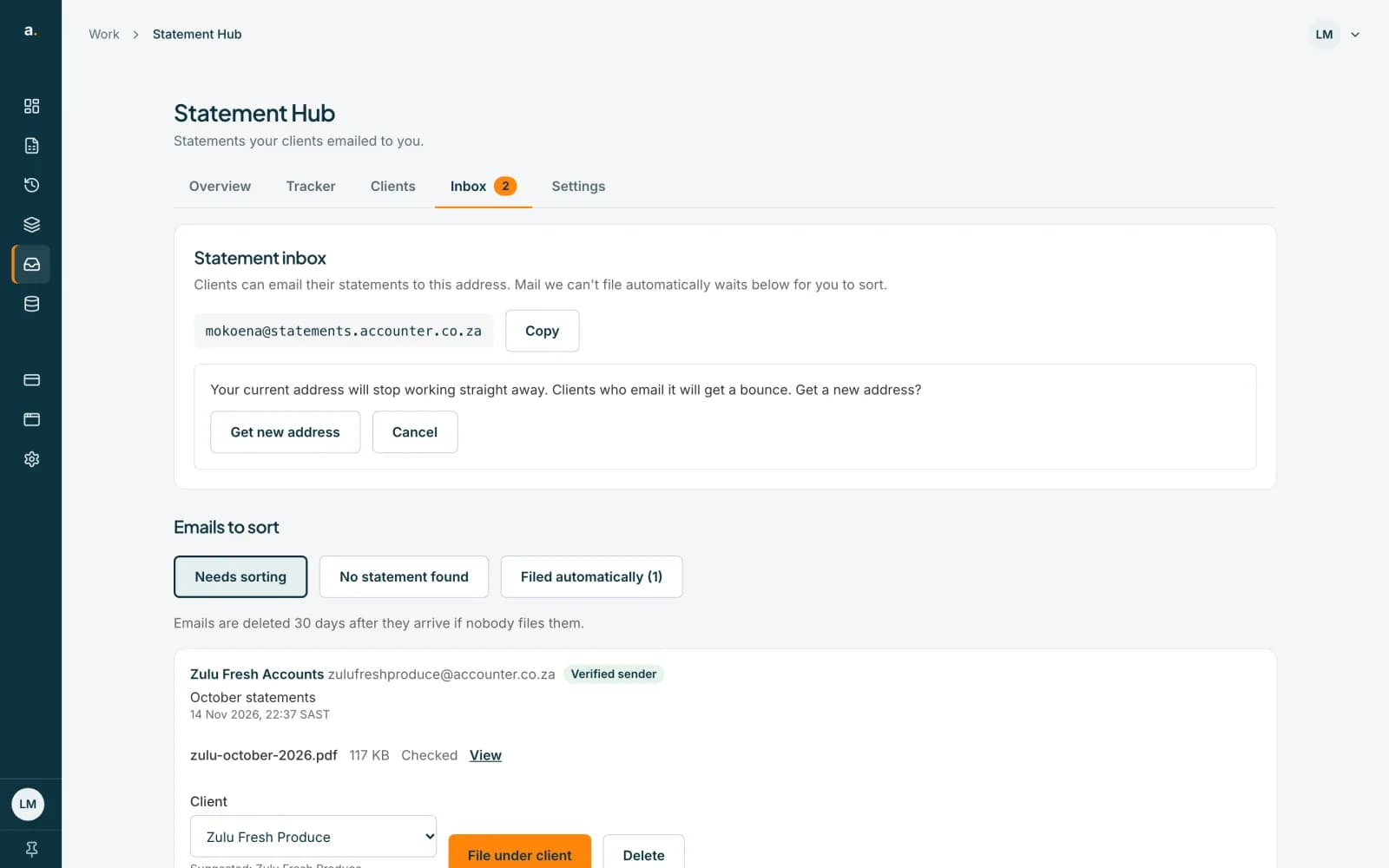 Open full size screenshot for step 2
Confirm
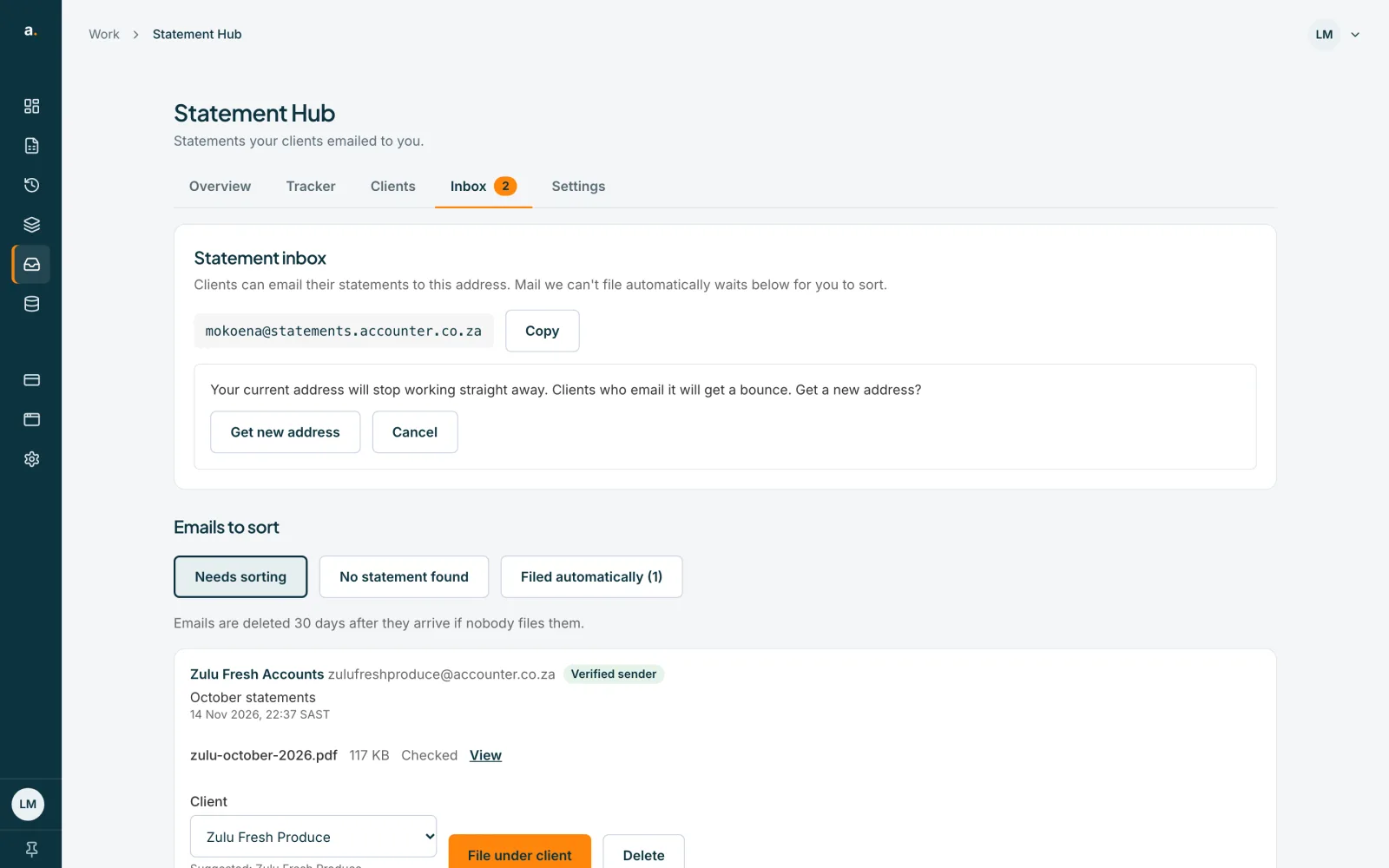
A panel says Your current address will stop working straight away. Clients who email it will get a bounce. Get a new address? Press Get new address, or Cancel.
Share the new address
Press Copy inbox address and give the new address to the clients who need it. Clients see the current address on their own page.
Tips
- Check that clients have the new address before you replace the old one if you can, so their emails do not bounce.
- Changing the address does not affect statements already filed.
If something goes wrong
- You see Could not get a new address.
- Check your connection and try again.
- There is no Get a new address button.
- Only owners and admins can replace the address.
Related guides
- Set up your Hub inbox and email-in addressCreate your firm's Hub inbox address so clients can email statements in, and see how those emails are handled.
- Sort, move and delete emailed statementsFile emailed statements under the right client, move one that was filed automatically to another client, or delete an email.
- Who can do what in Statement HubSee what owners, admins and members can each do in Statement Hub, and where colleagues are added.