Buy more credits
Last reviewed 16 November 2026 · 4 steps
Top up with a credit pack on the Billing page. One credit is one statement page, and bought credits never expire.
Free account
Steps
Open Billing
Choose Billing in the left menu. The page shows Credits available (1 credit = 1 bank statement page), Plan pages left with the date they reset, and Top-up credits, which never expire. If you belong to a team, only the owner and admins see Billing. Other members see Billing is managed by your organisation.
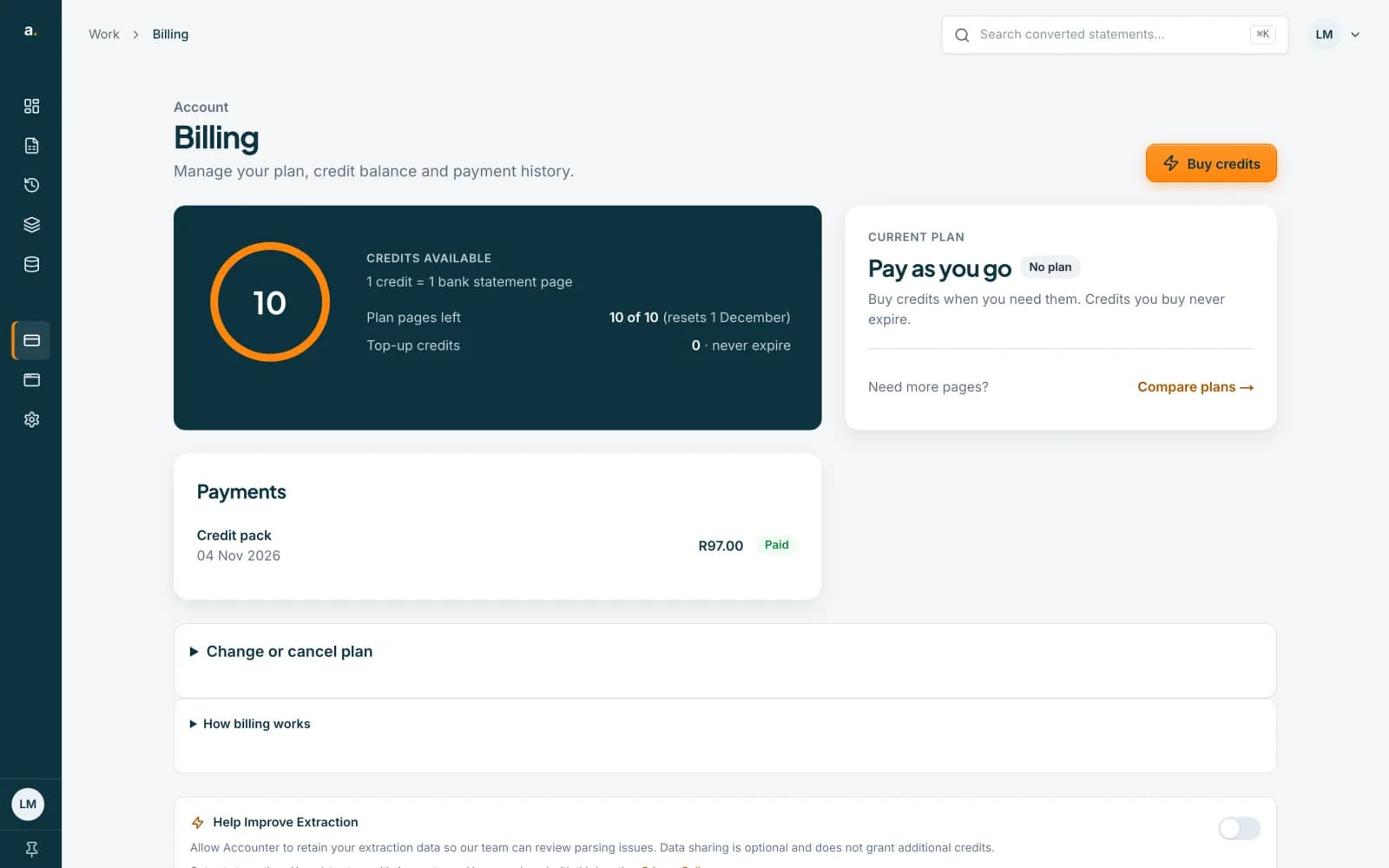 Open full size screenshot for step 1
Press Buy credits
Press Buy credits at the top of the page. A drawer opens with the heading Choose a pack. It reminds you that 1 credit is 1 page, so a 6-page statement uses 6 credits, and that credits you buy never expire.
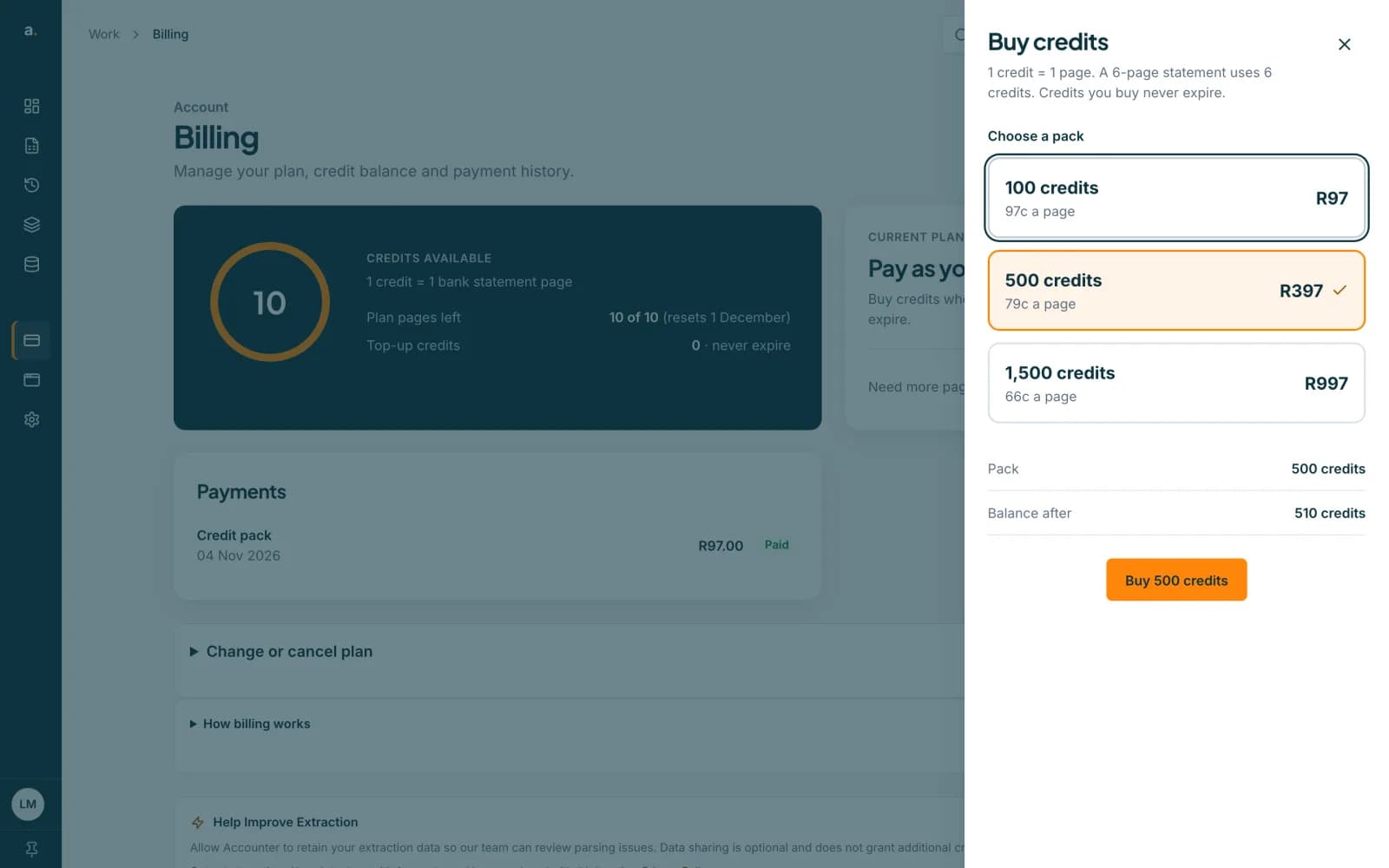 Open full size screenshot for step 2
Choose a pack
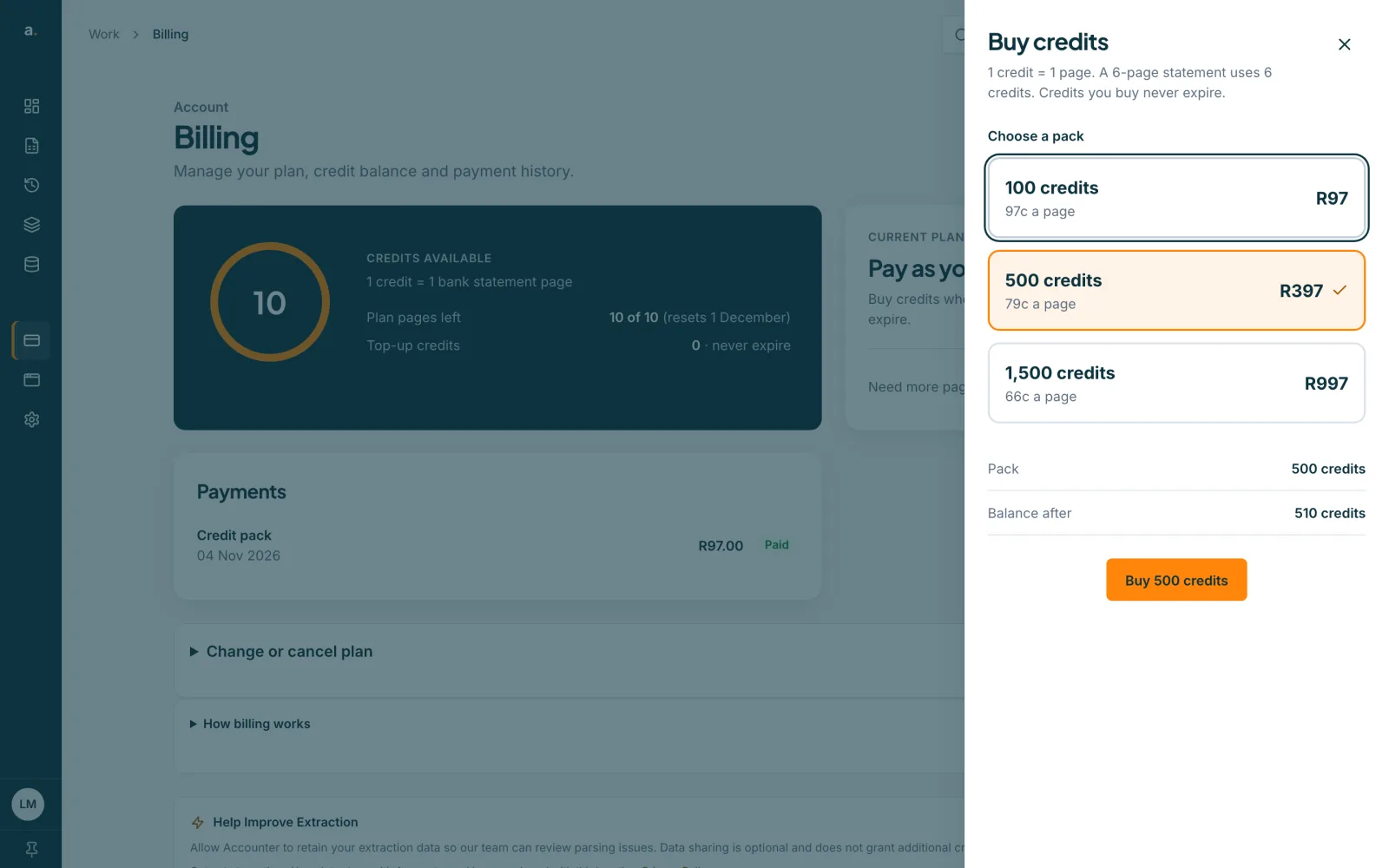
Pick a pack. The packs are 100 credits for R97, 500 credits for R397 and 1,500 credits for R997, with the price per page shown on each. The drawer shows Balance after, so you can see what you will have once the purchase goes through. The prices in the drawer are the ones that apply.
Pay with Paystack
Press the button that reads Buy and the number of credits you chose. You pay by card with Paystack, our payment provider, and then return to Billing, where Credits available and Top-up credits are updated.
Tips
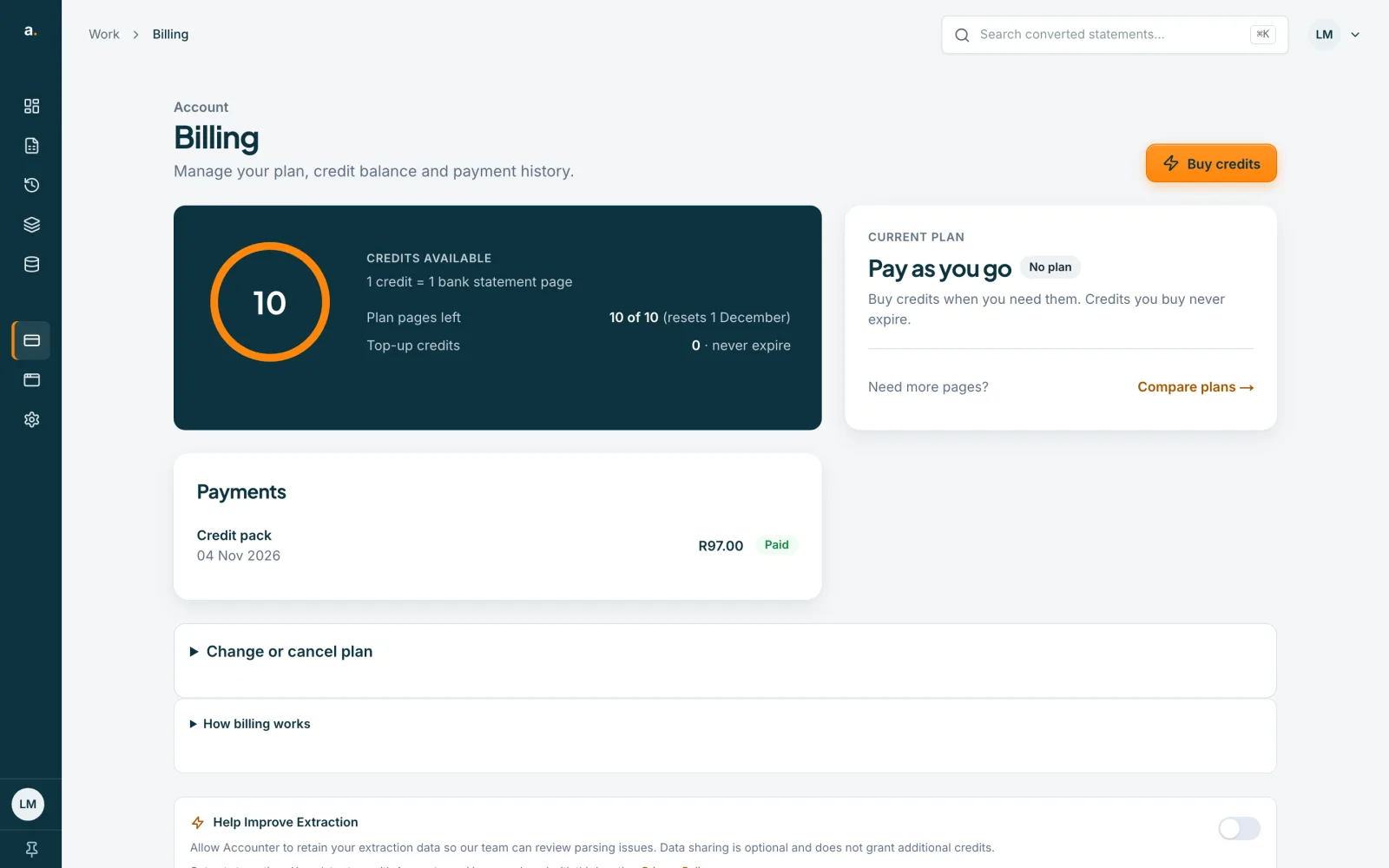
- Plan pages are used before top-up credits, and top-up credits never expire, so nothing you buy is lost when a month ends.
- Credits you buy are in your Top-up credits balance. In a team, the credit pool is shared.
- The payment appears under Payments on the Billing page. See the guide on payments and receipts.
- Each page of a statement uses 1 credit. You see the page count and the cost before anything is charged.
If something goes wrong
- My credits have not appeared.
- Refresh the Billing page and check Payments. If the payment says Not completed, we have not received it yet. If money left your account, contact support and tell us the payment date.
- The payment did not go through.
- Payments shows Didn’t go through. Try again, or use another card.
- I do not see Buy credits.
- You may be a team member. Ask your organisation owner or admin to buy credits for the team.
Related guides
- Find your payments and receiptsSee every payment on the Billing page, read each status, and know what to do if a renewal does not go through.
- Change or cancel your planSee the plans, ask to change from your current plan, or cancel and keep access to the end of the period you have paid for.
- Free pages and credits: how they workEvery verified free account gets 10 free pages each calendar month, and 1 credit pays for 1 statement page.
- Convert a bank statement PDF to CSVUpload a bank statement PDF, check the balance and download a CSV you can open in Excel.